60 Nano Banana prompts to copy
Every prompt below links to the full prompt page with the image and copy button.
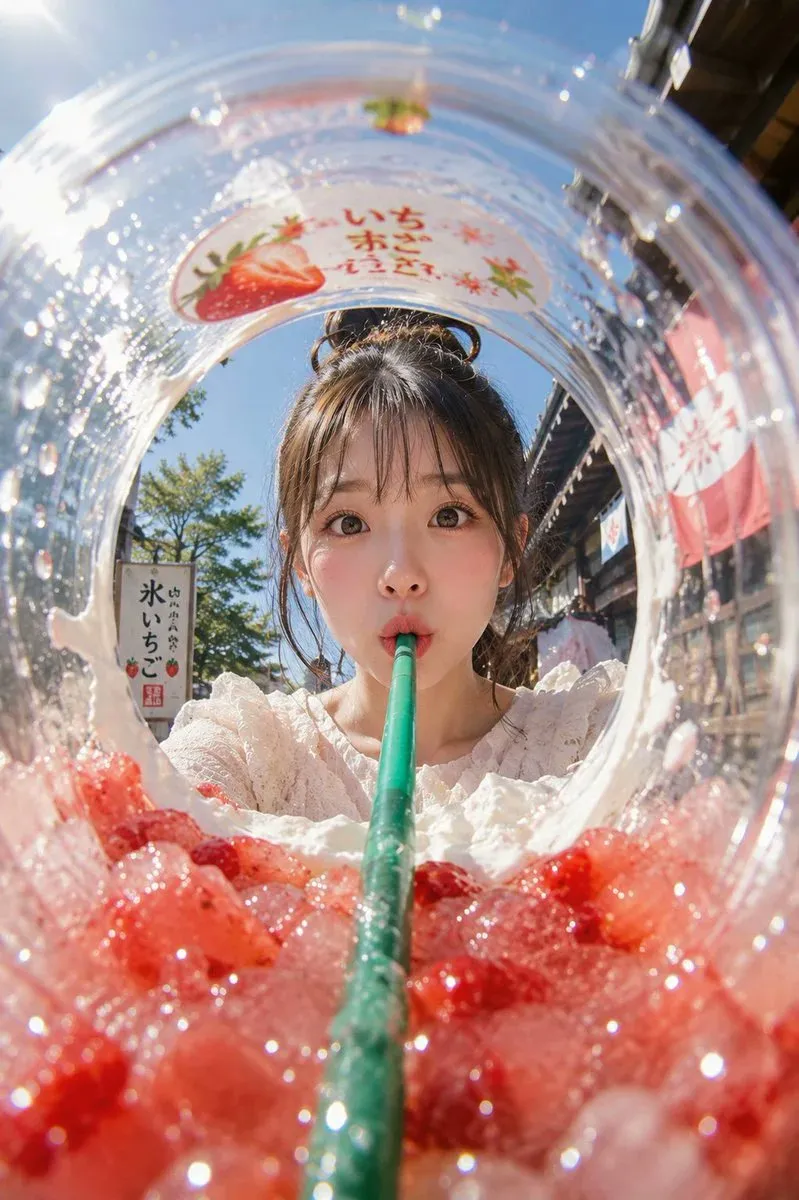
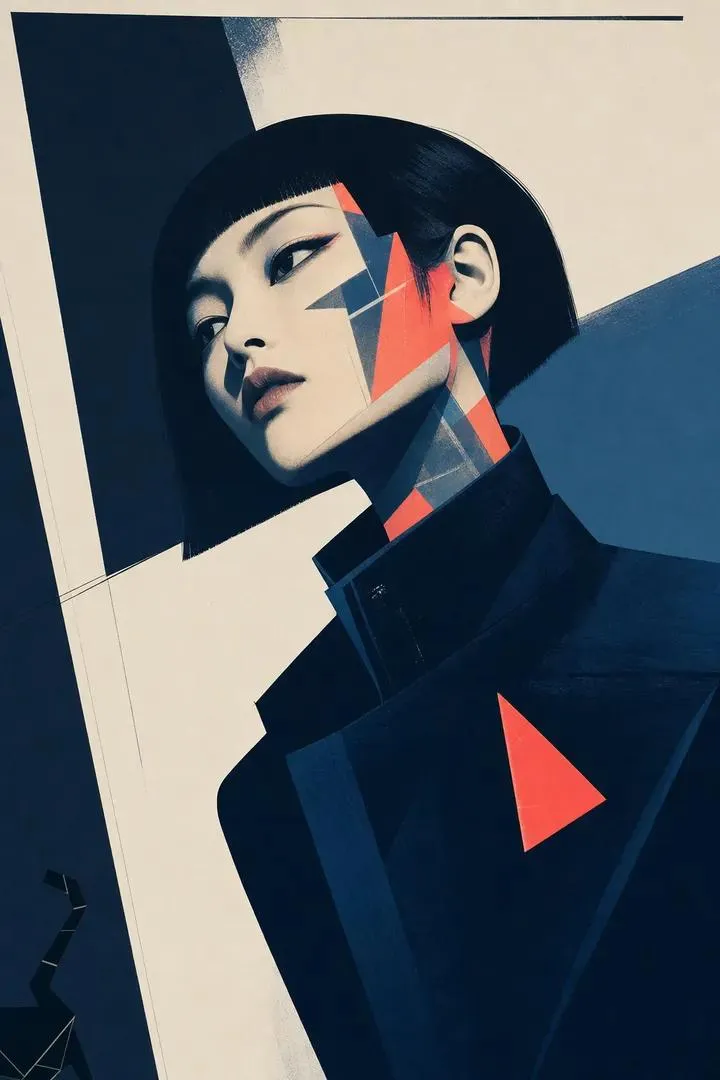
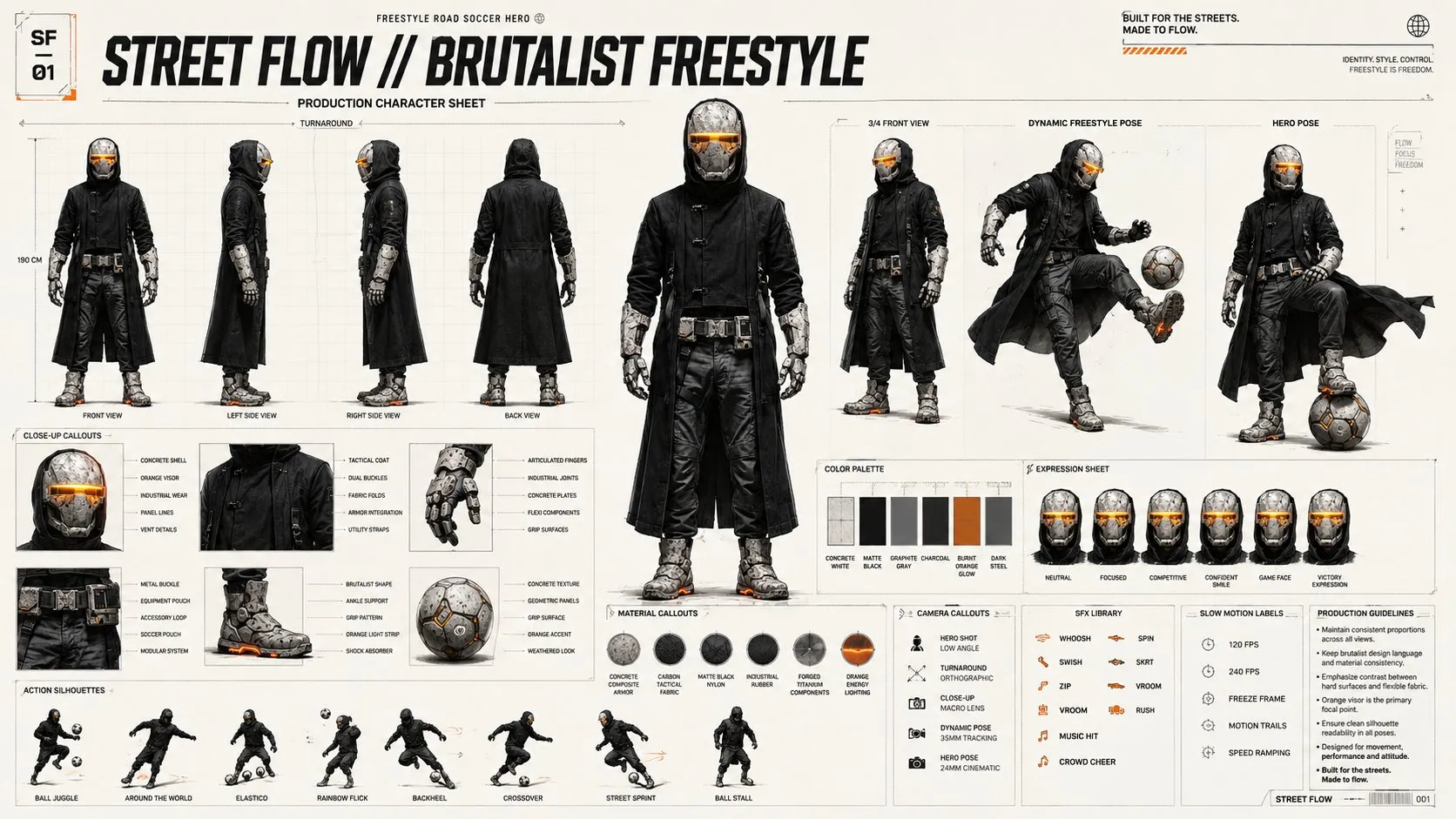
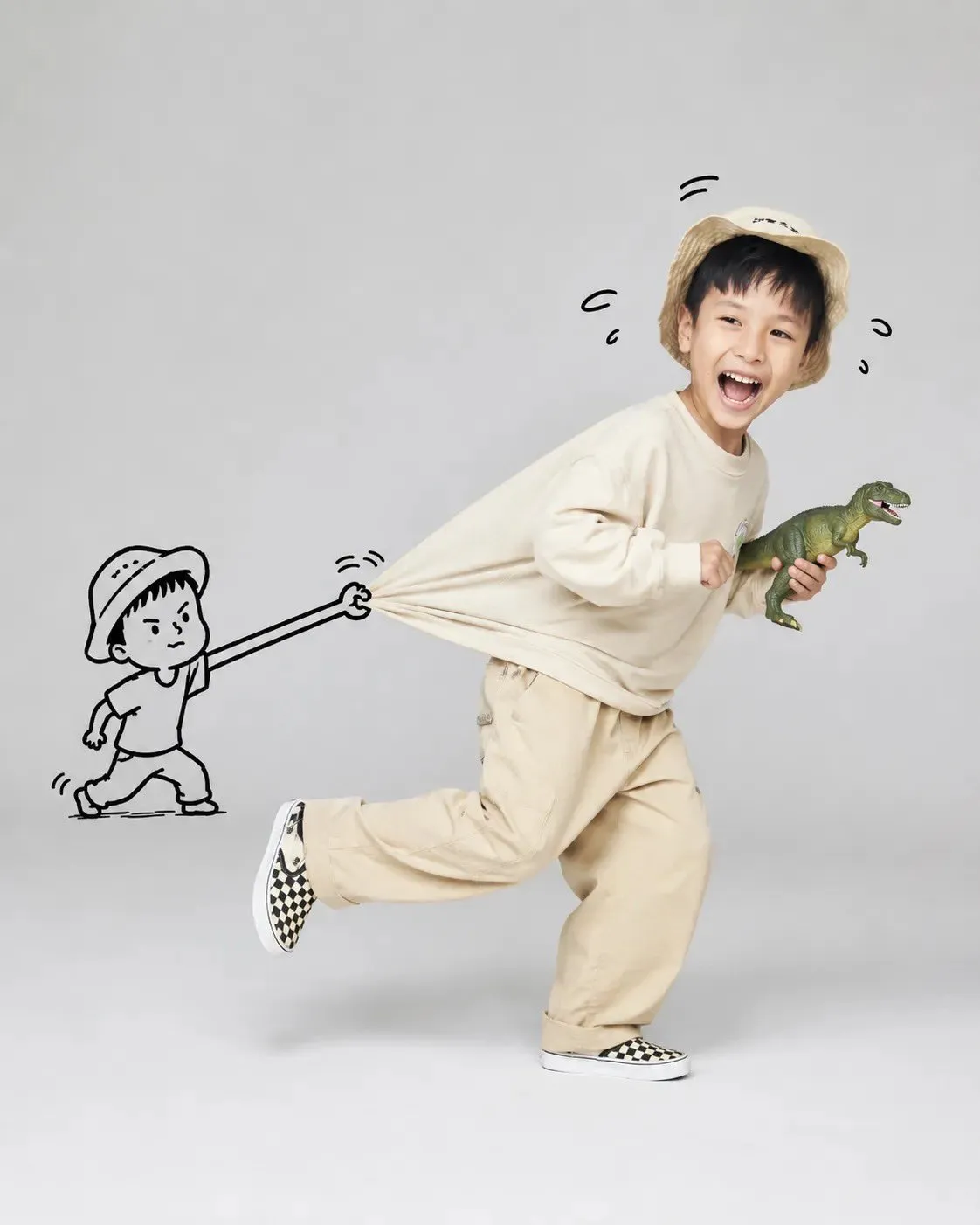
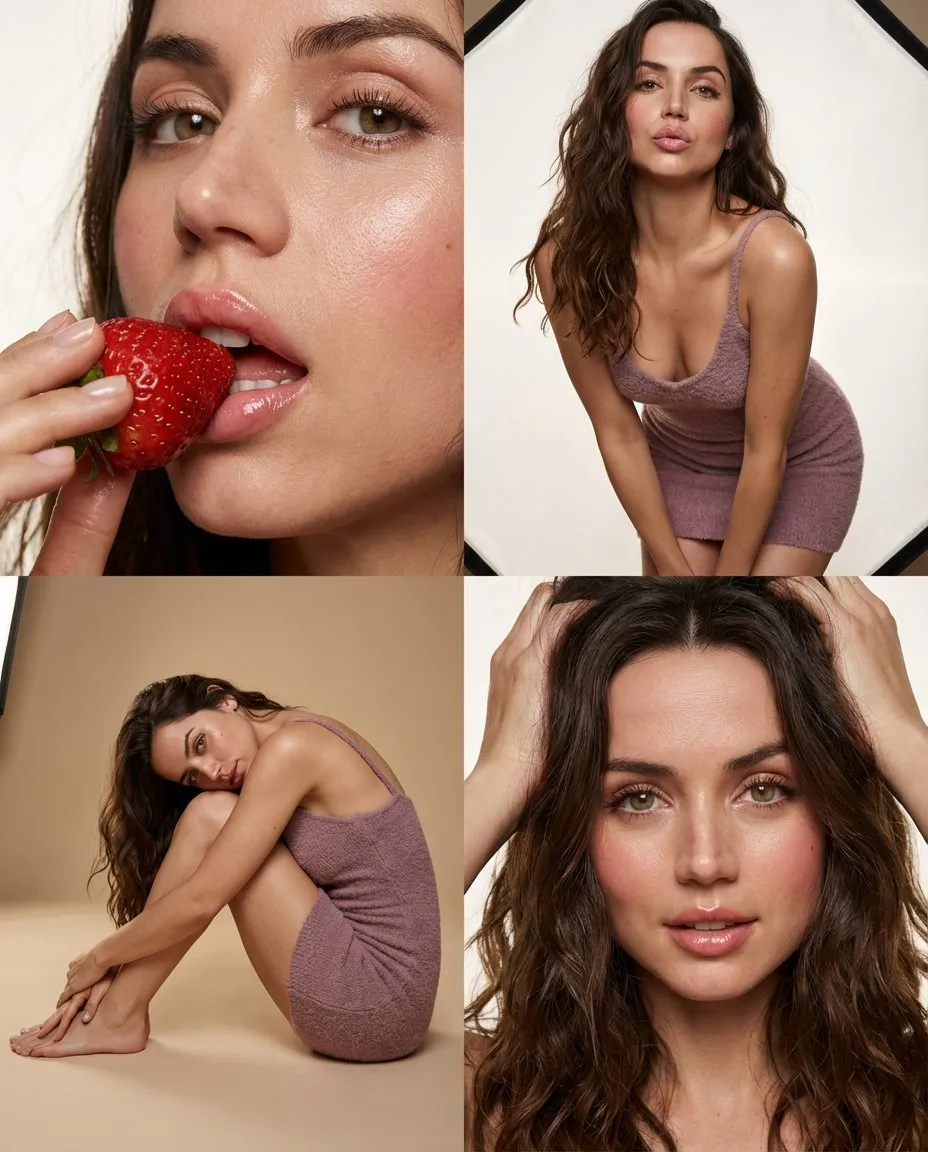
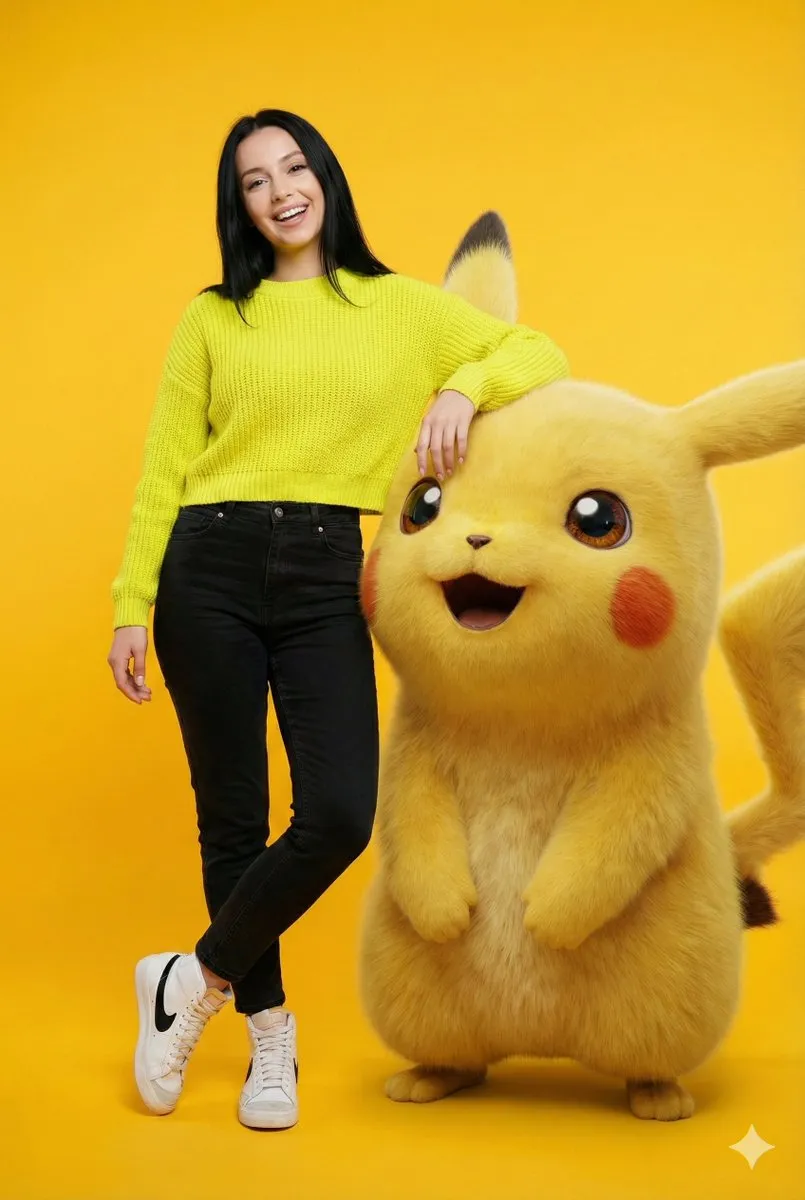
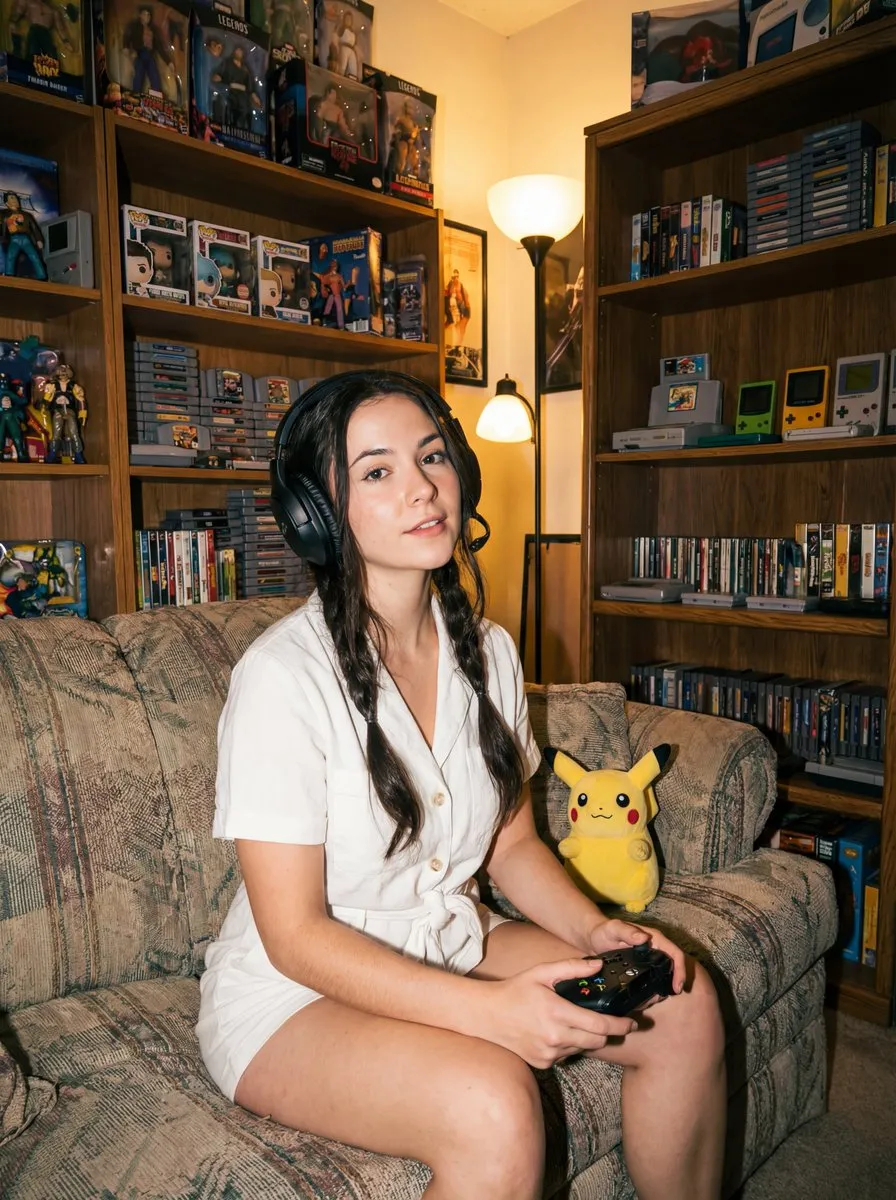
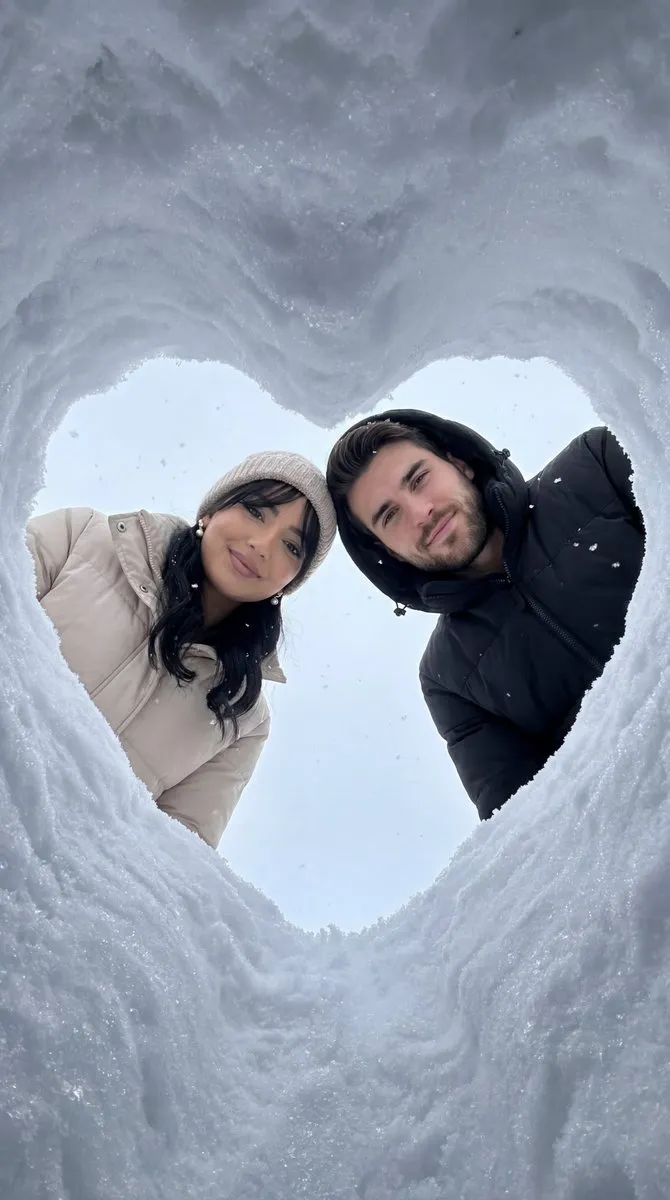
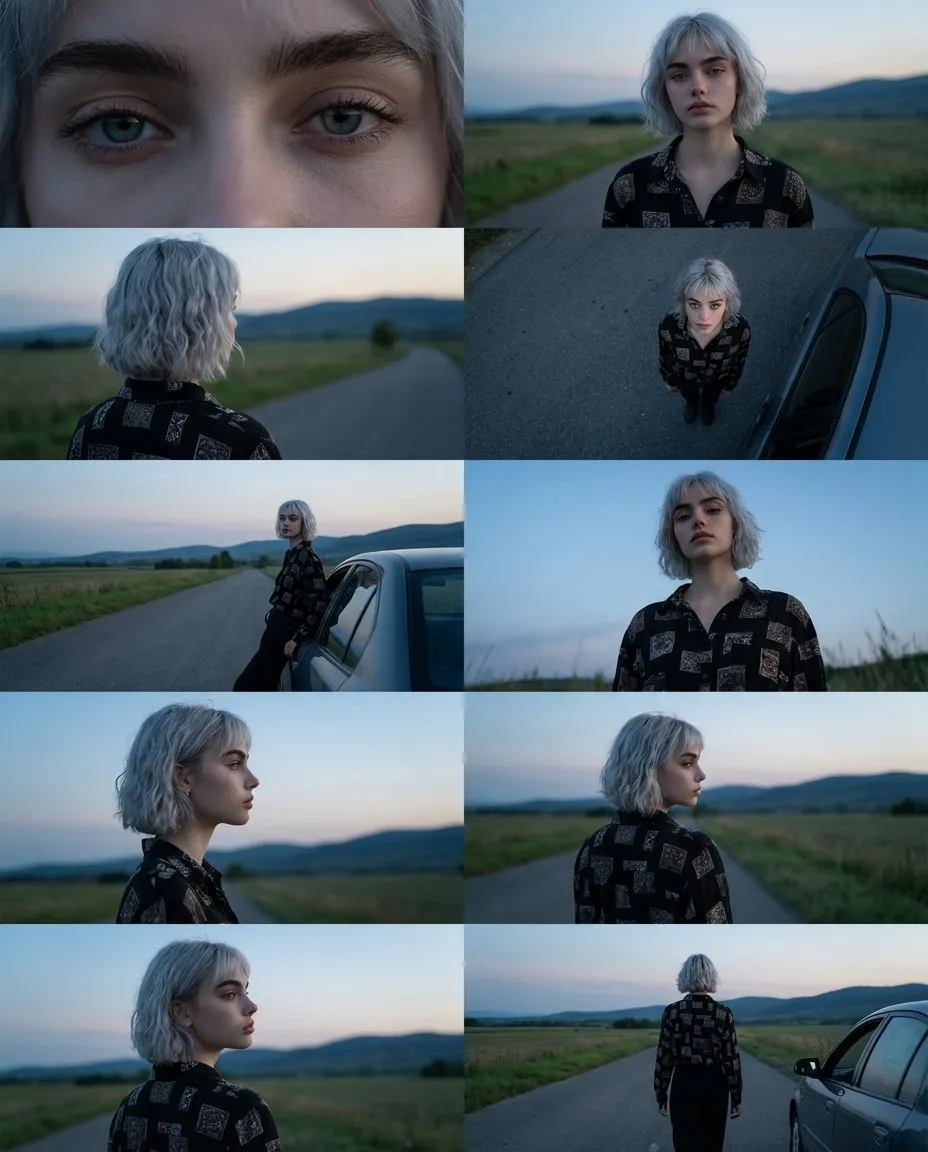
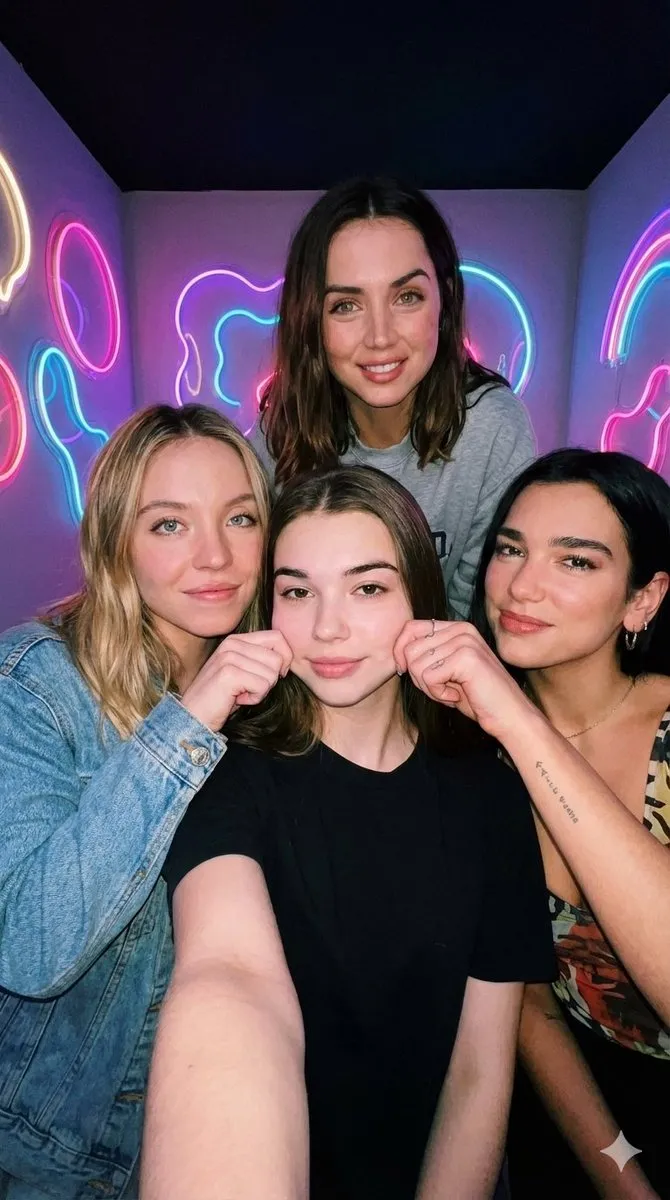
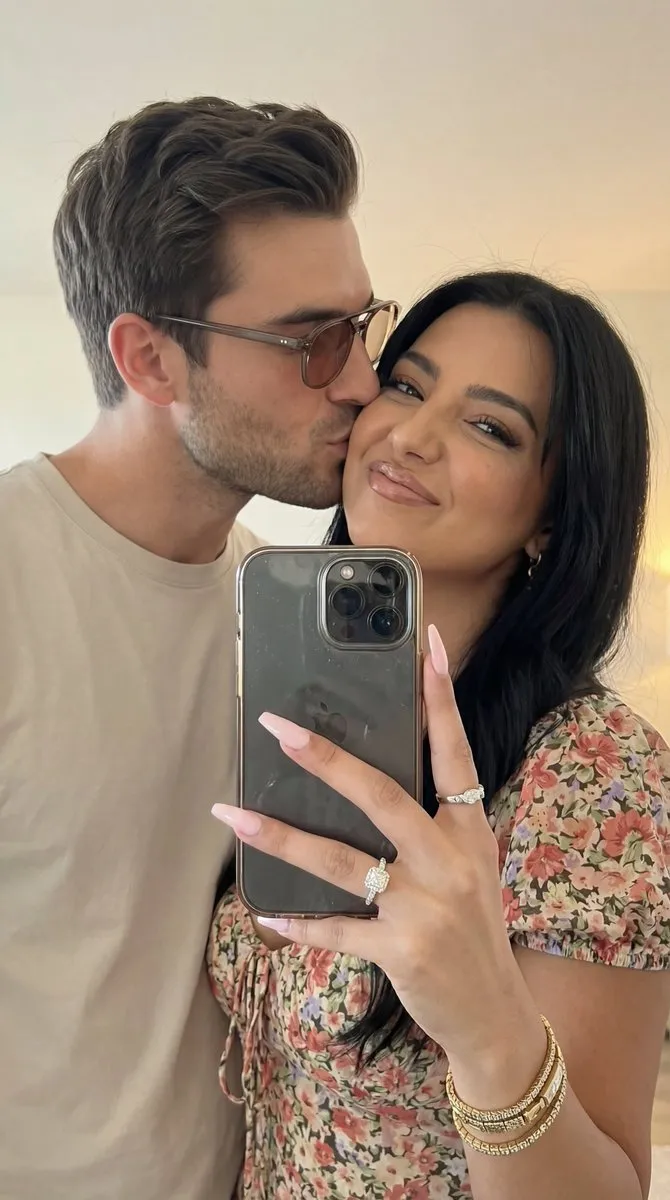
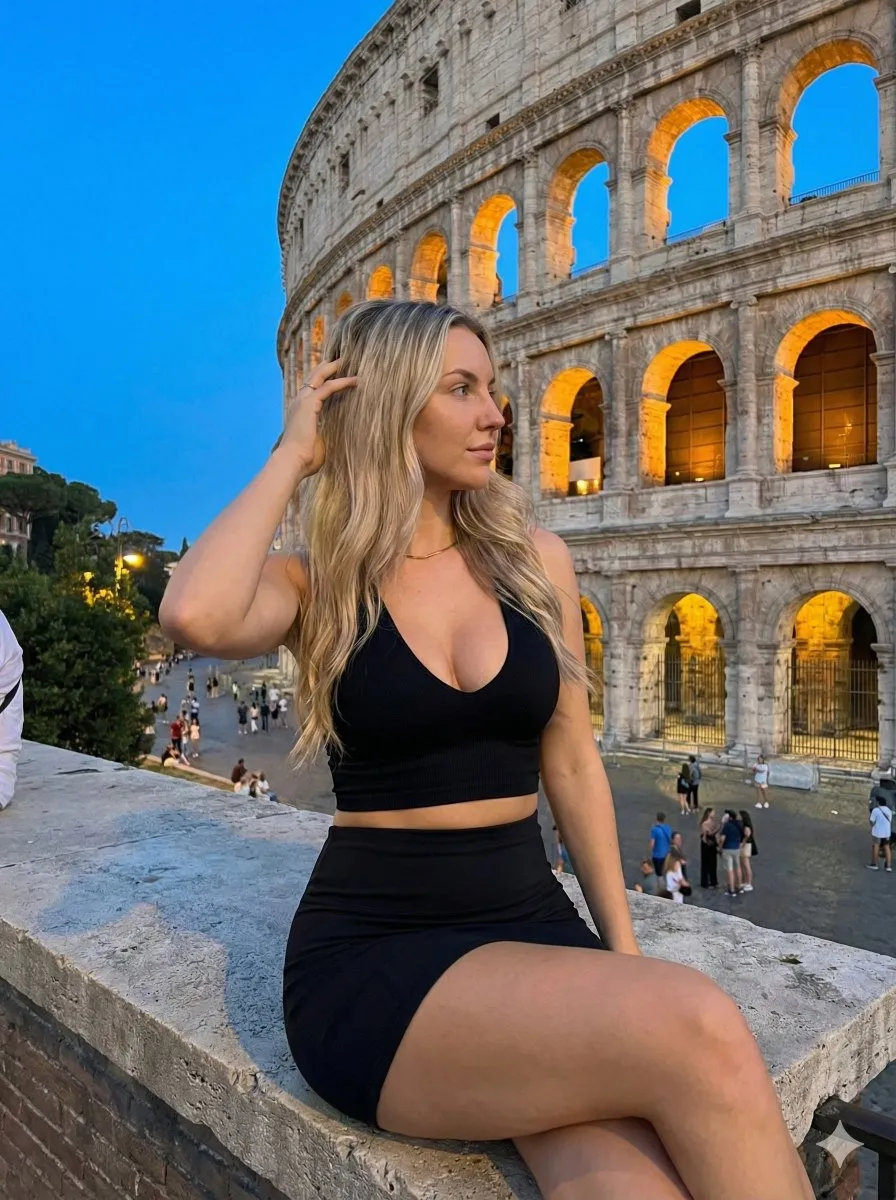
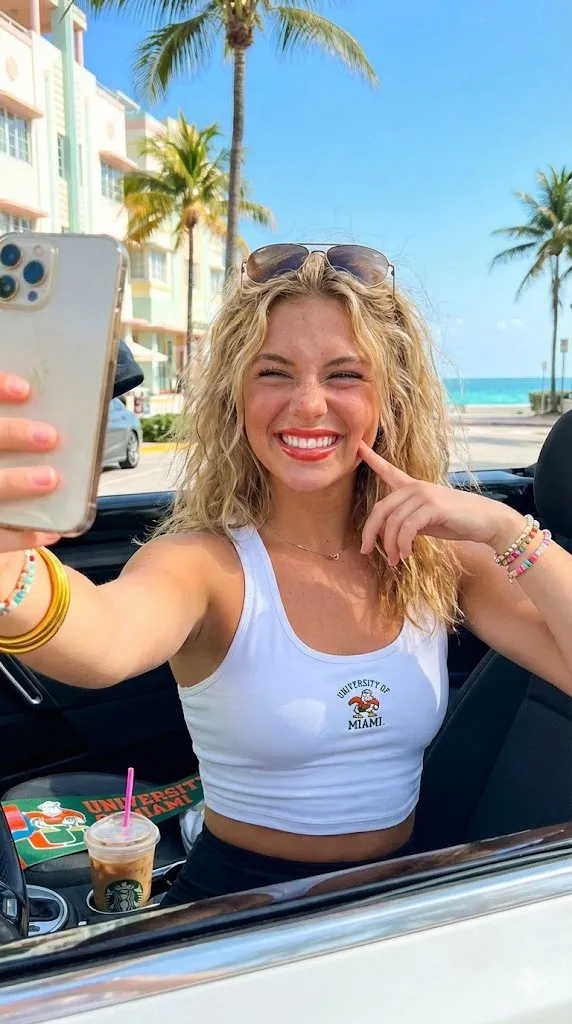
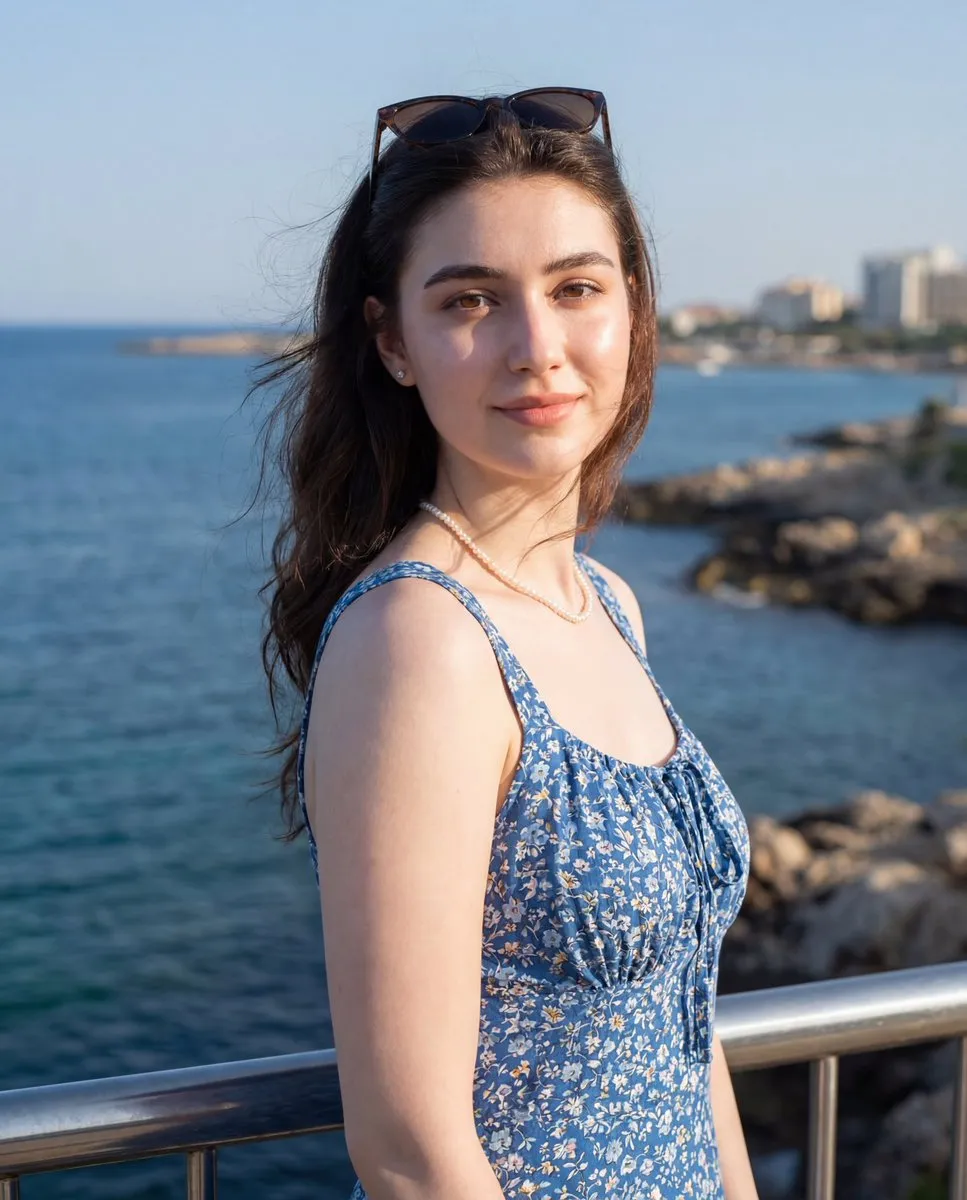
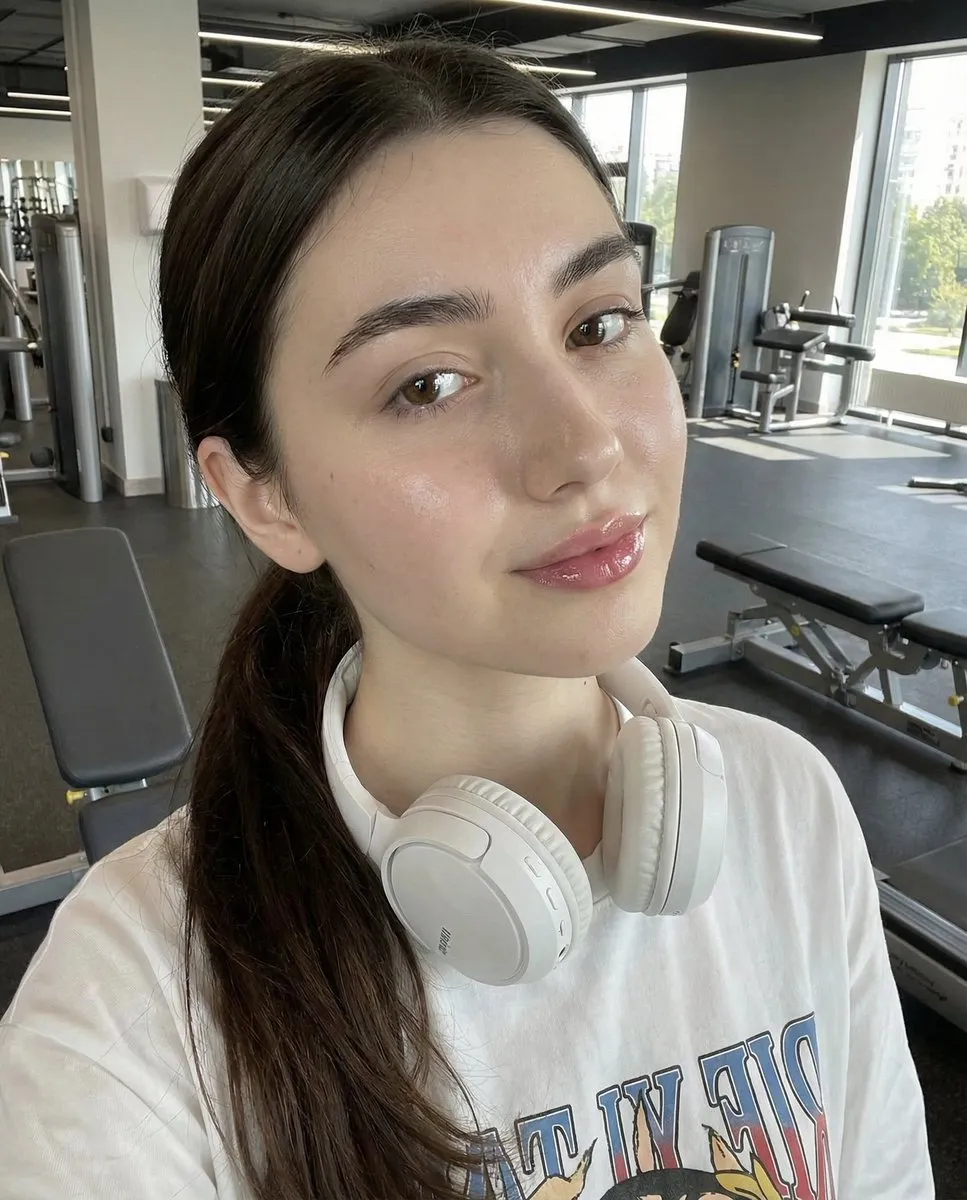
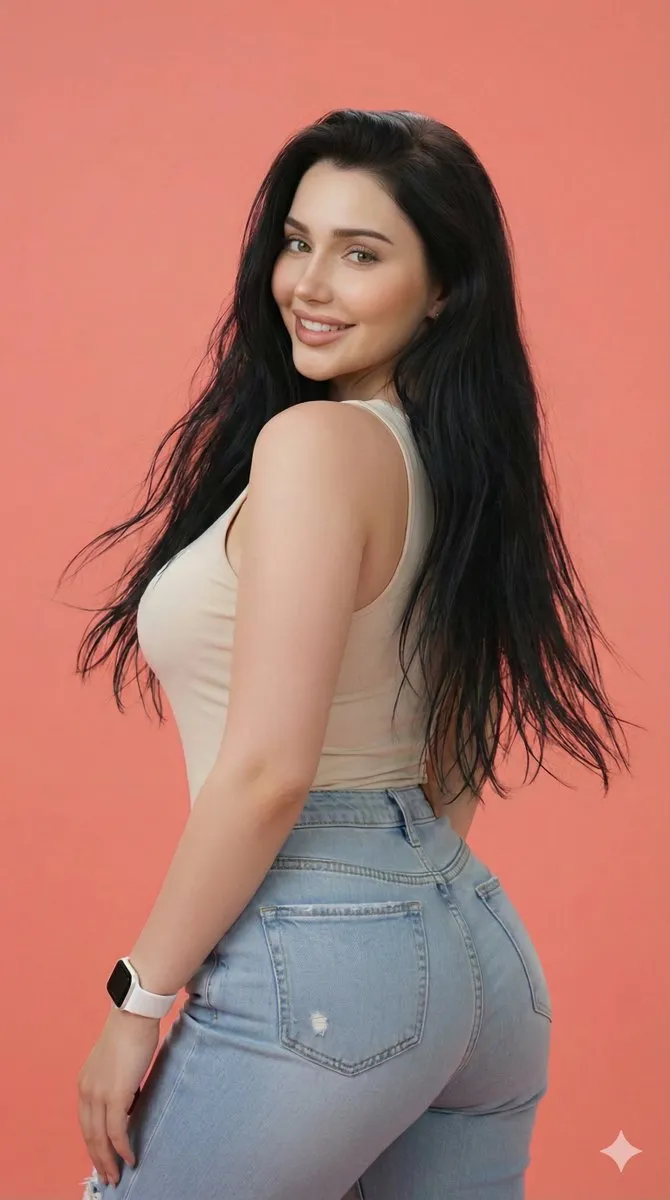
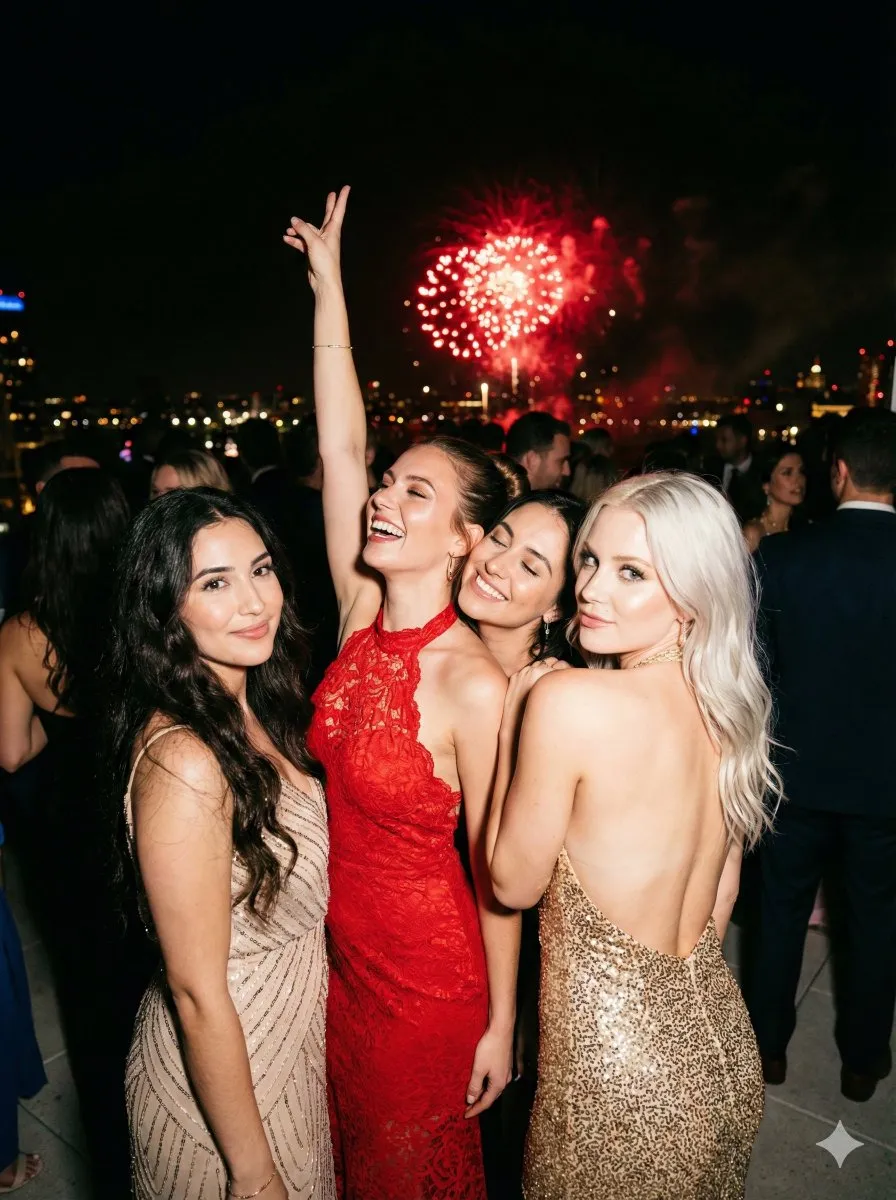
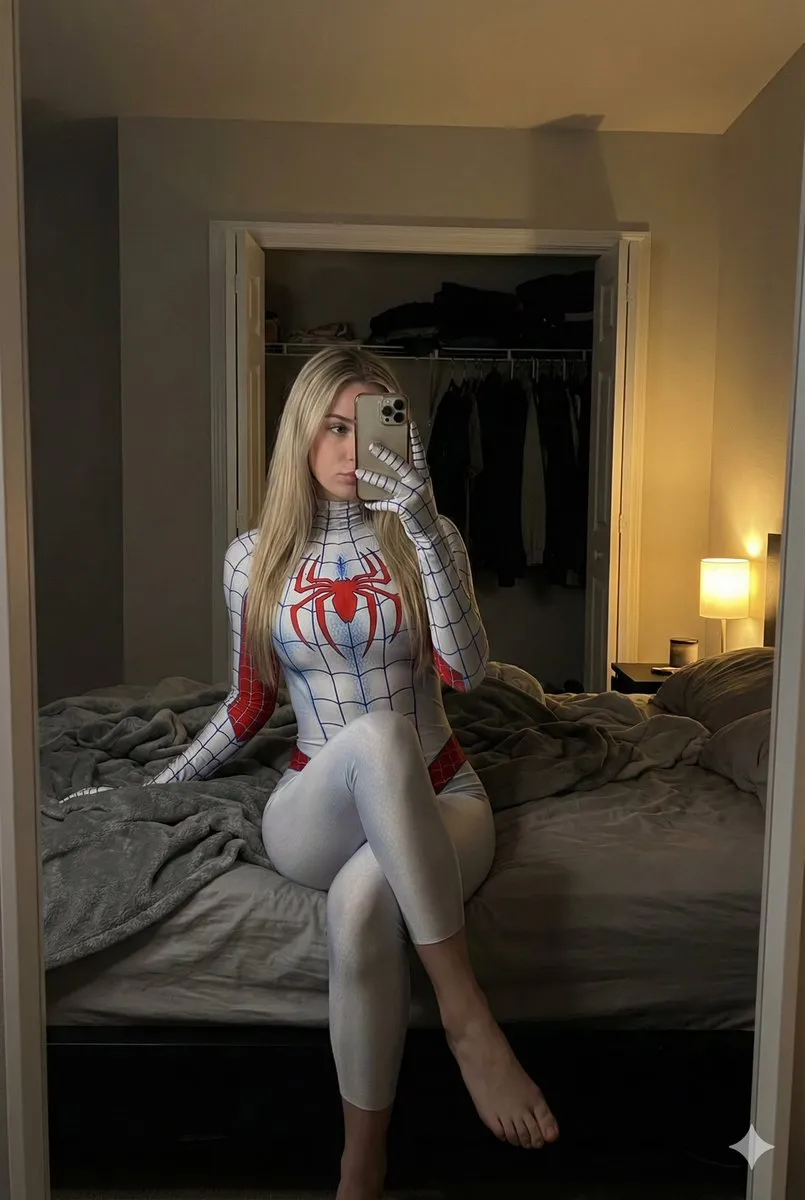
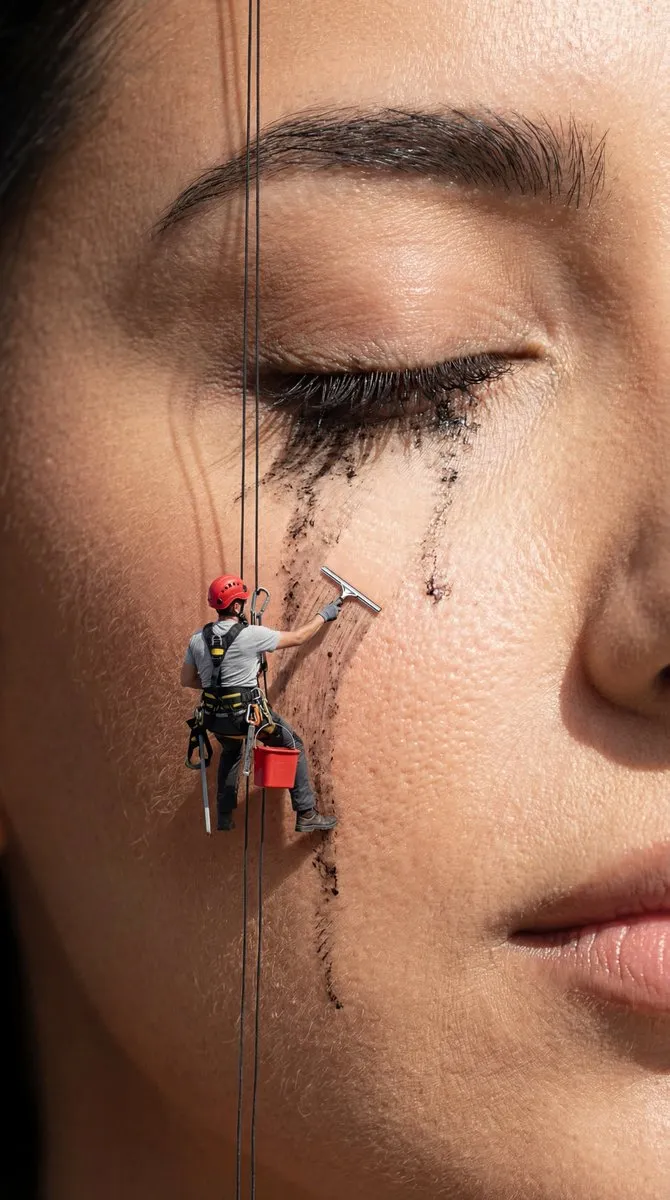
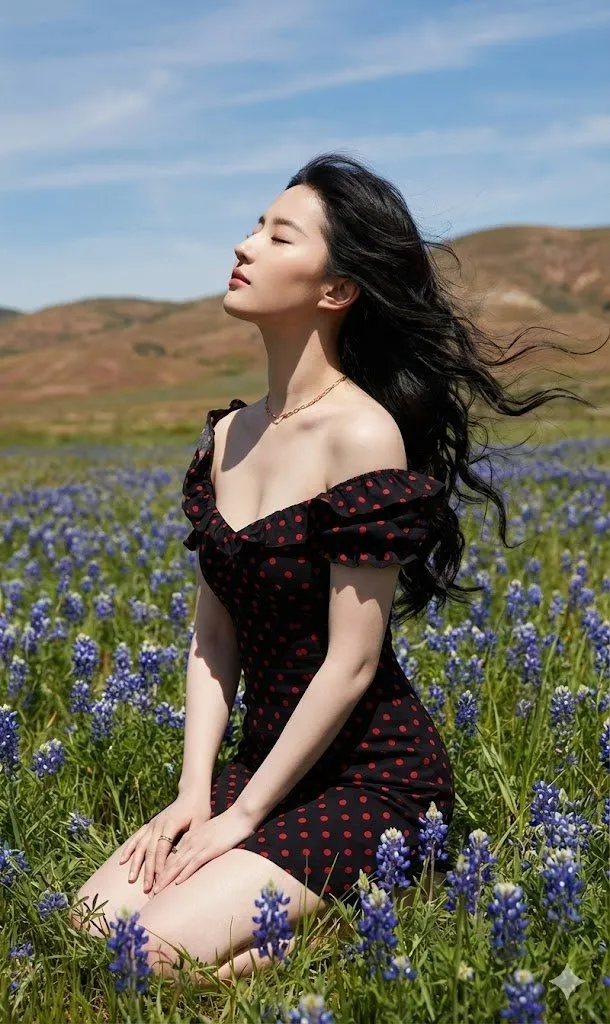
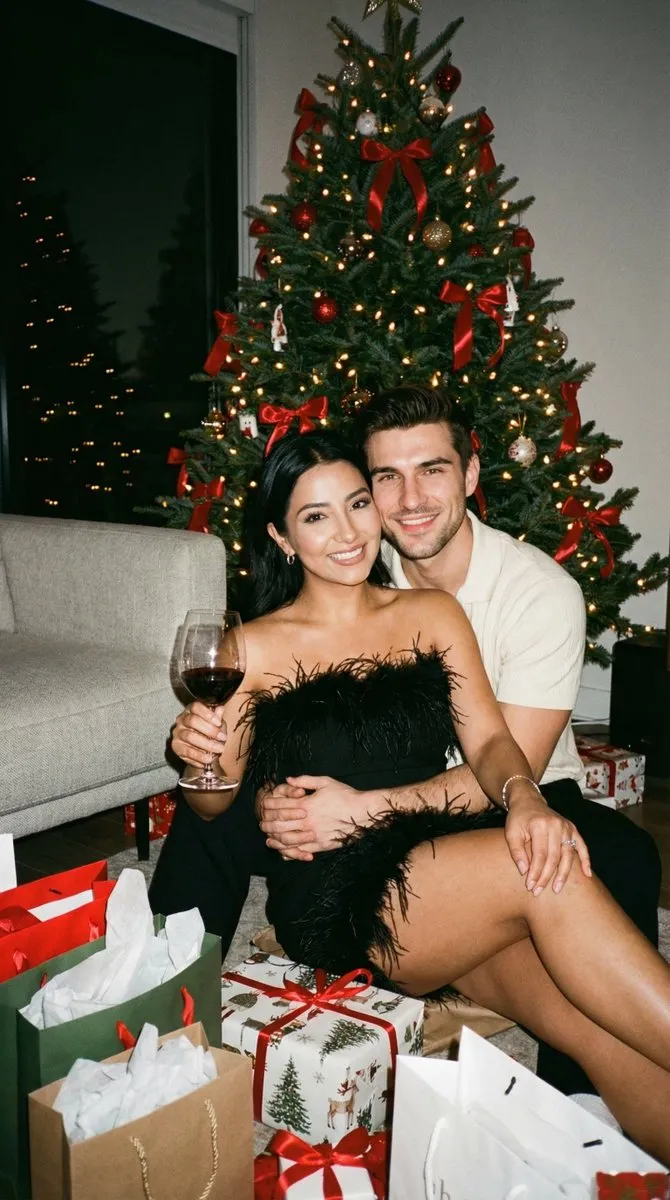
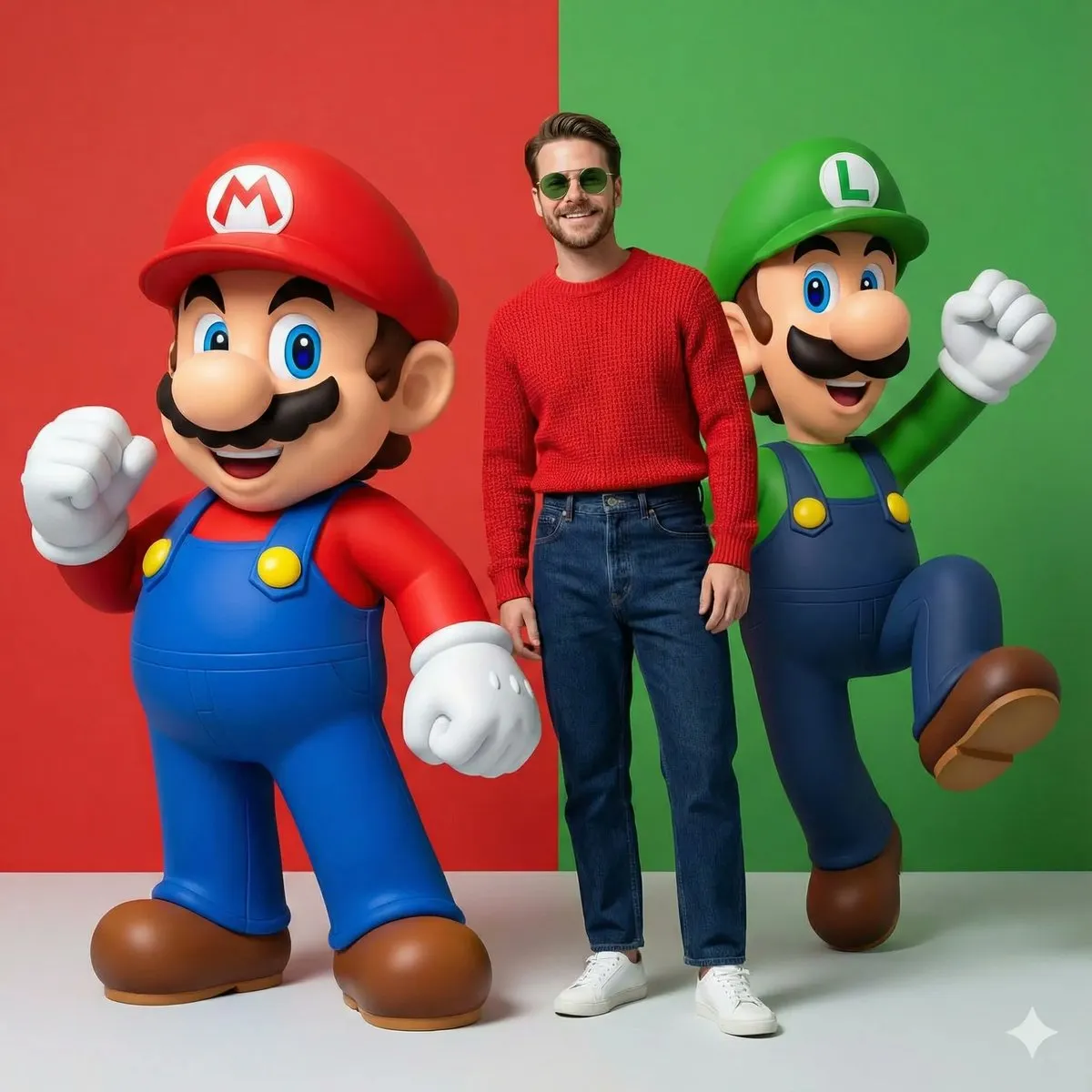
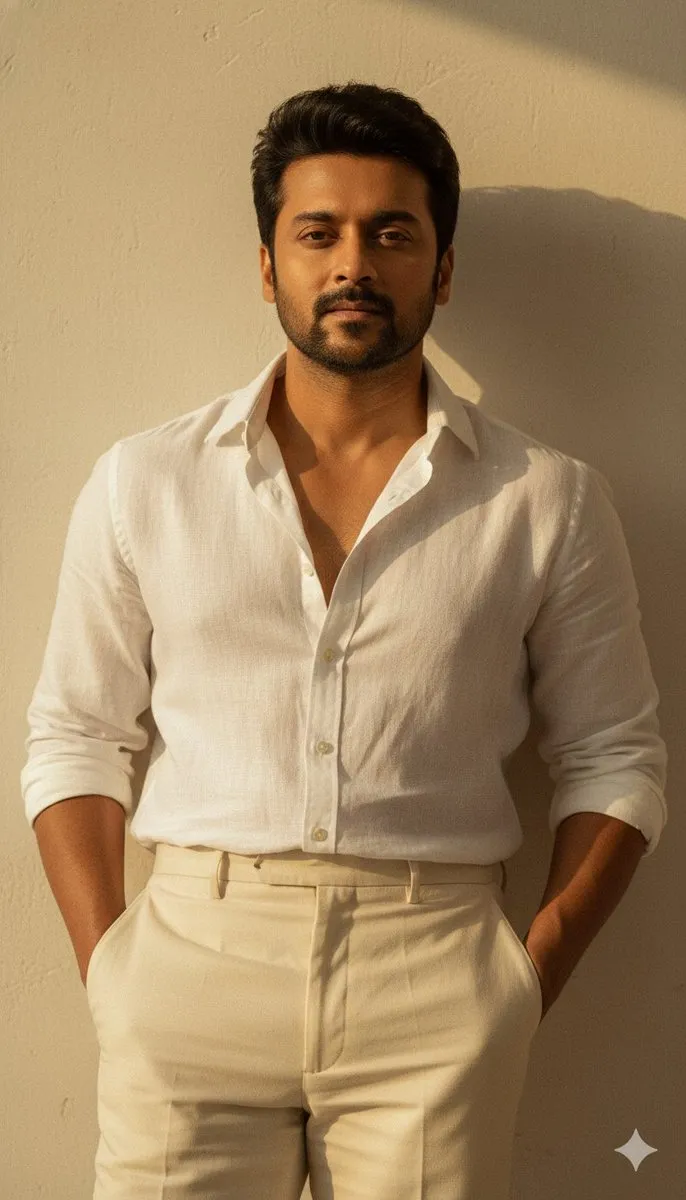
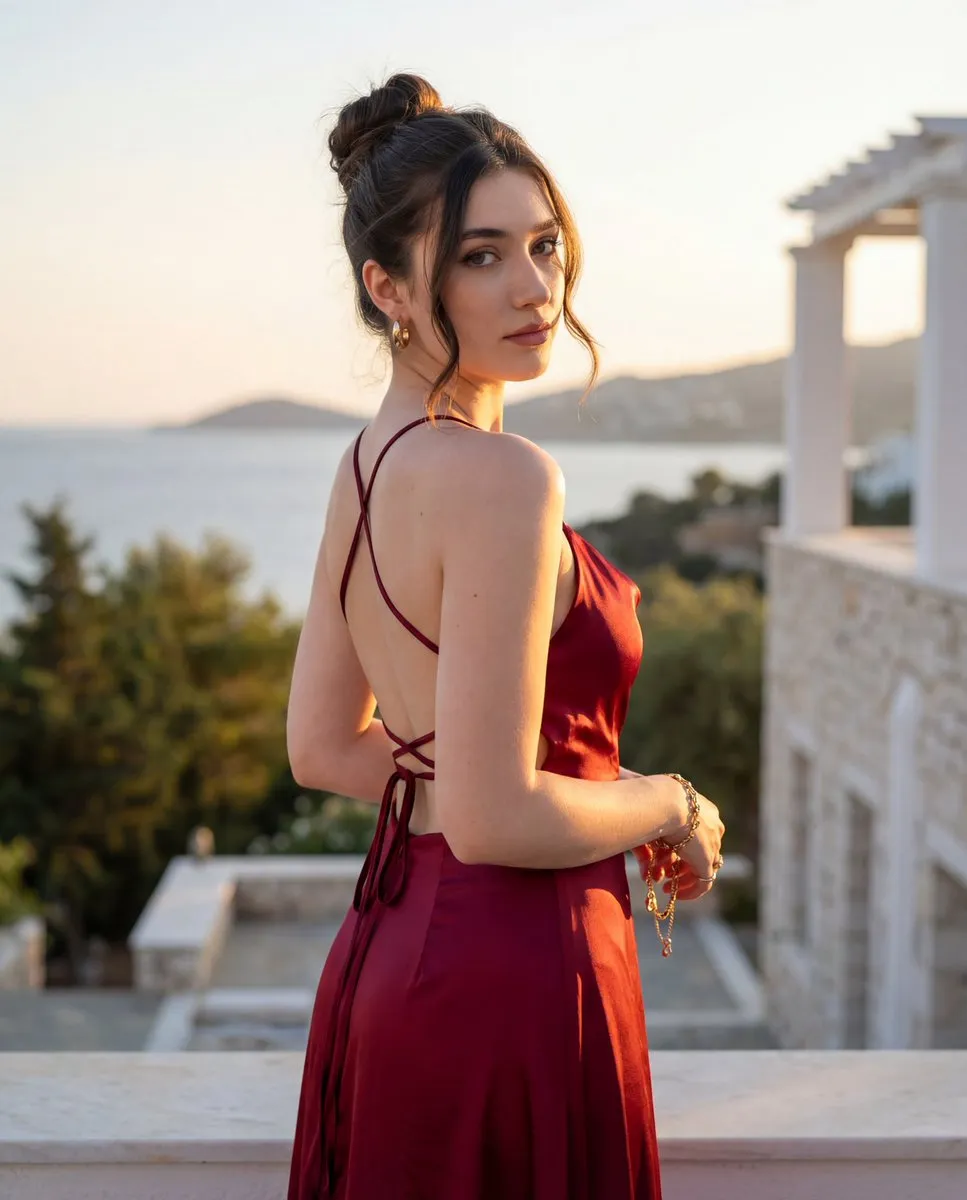
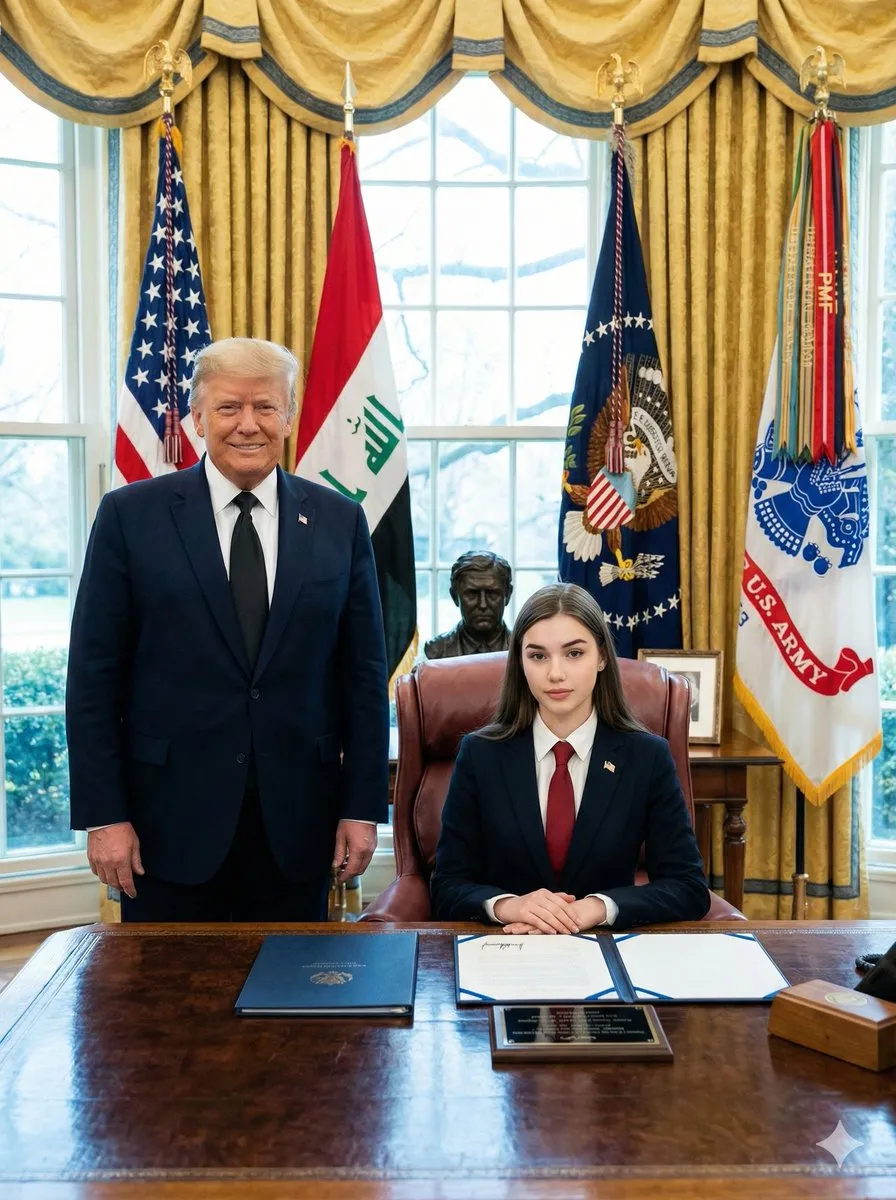
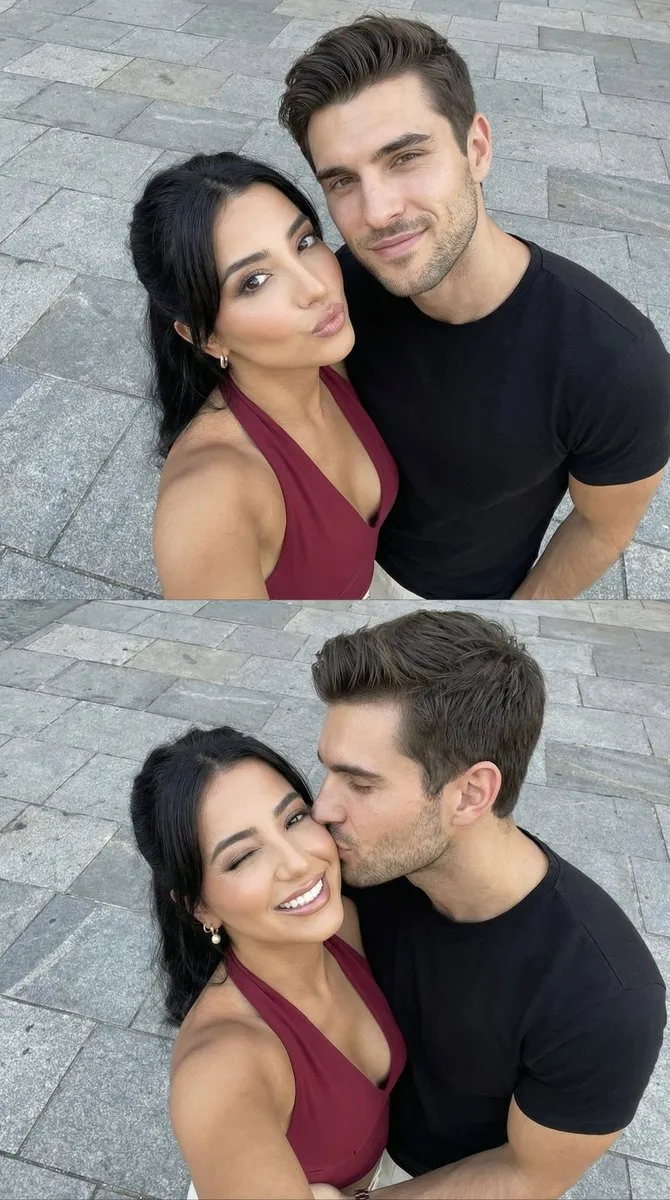
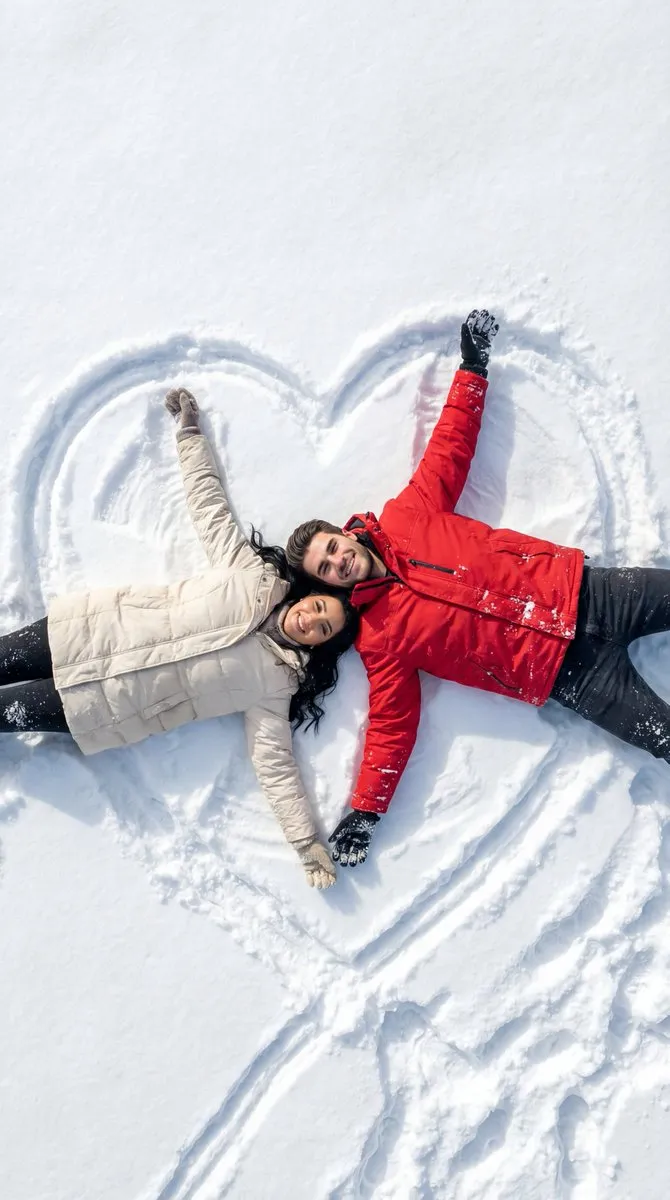
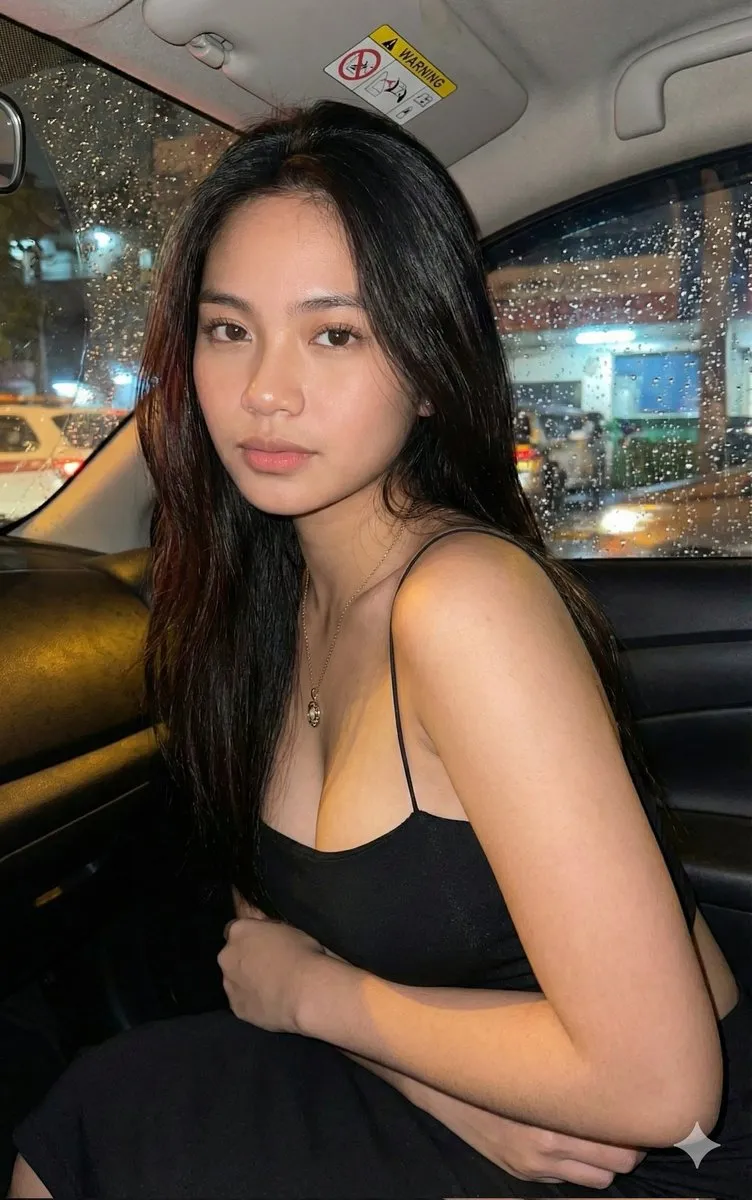
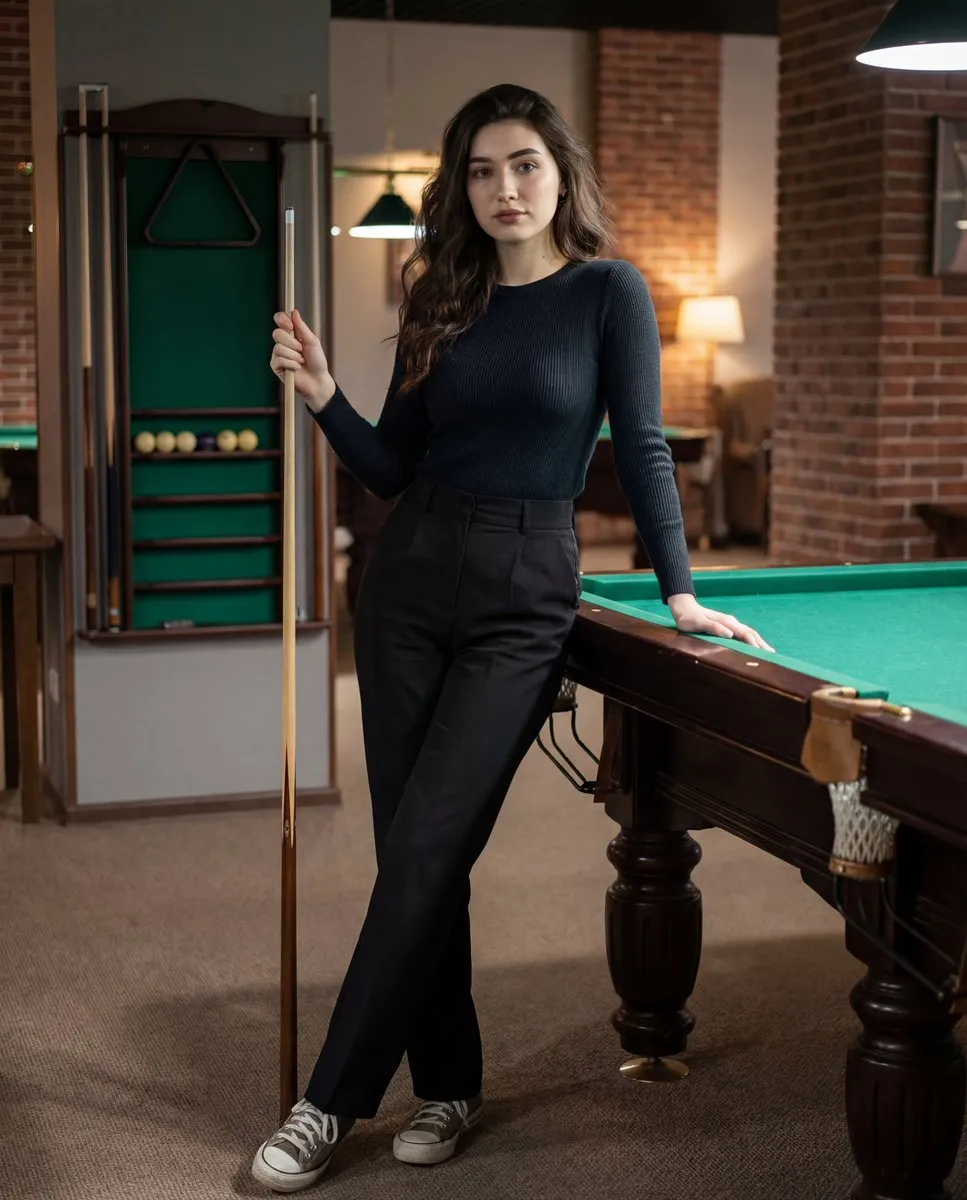
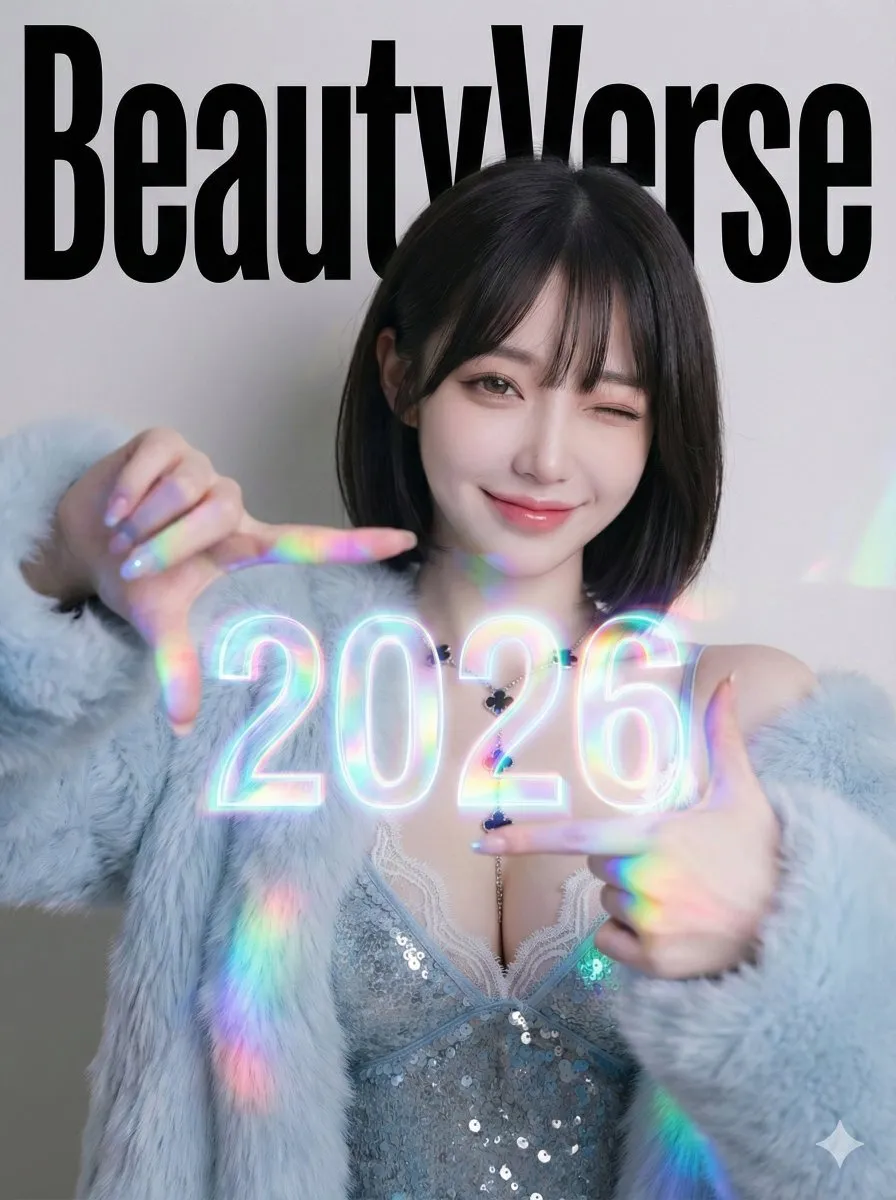
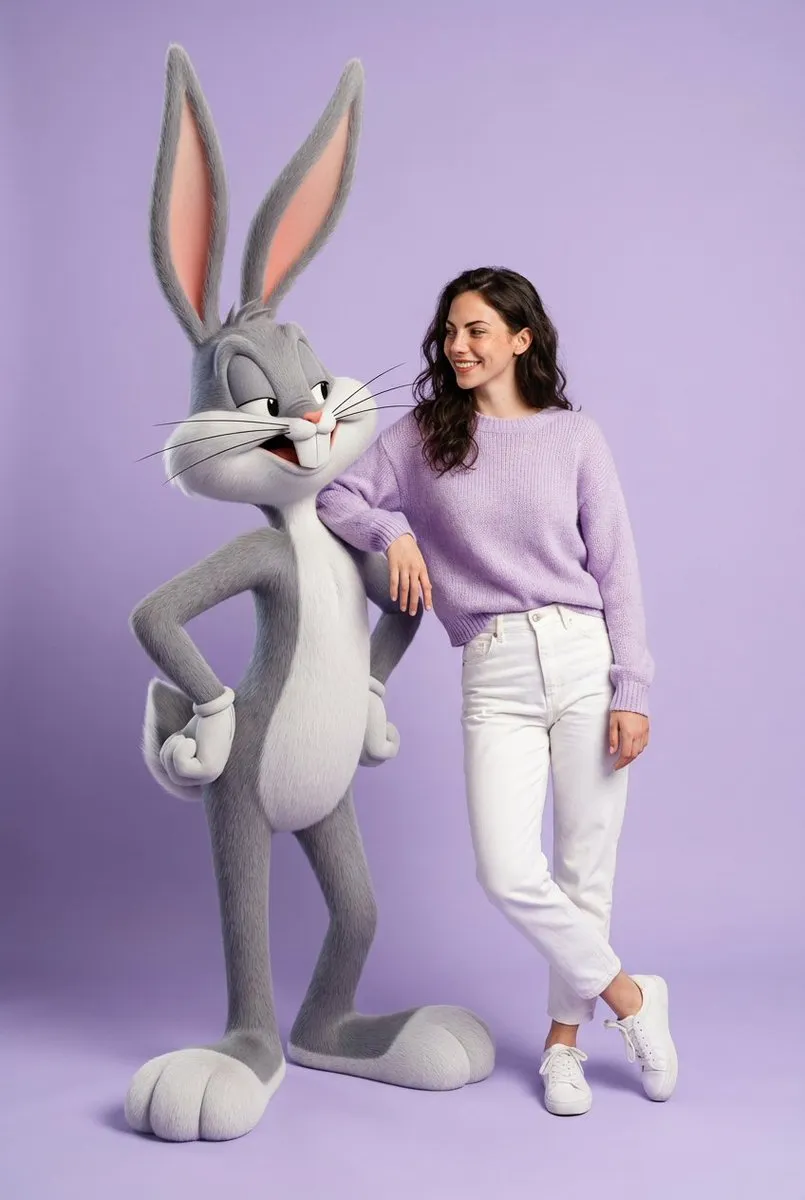
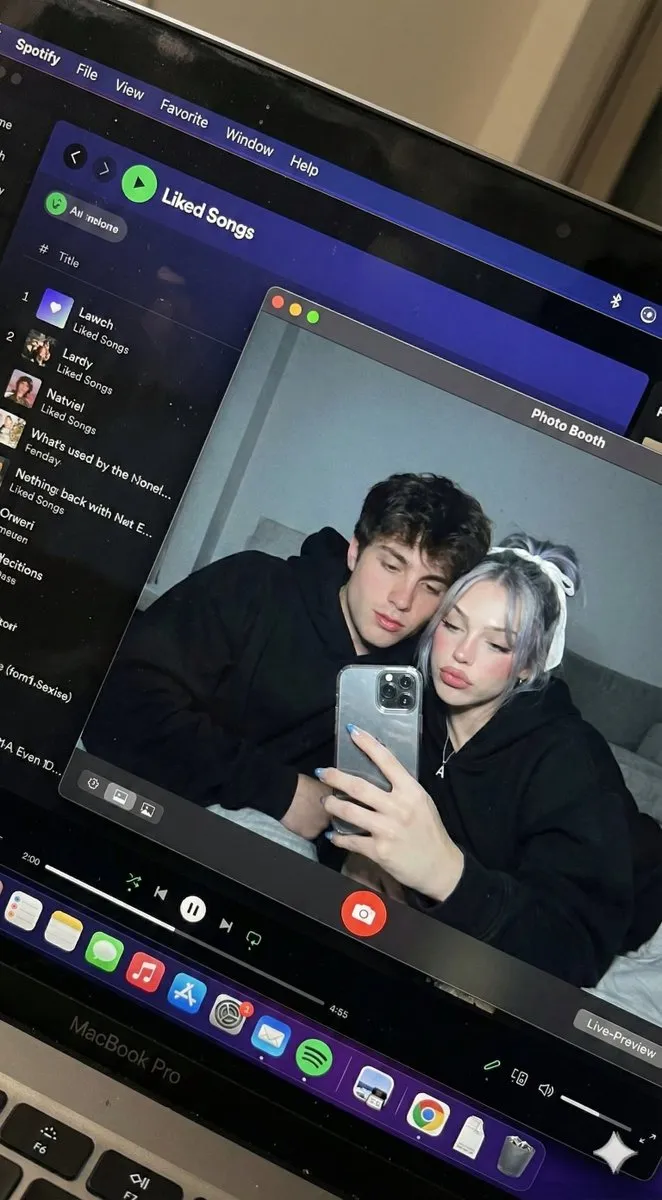
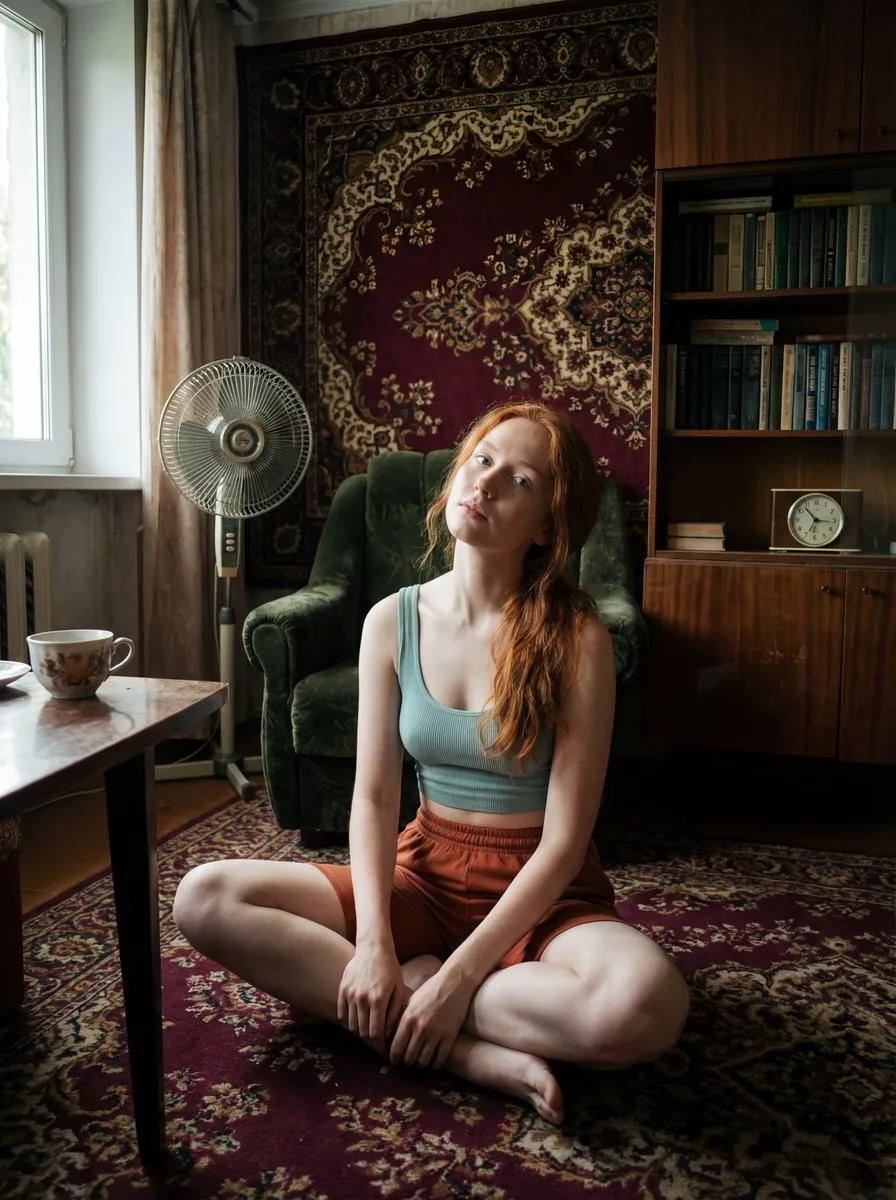
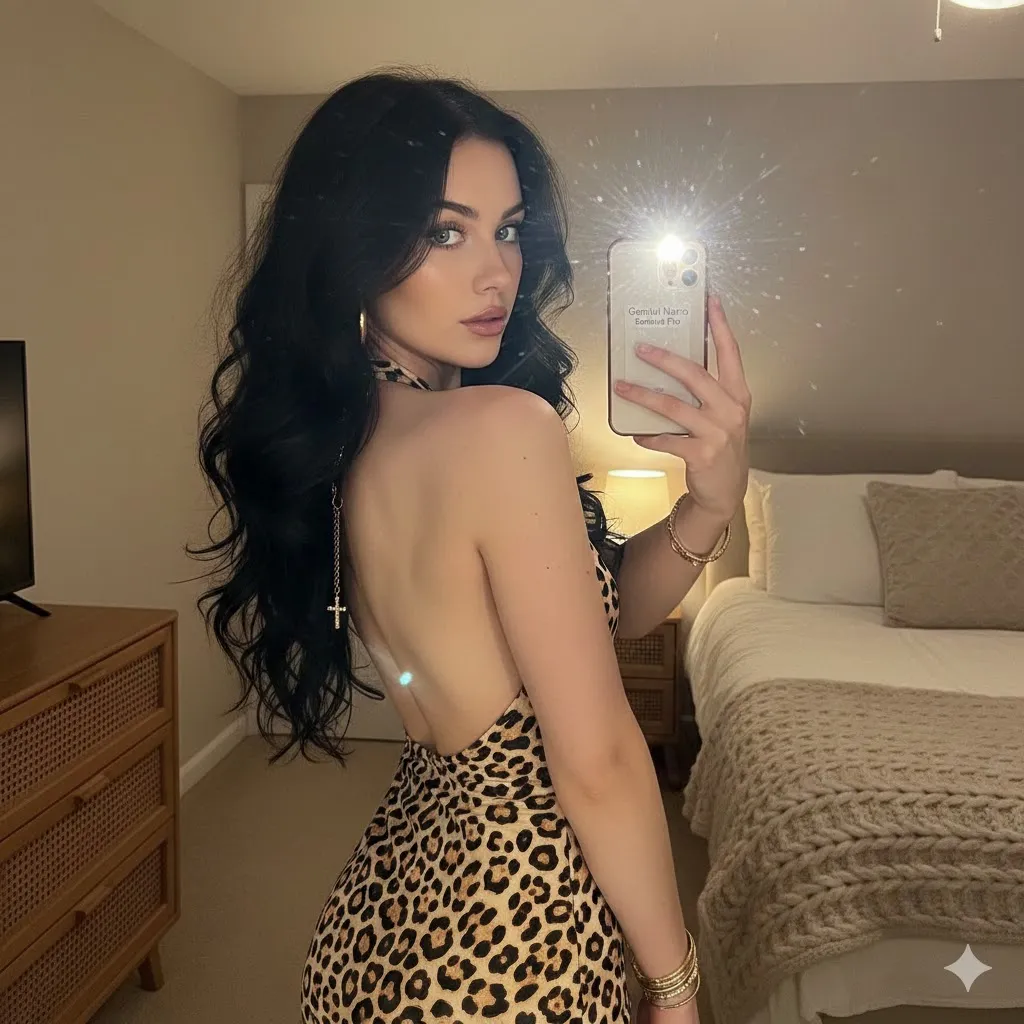
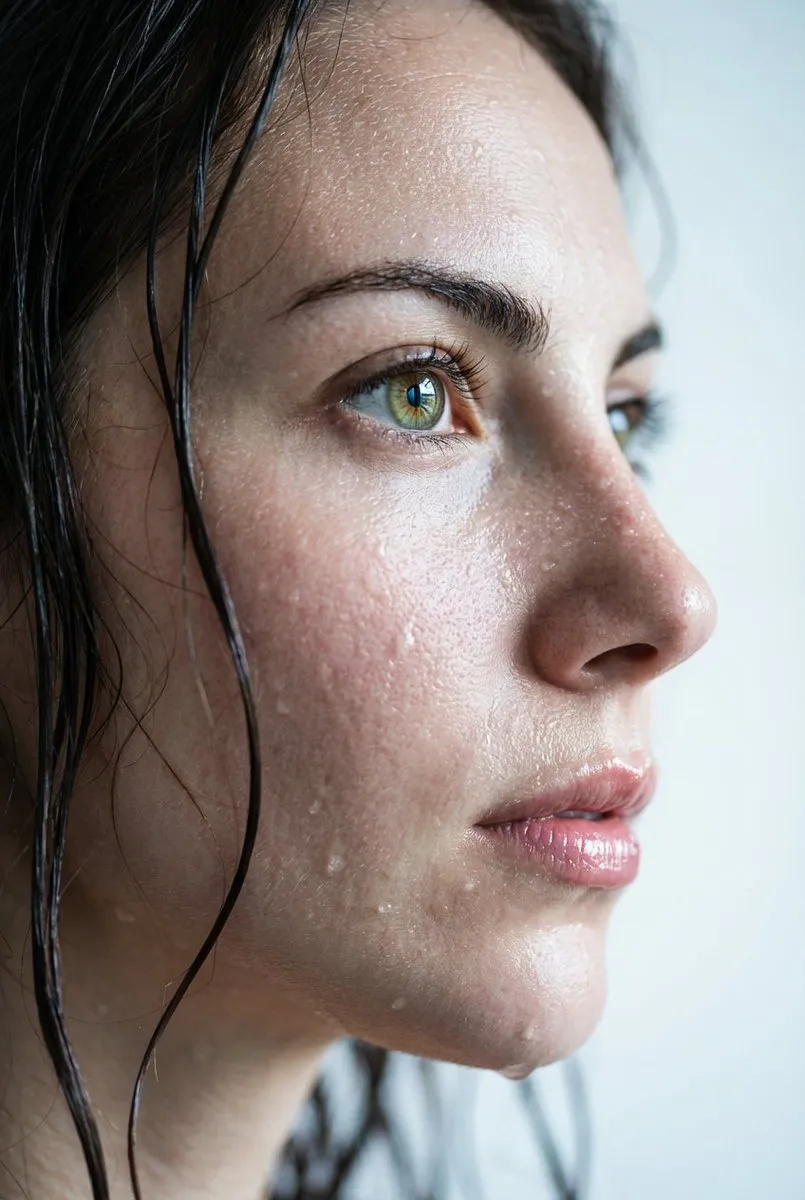
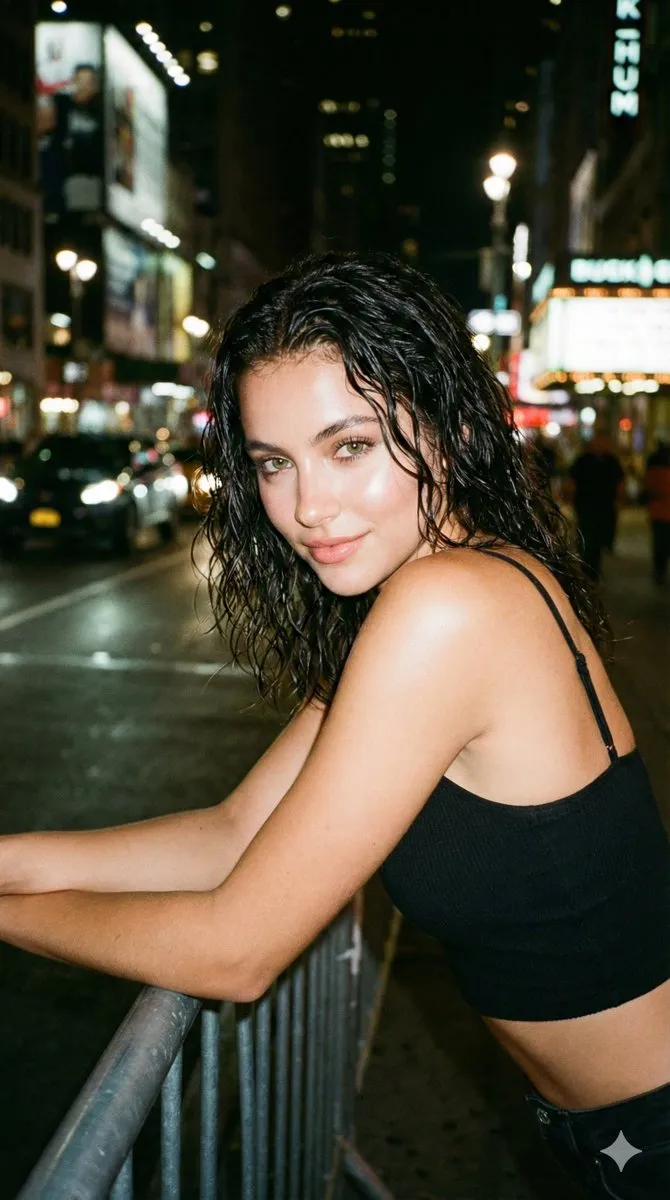
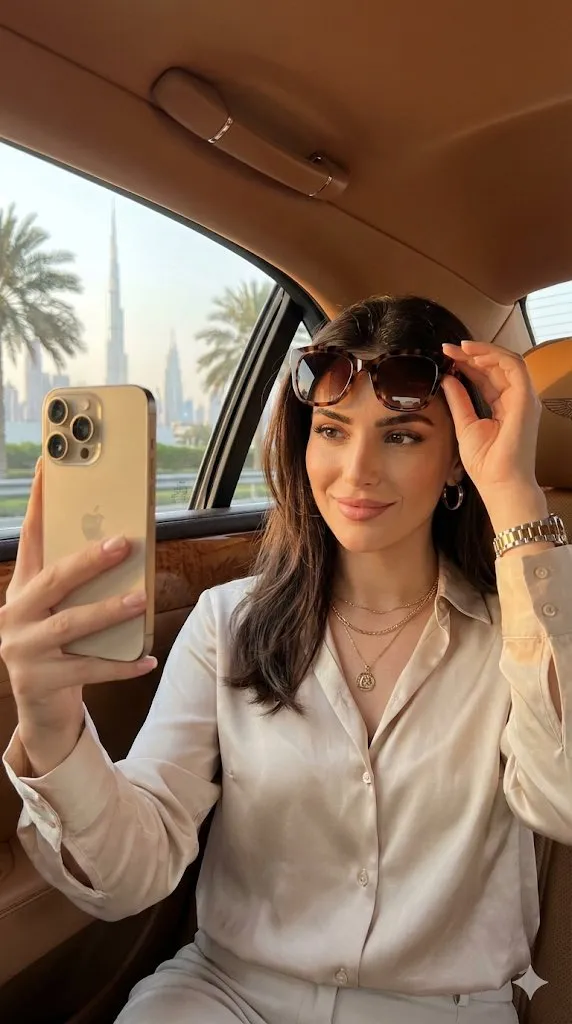
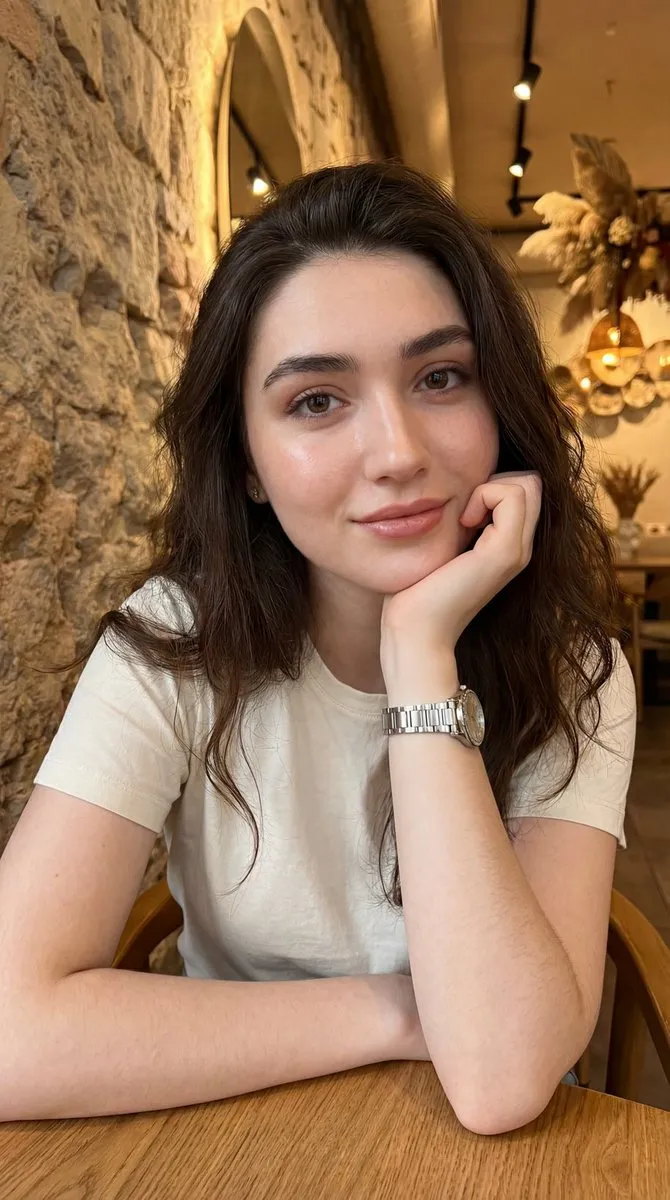
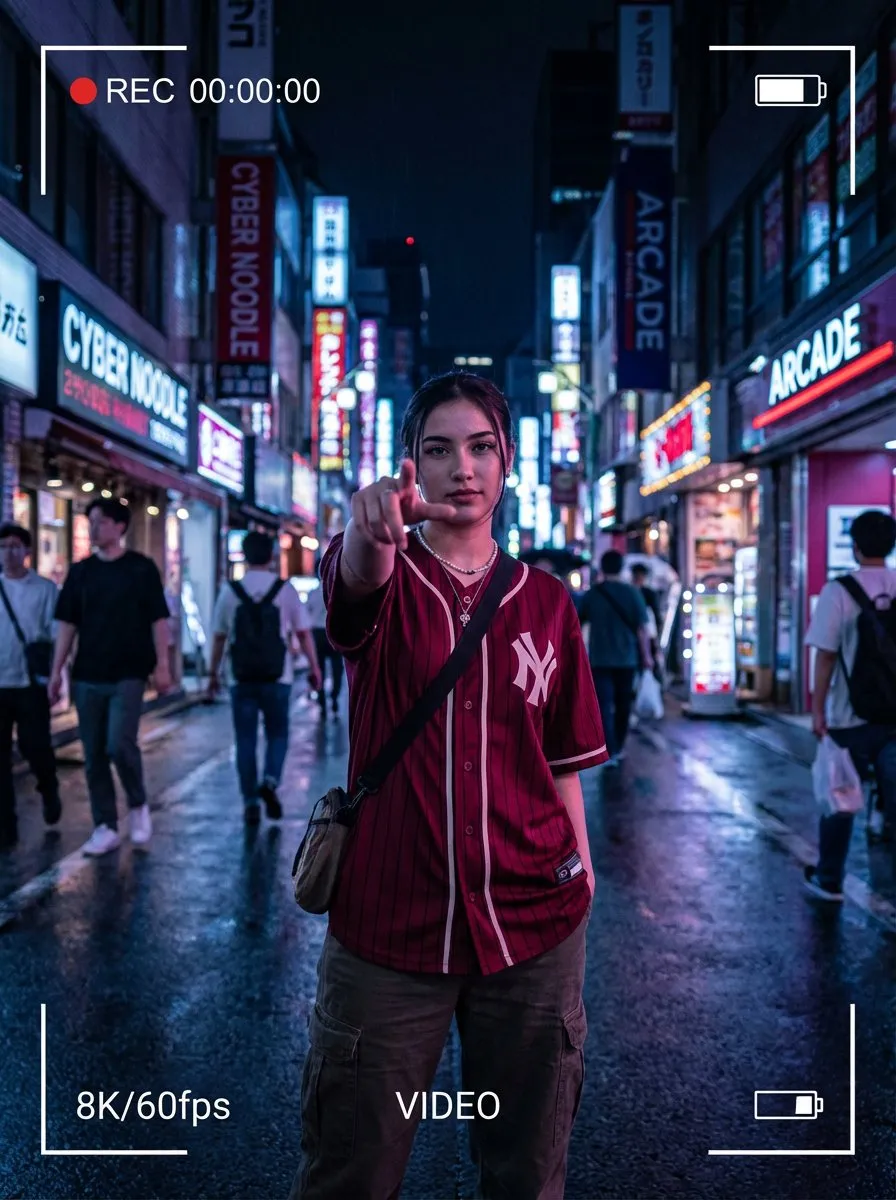
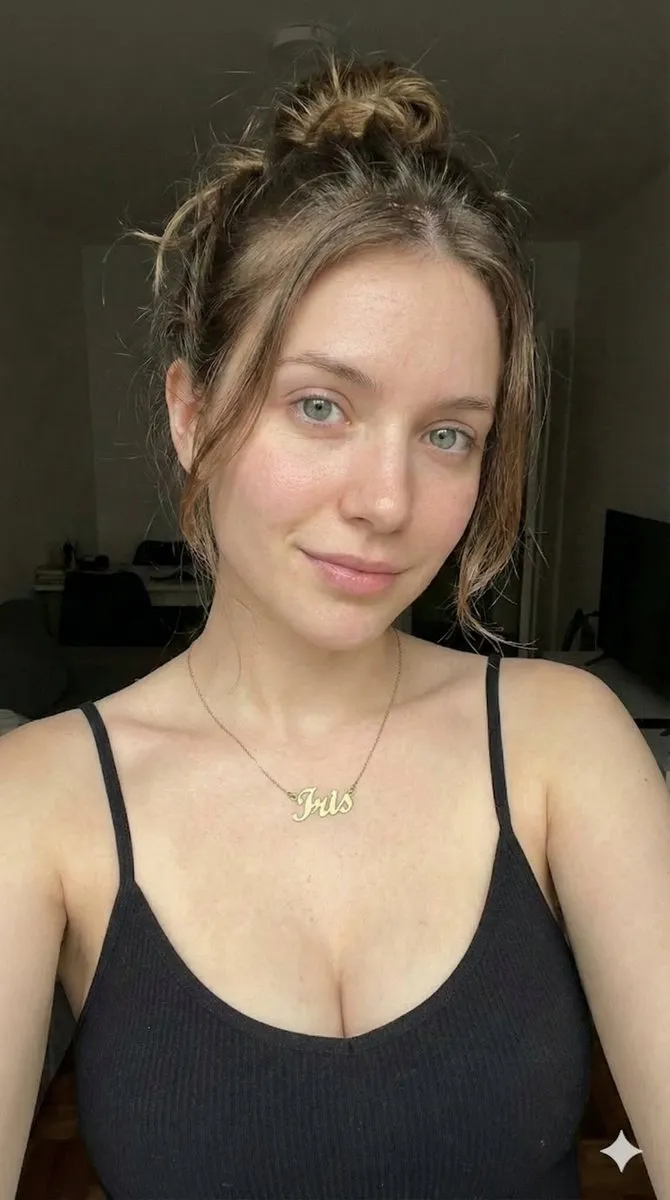
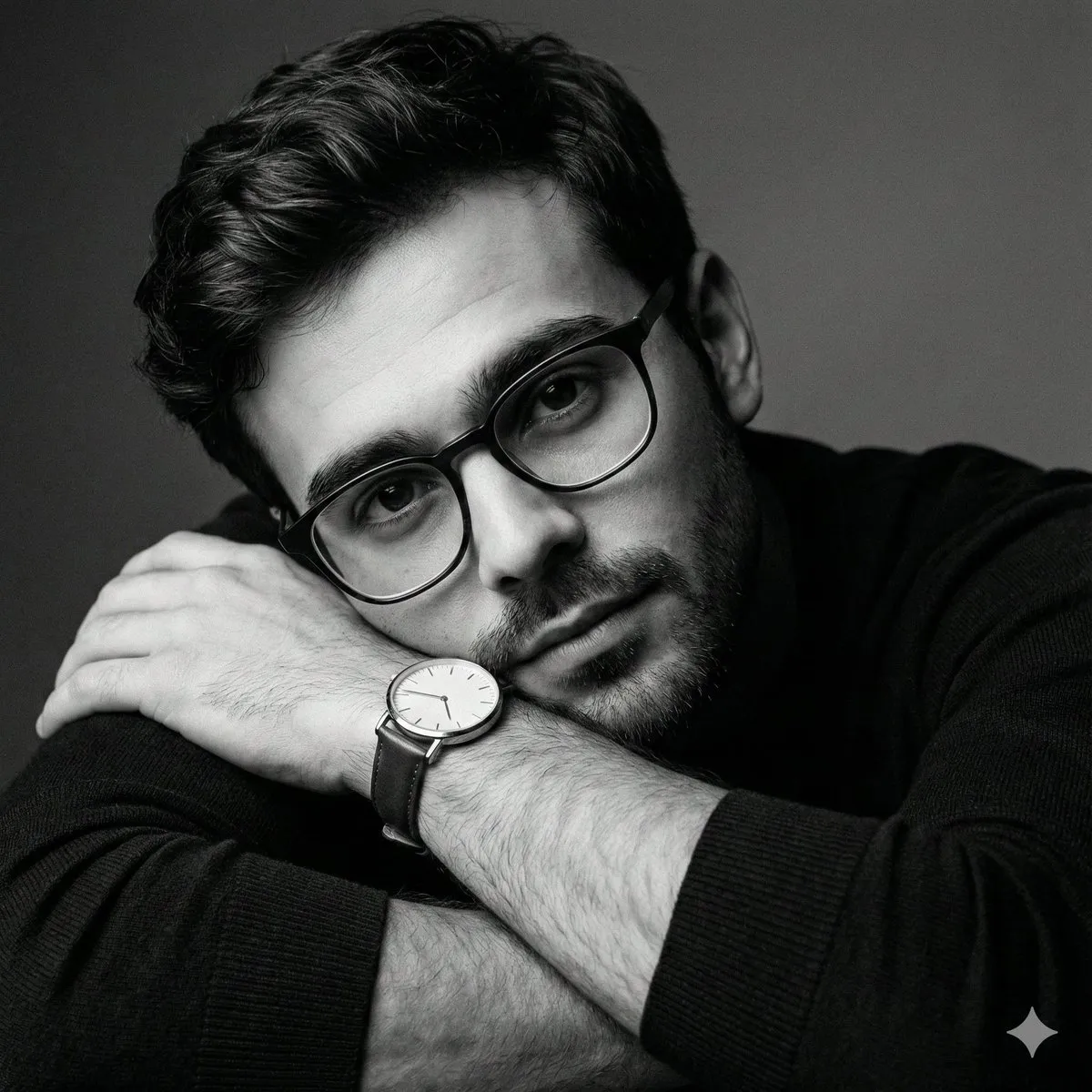
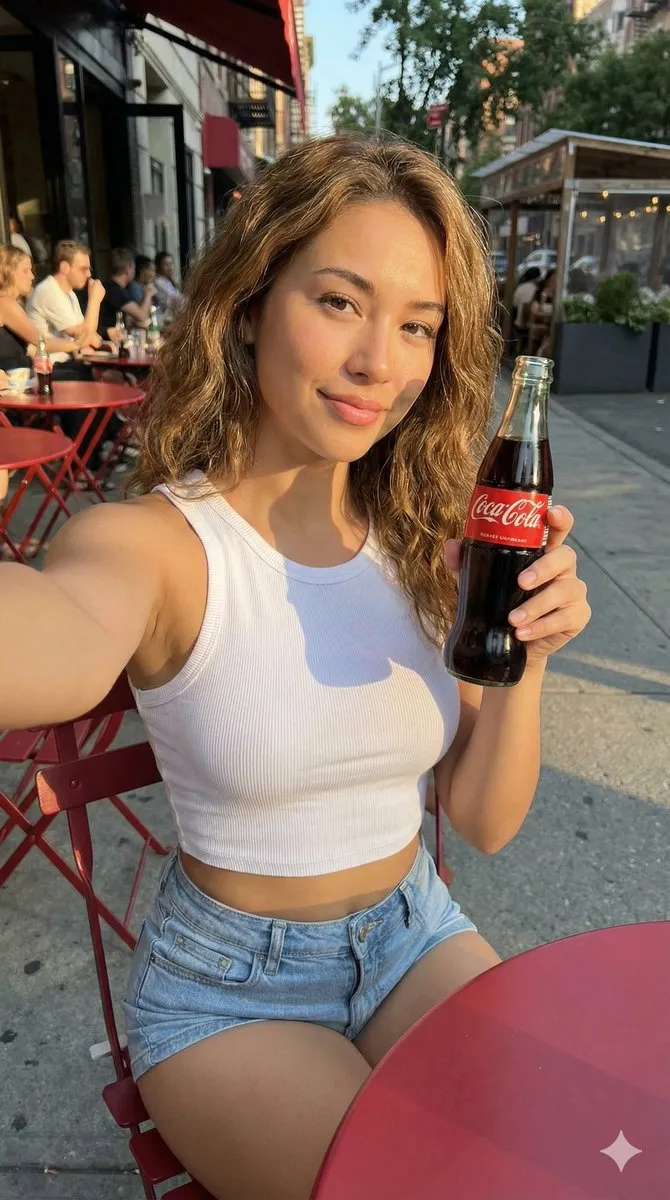
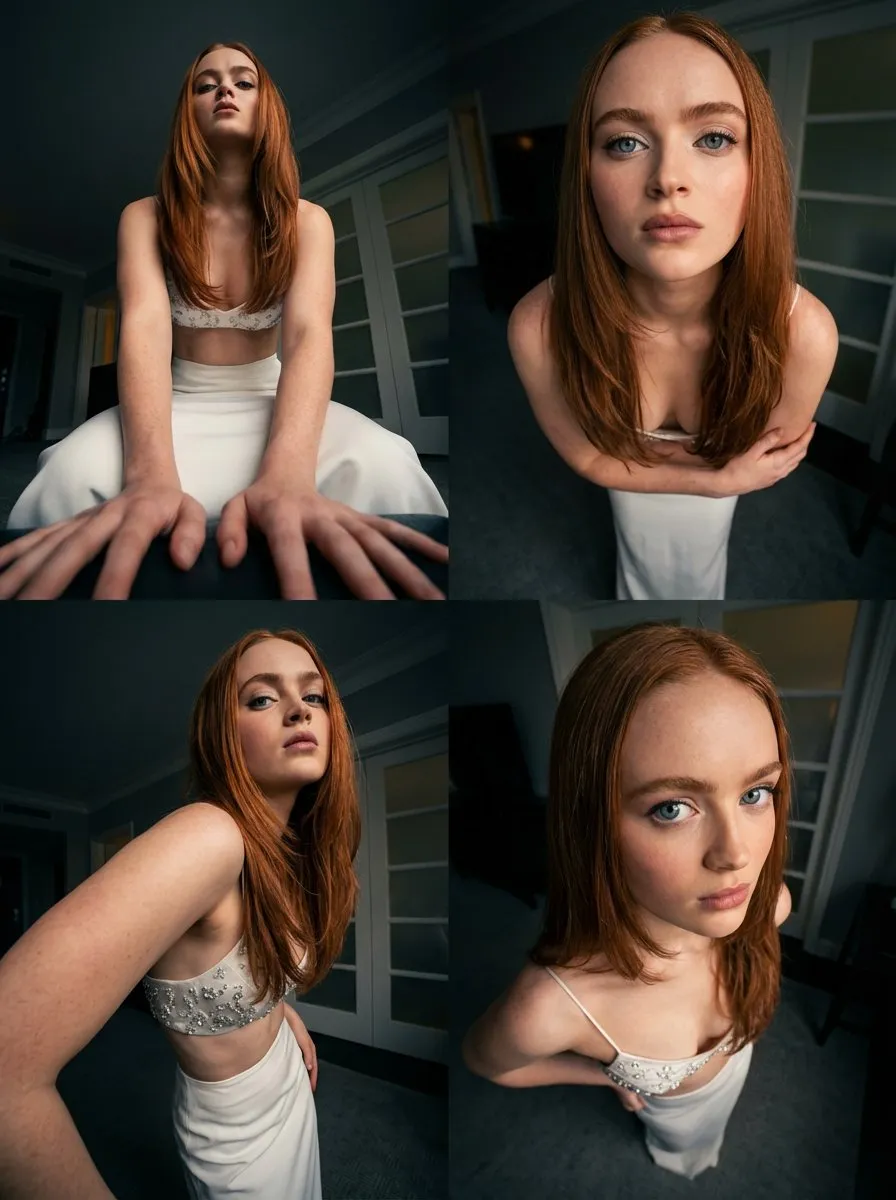
Nano Banana prompts for portraits, product shots and photo edits: keep the subject, change the scene, and describe the edit in plain language.
Every prompt below links to the full prompt page with the image and copy button.
Nano Banana is the image model people use for editing rather than pure generation. You give it a photo and a plain-language instruction and it keeps the person, the product or the composition intact while changing the background, the lighting or the styling. That makes it the natural tool for headshots, catalogue images and social content built from real photos.
The prompts on this page are written for that workflow. They assume you already have a reference image and describe the change - replace the background with a studio sweep, relight for golden hour, restyle the outfit, extend the frame - plus the details that keep the result believable, such as skin texture, lens character and shadow direction.
It is also strong at composites: placing a subject into a new environment without the cutout look. Naming the light on the subject and the light in the scene separately is the trick that keeps a composite from reading as two images stacked together.
State what stays and what changes: keep the face, the pose and the outfit; replace the background with a warm concrete wall; add late afternoon side light. Naming the invariants is what stops the model from redrawing your subject.
Give the subject's light and the scene's light in the same sentence. A subject lit from the right dropped into a scene lit from the left is the fastest way to produce an obvious composite.
Mention the lens, the depth of field and the amount of grain you want. '35mm, shallow depth of field, gentle sensor grain' reads as photography instead of render.
Skin texture, fabric weave, reflections and contact shadows are the details viewers read as 'real'. Ask for them explicitly when the edit is commercial.