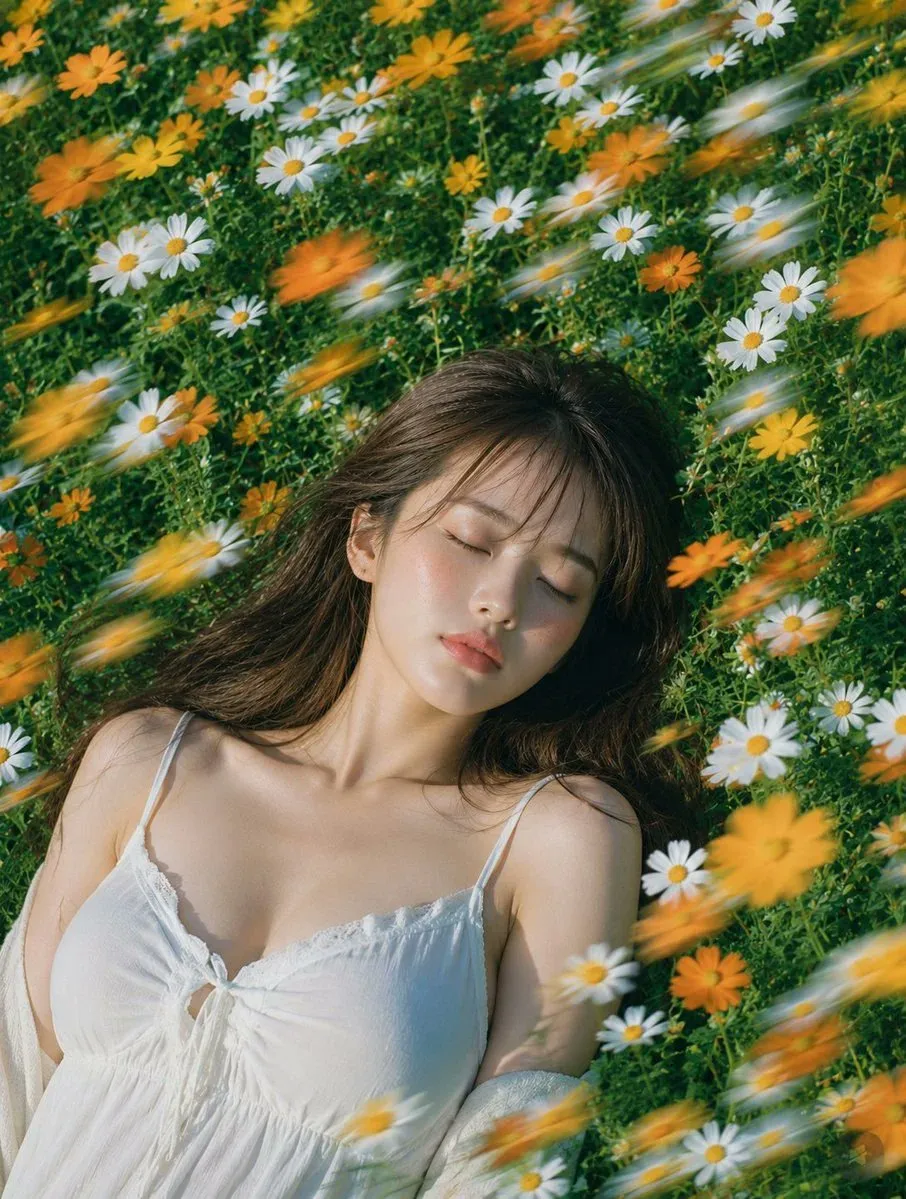
60 GPT Image prompts to copy
Every prompt below links to the full prompt page with the image and copy button.
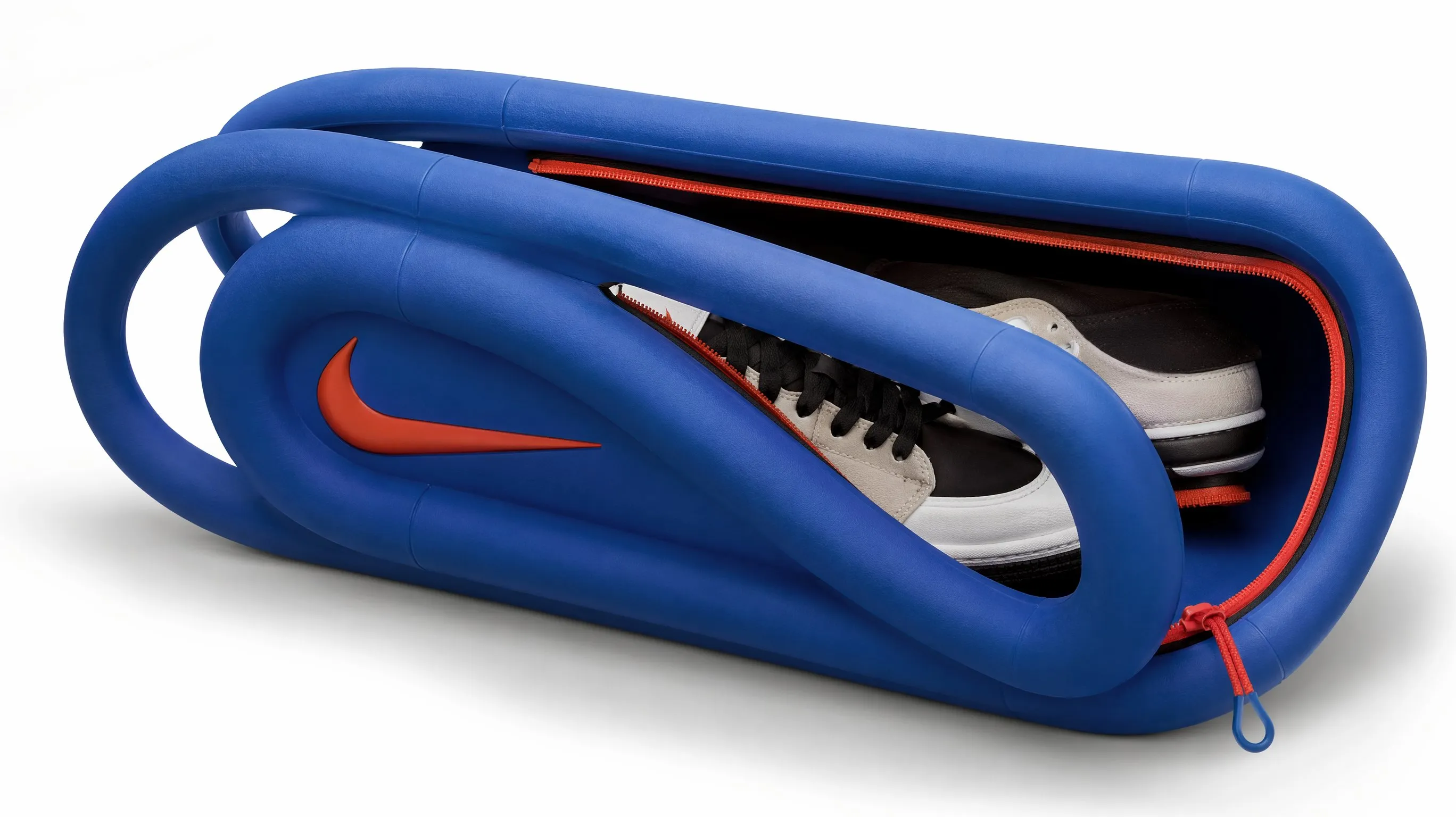
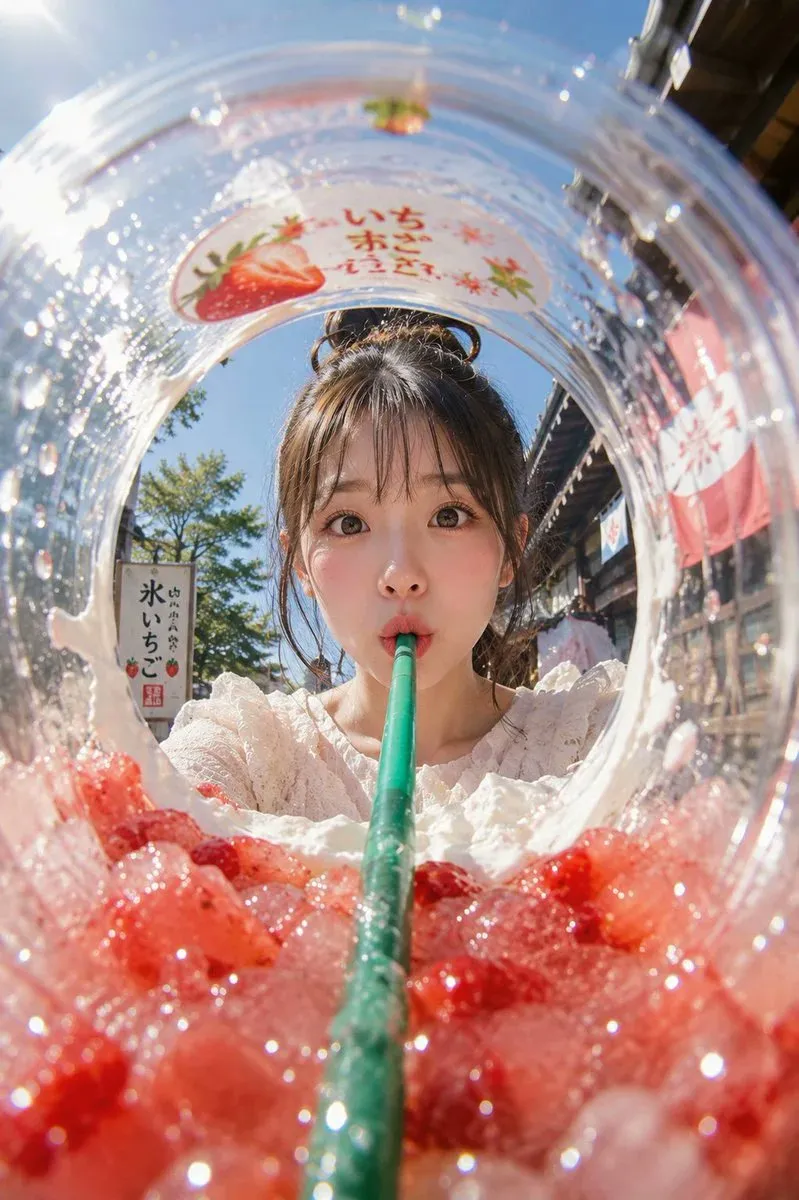
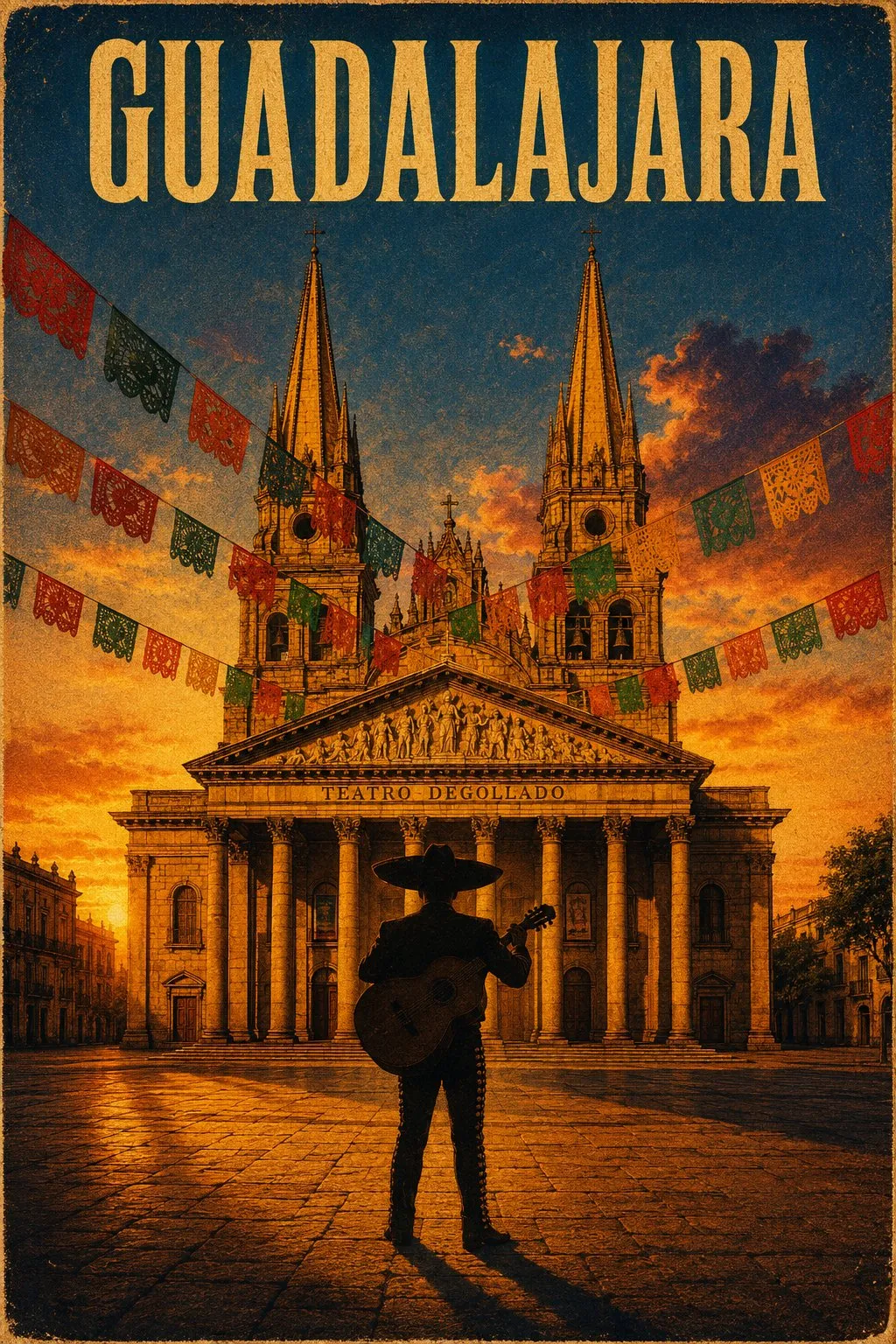
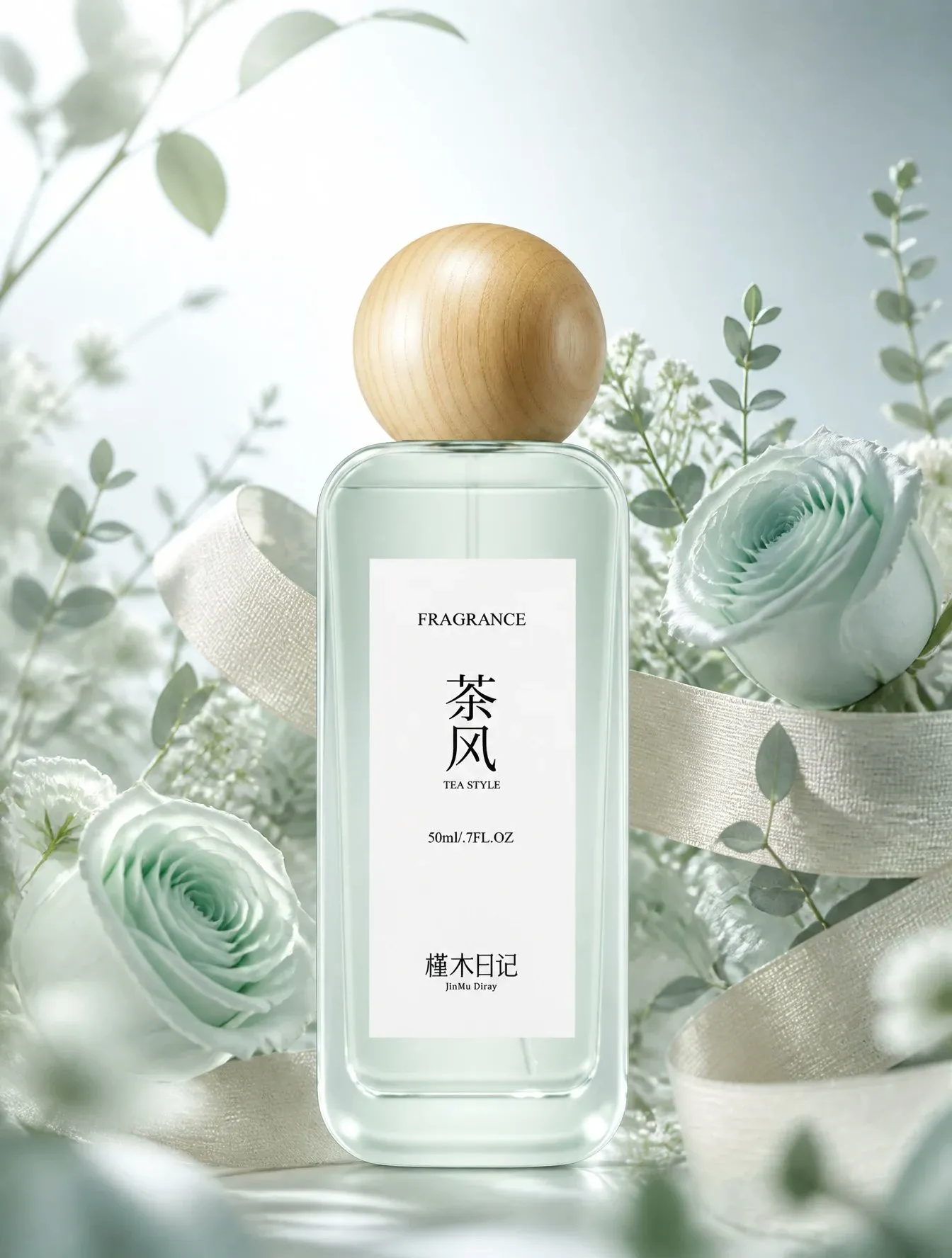
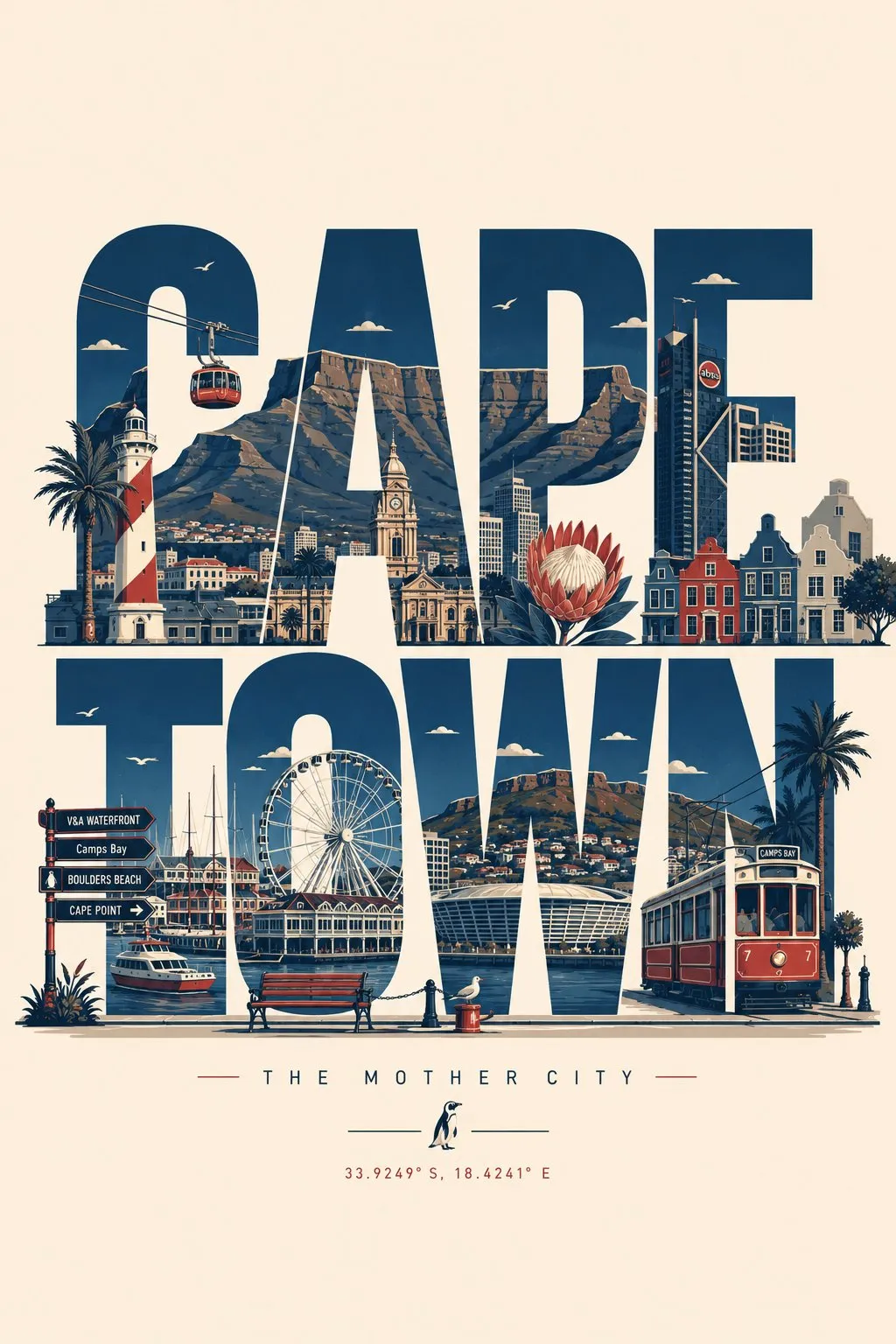
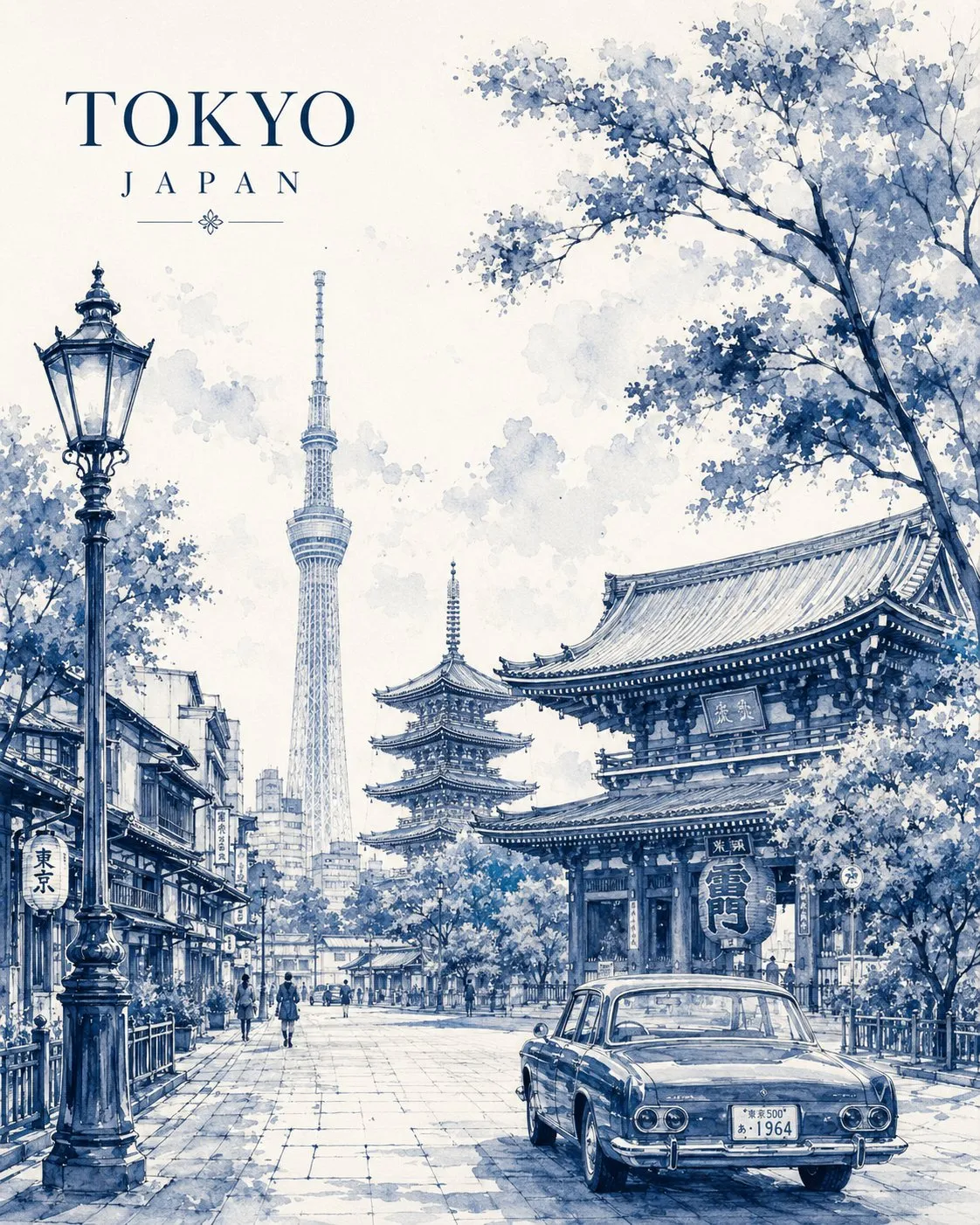
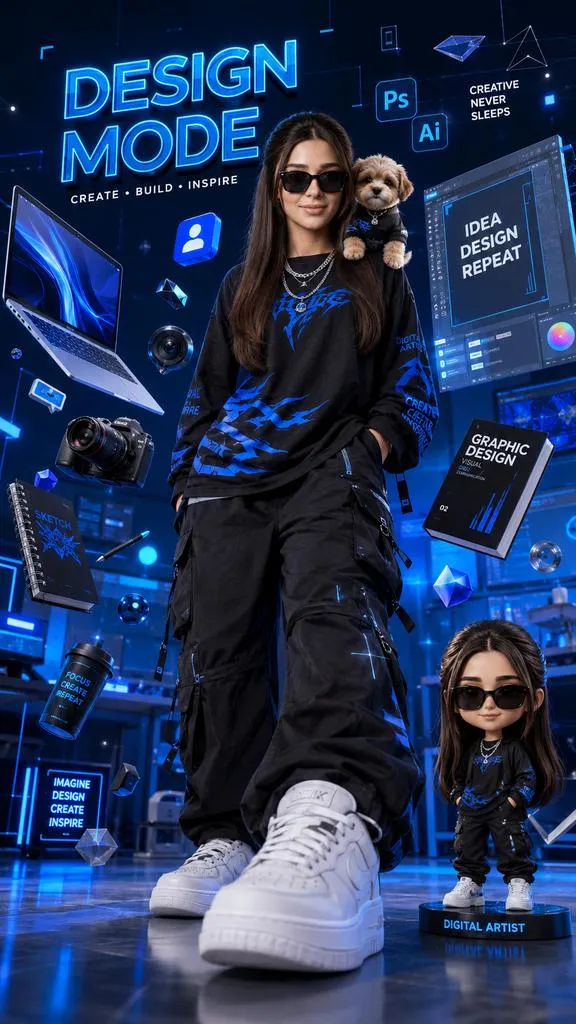
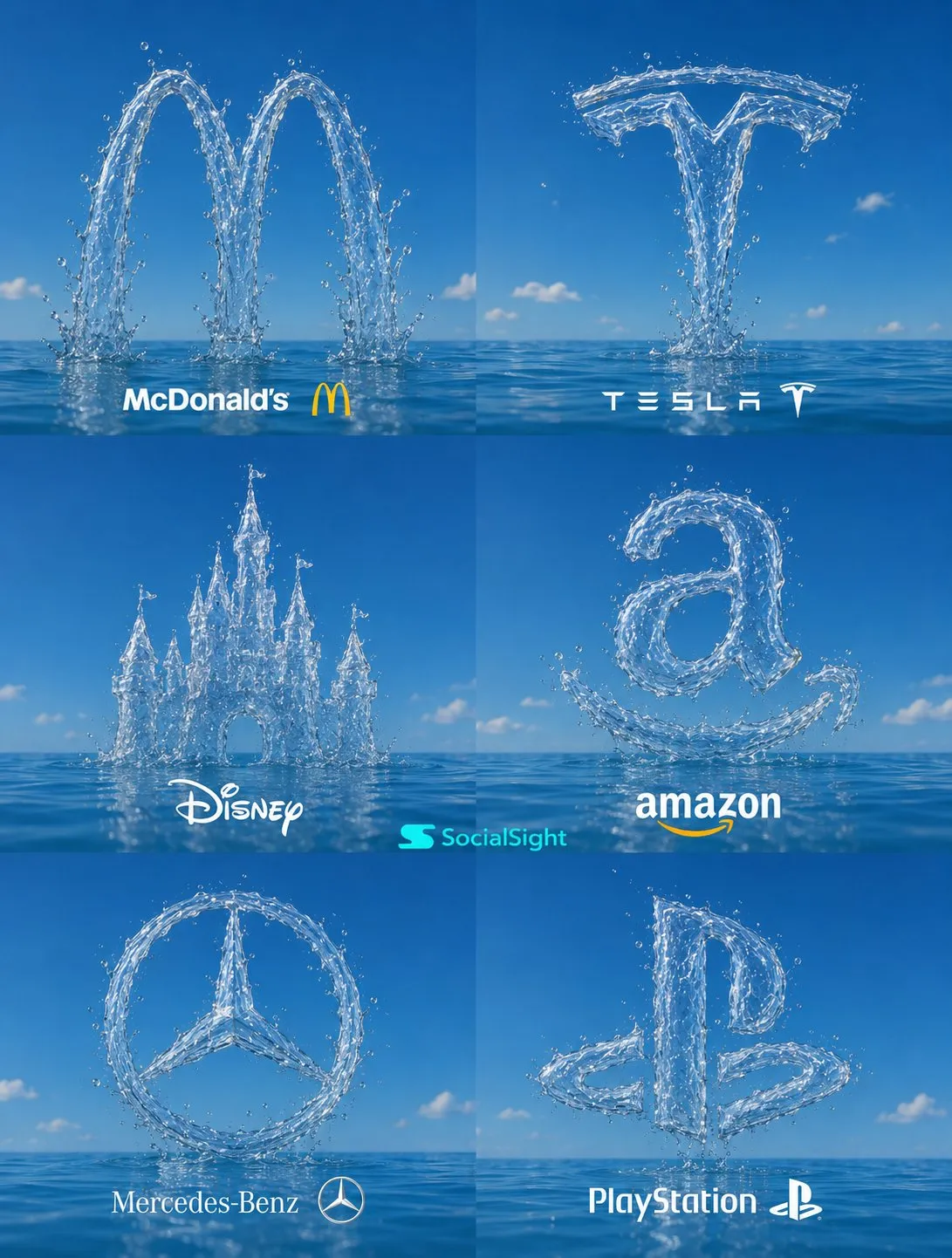
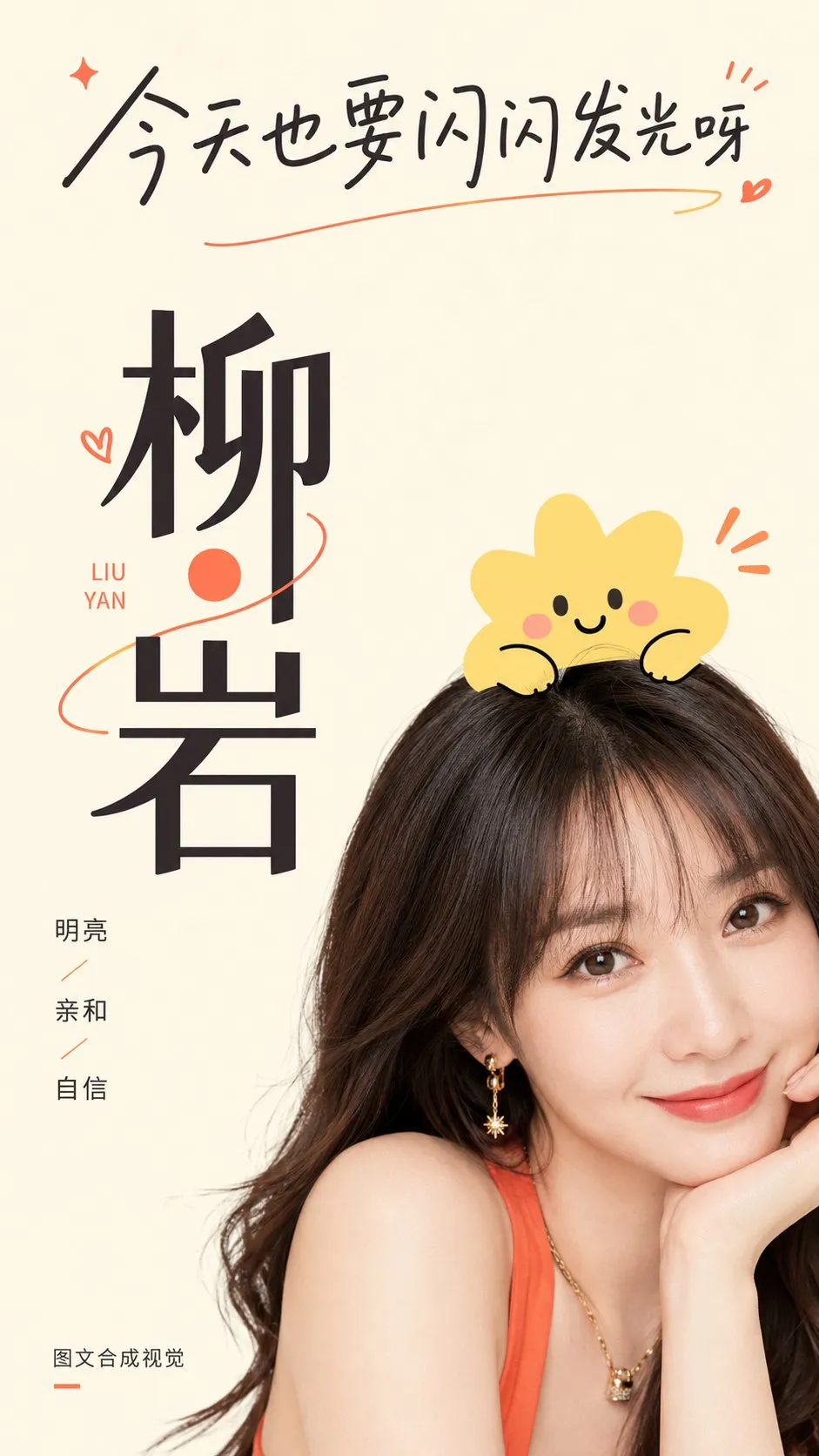
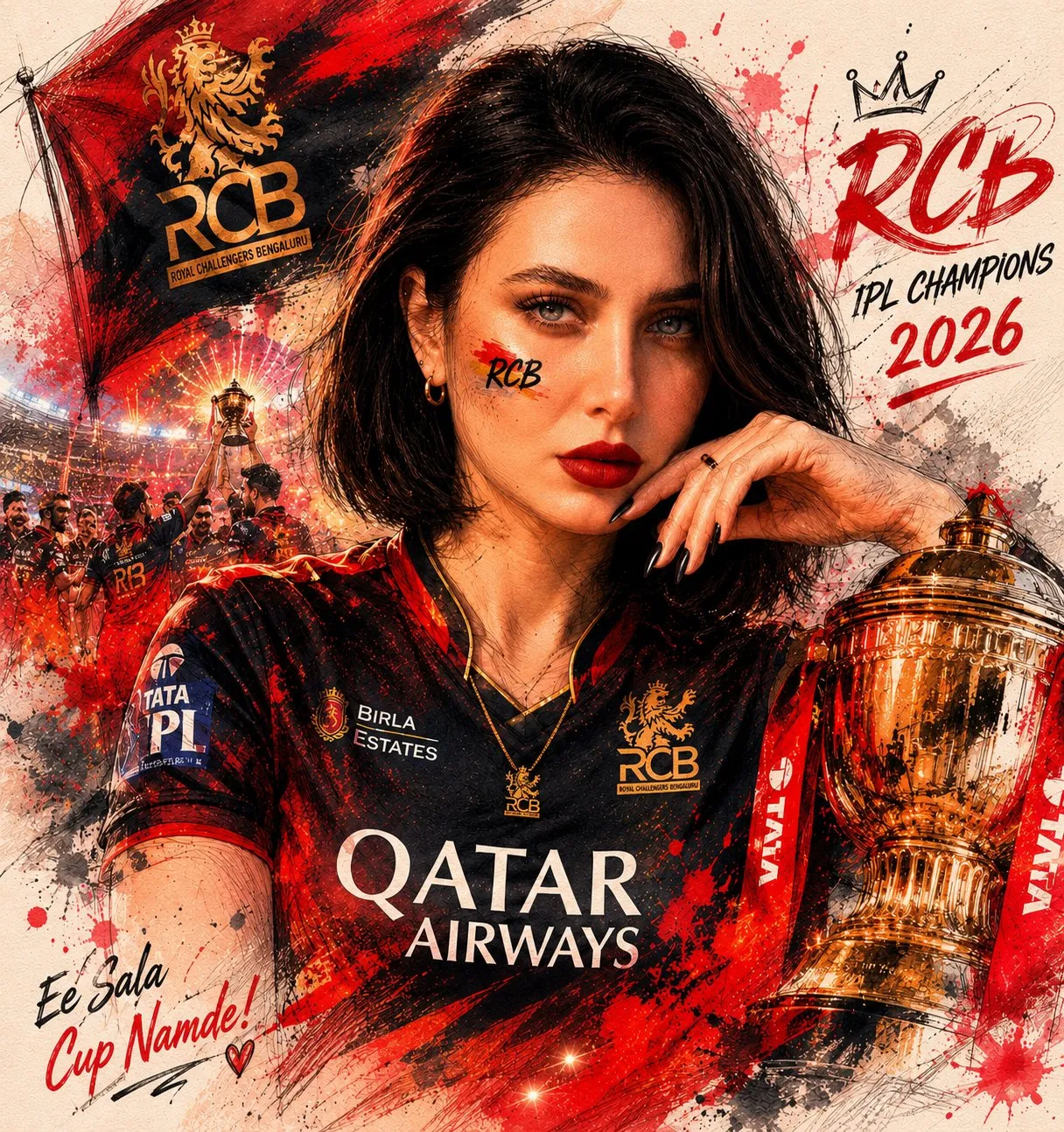
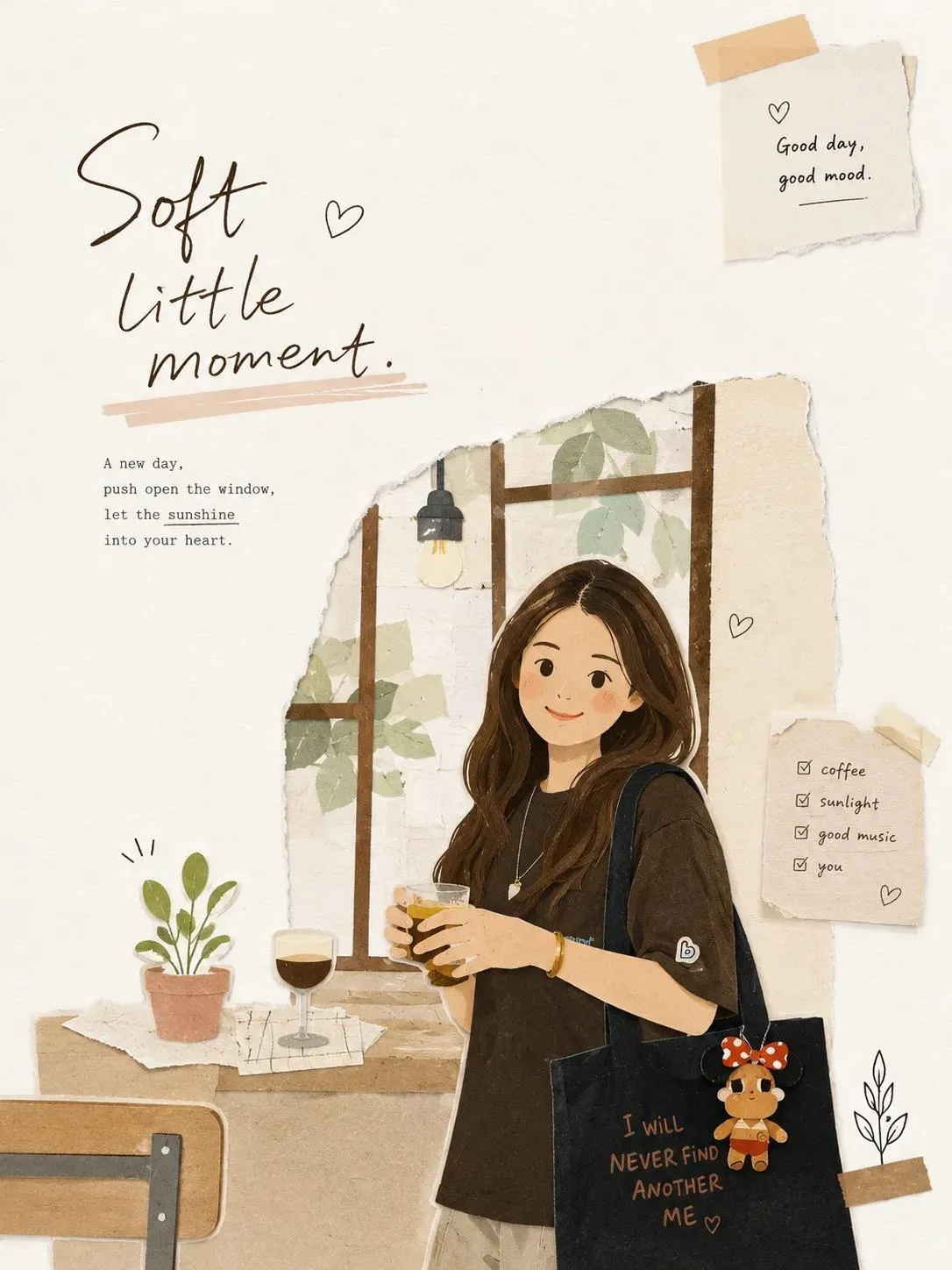
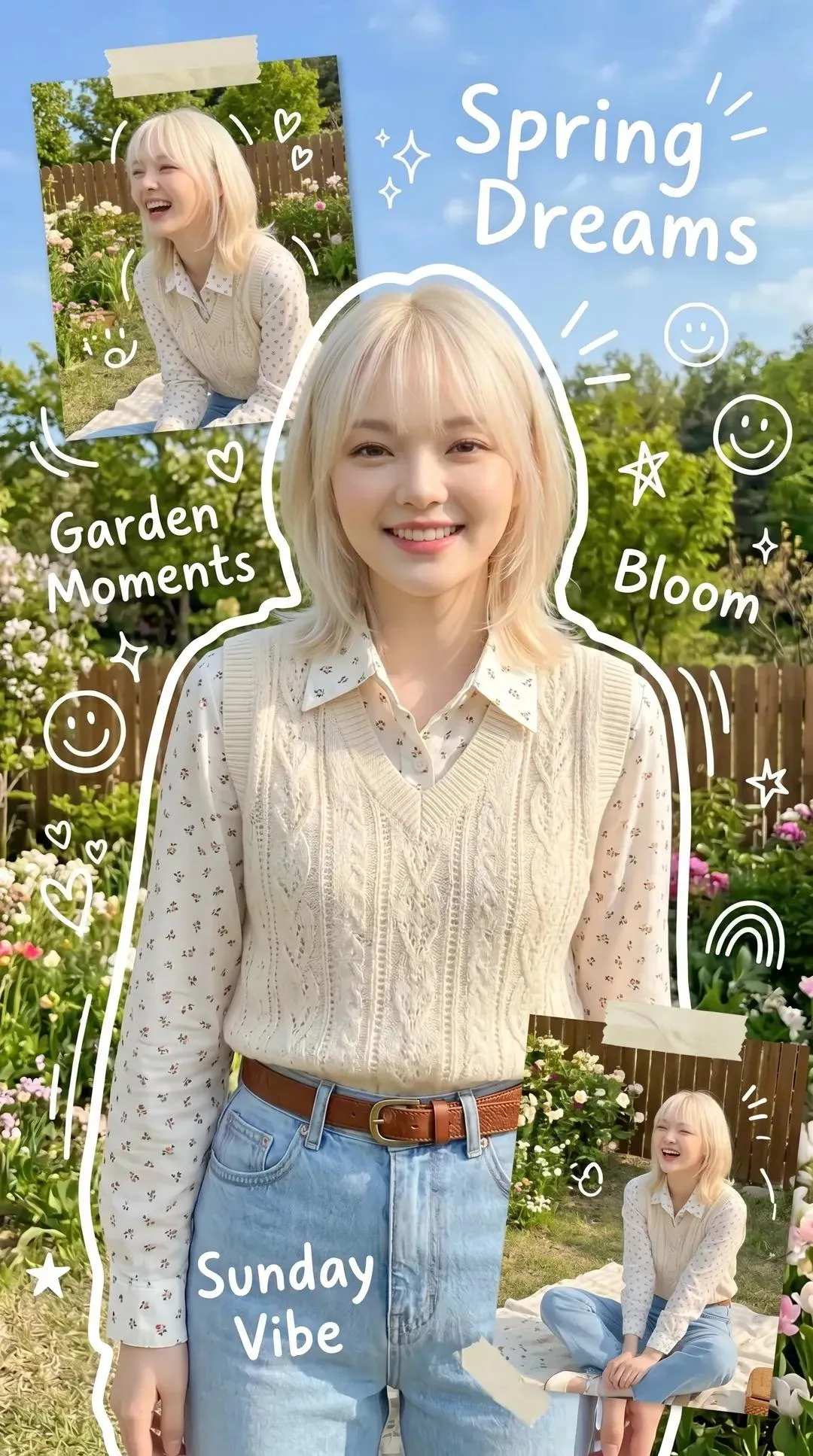
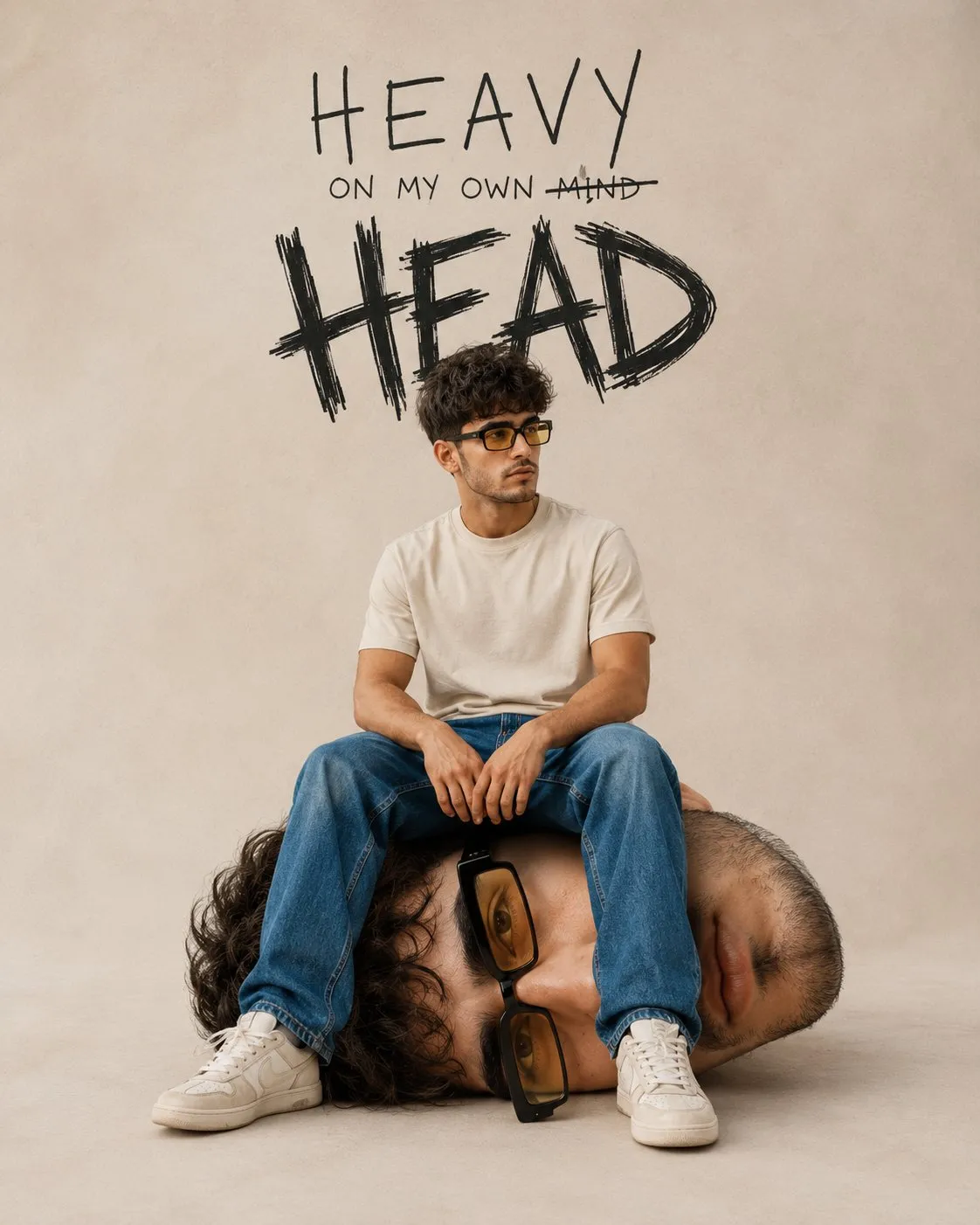
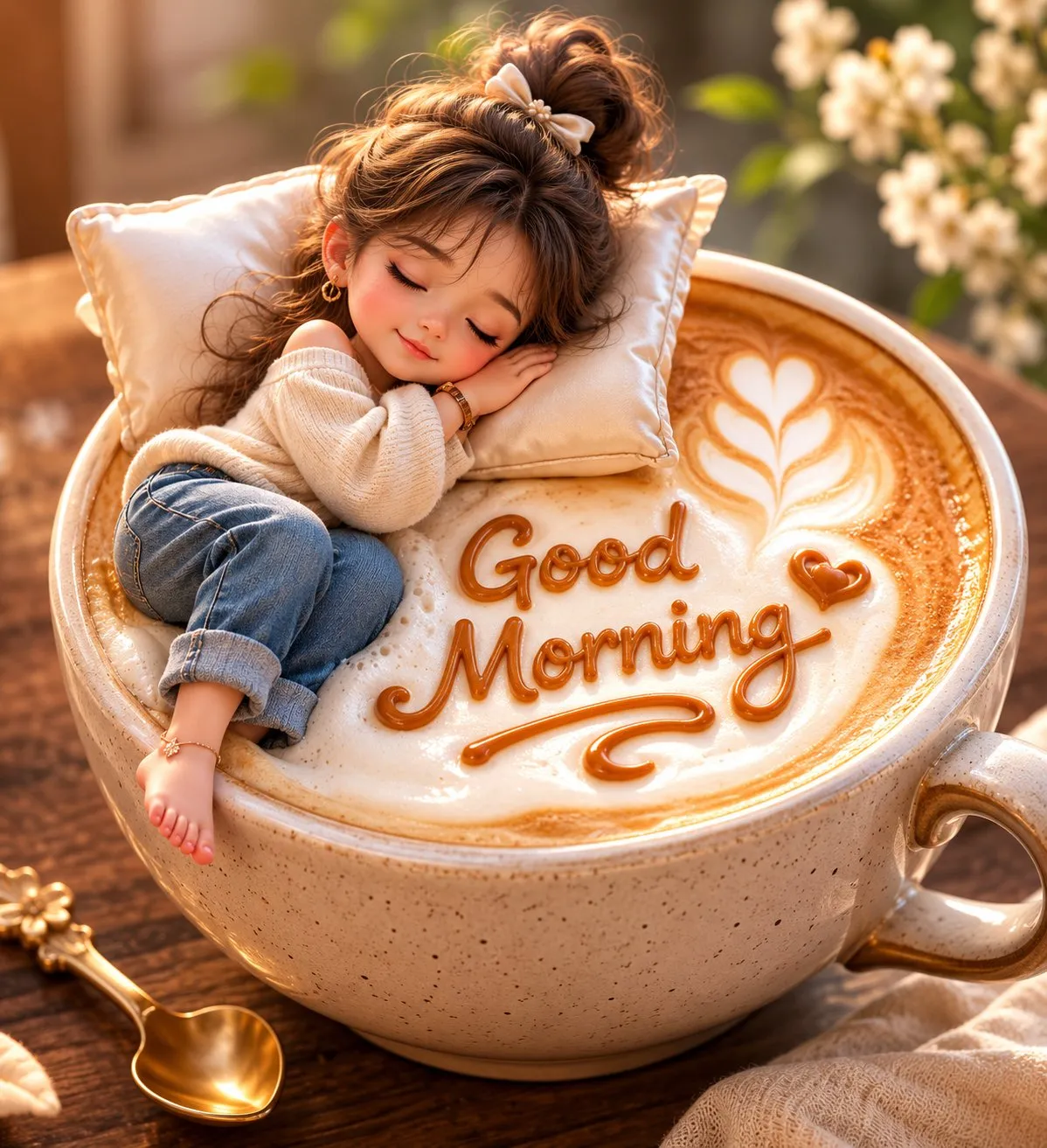
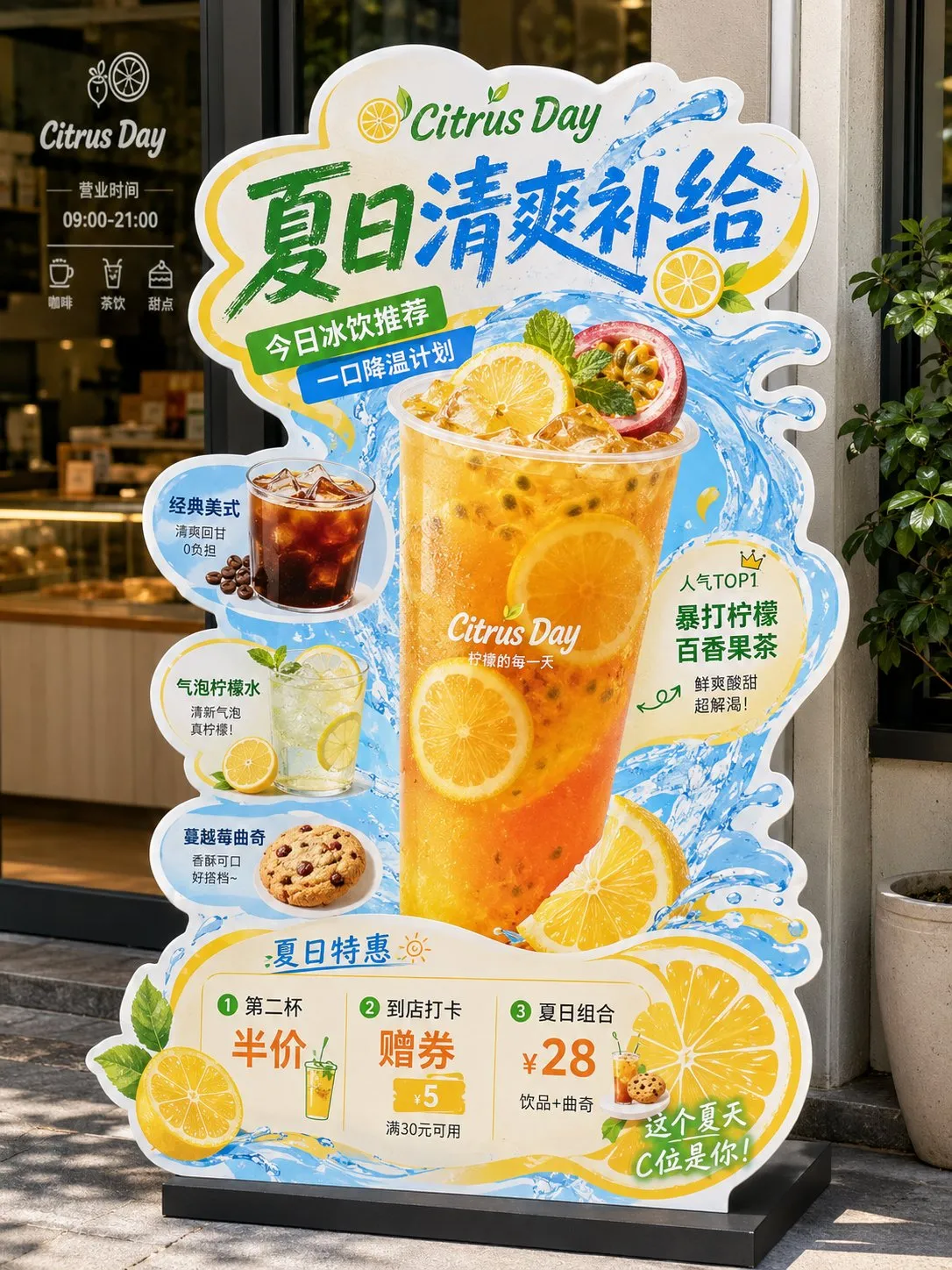
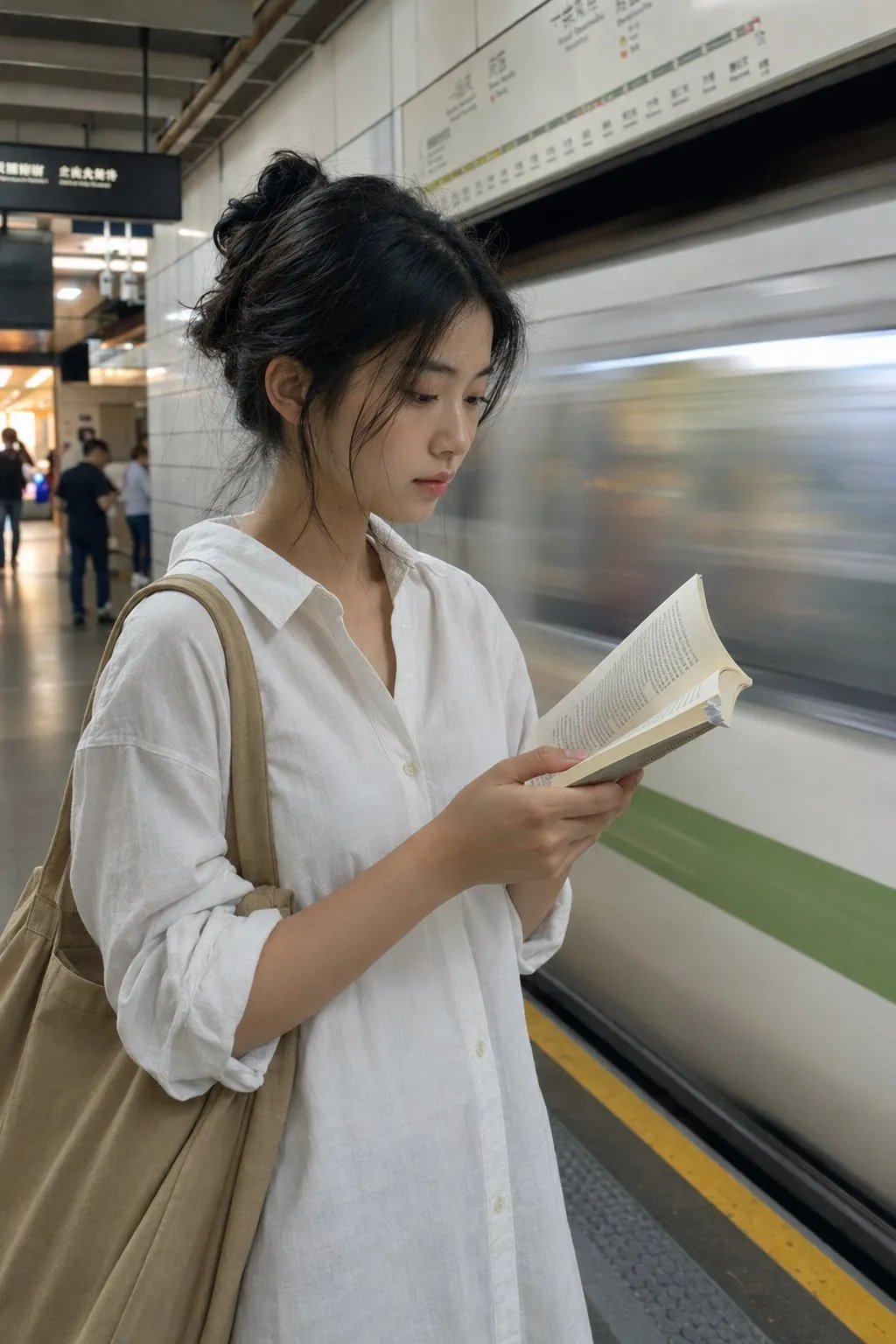
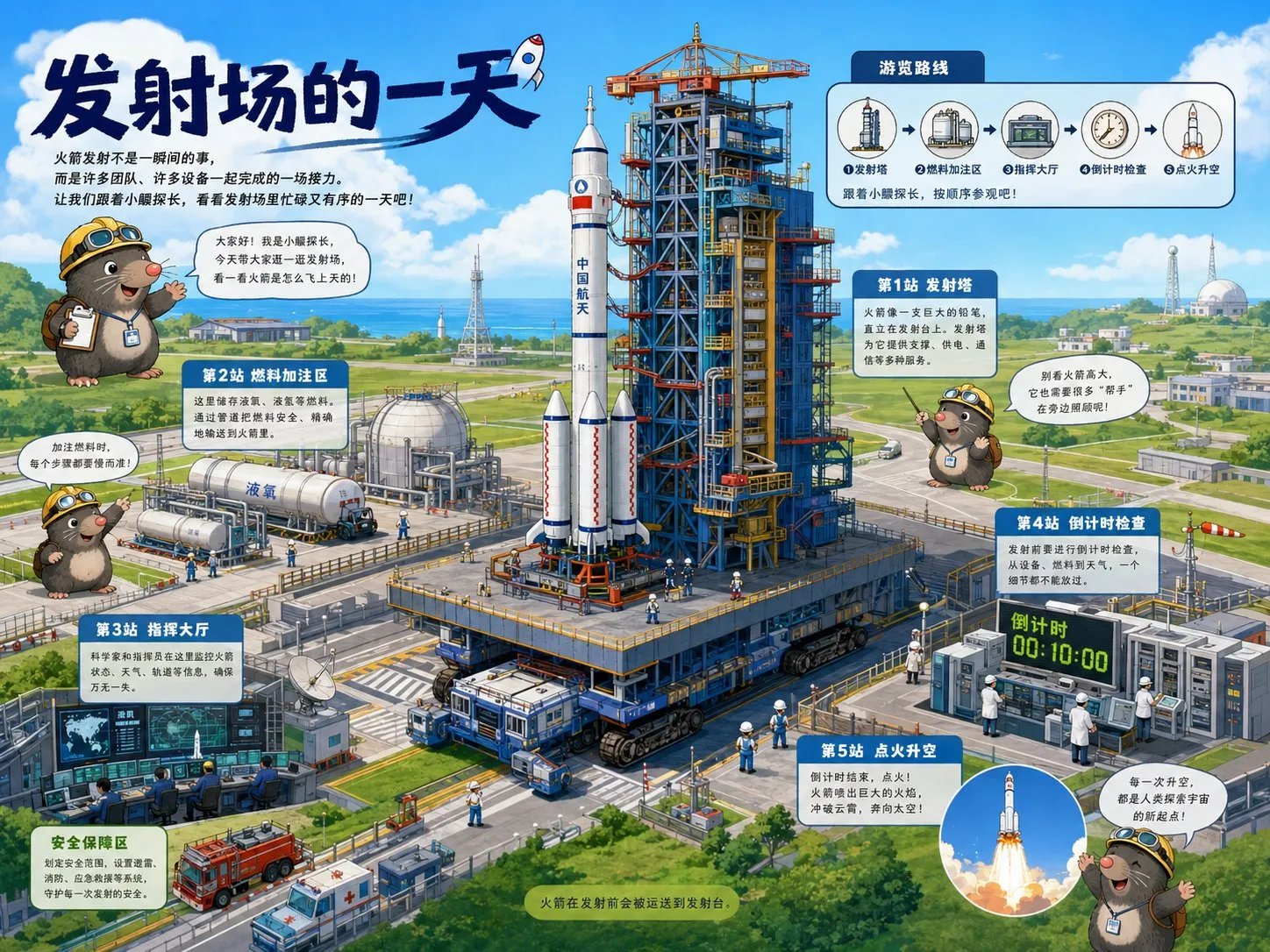
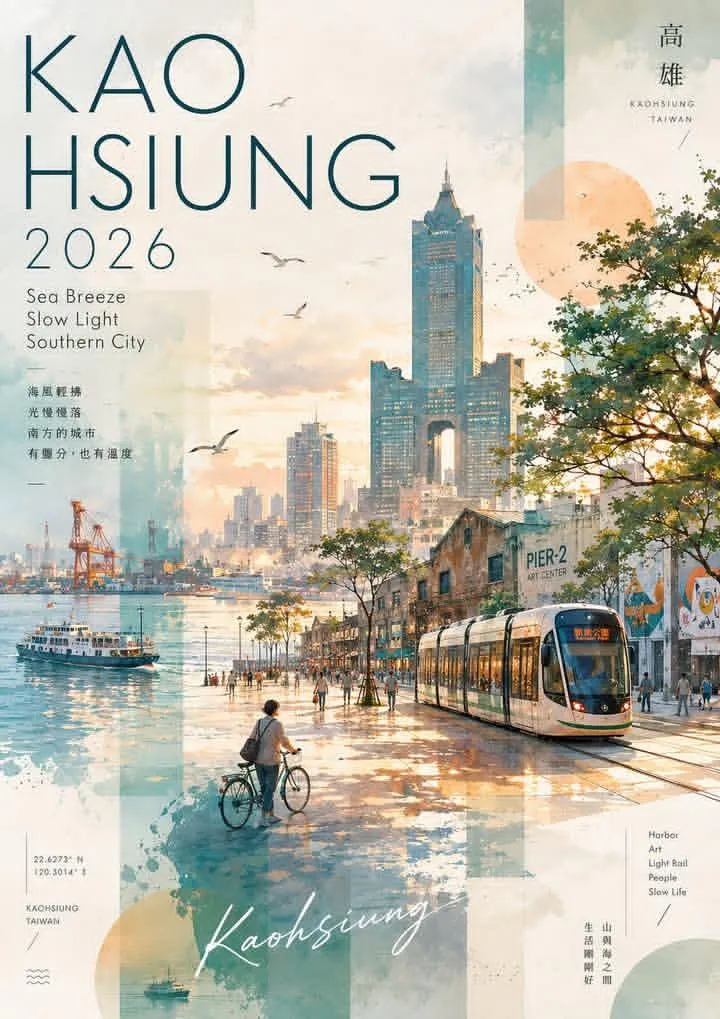
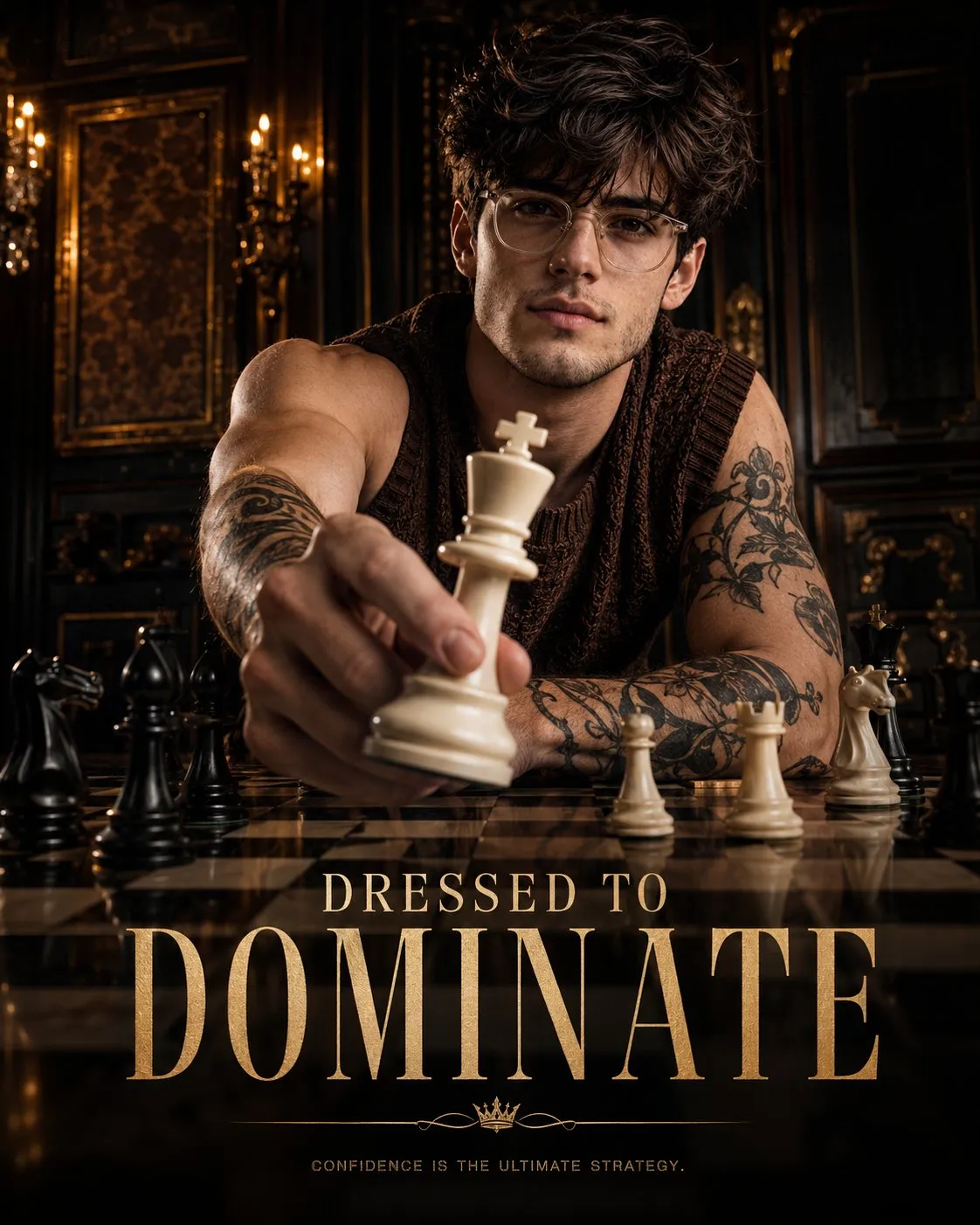
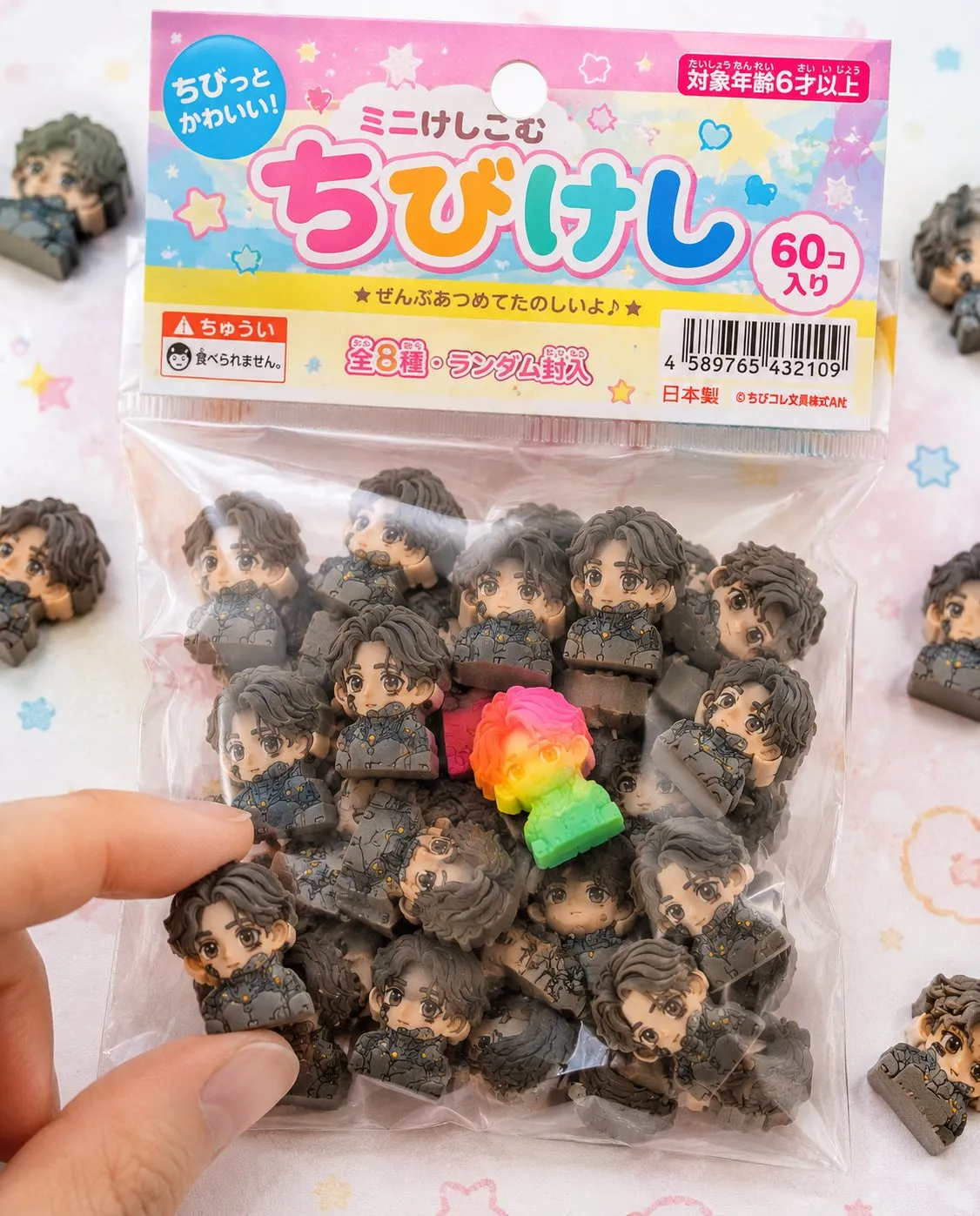
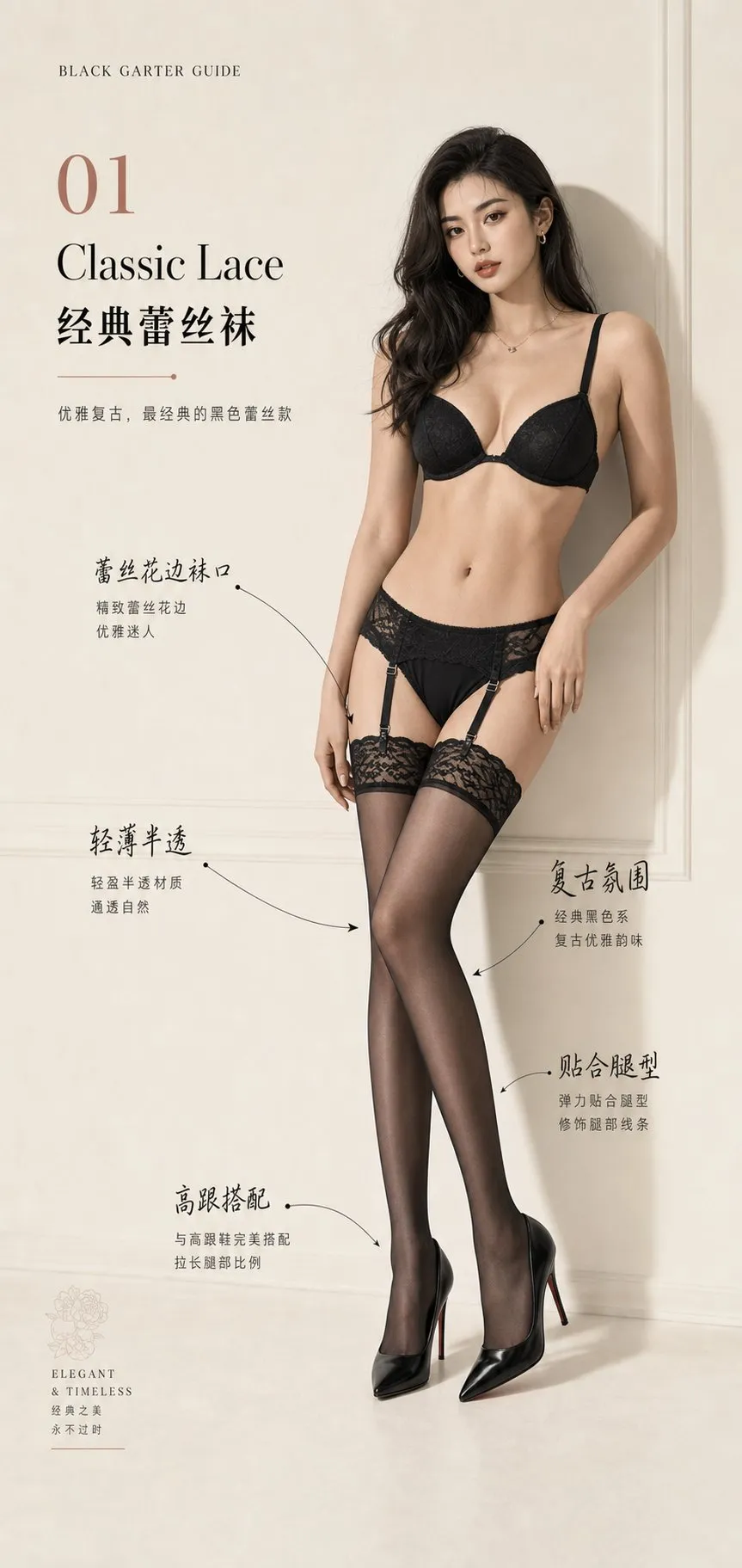
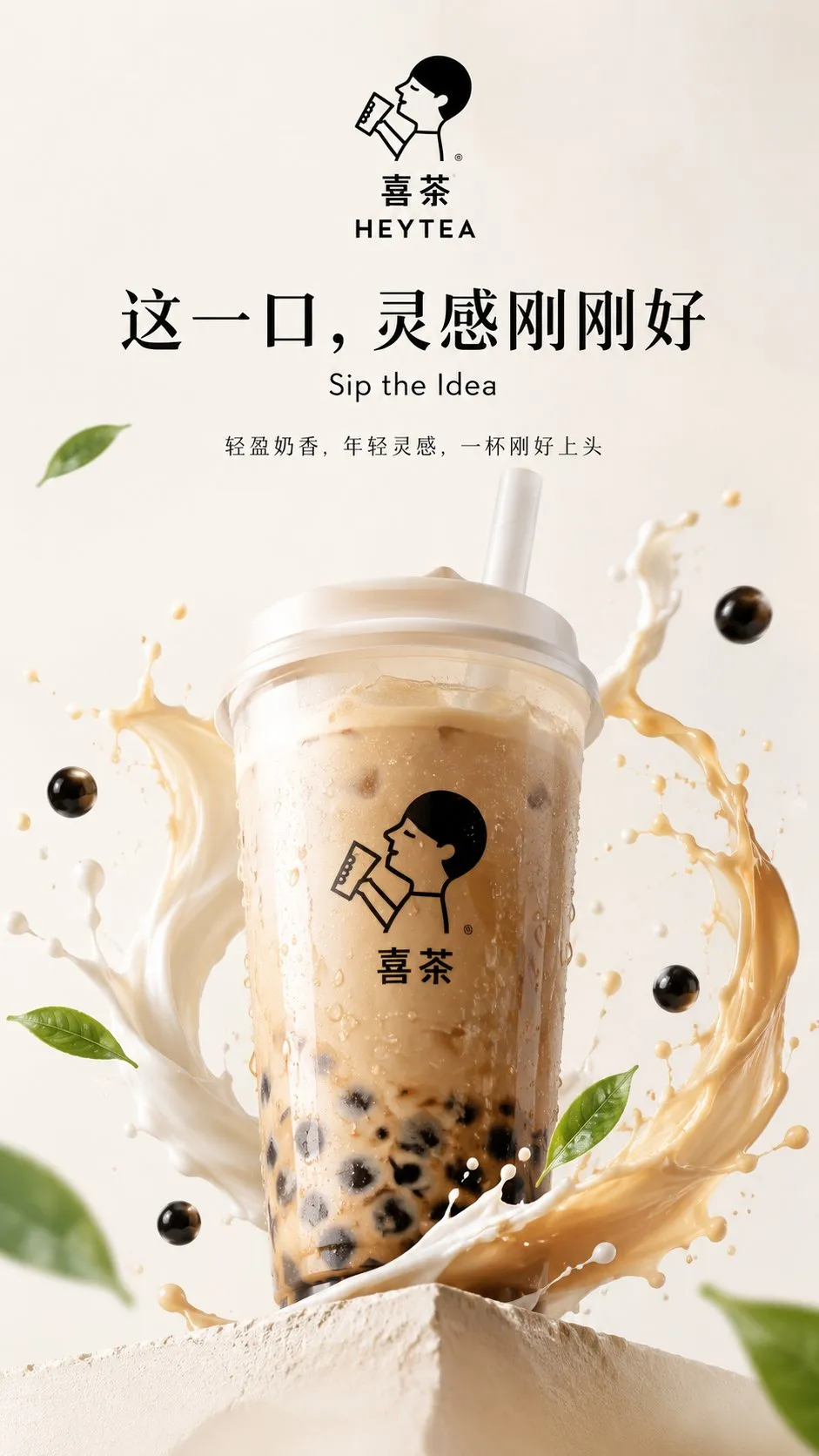
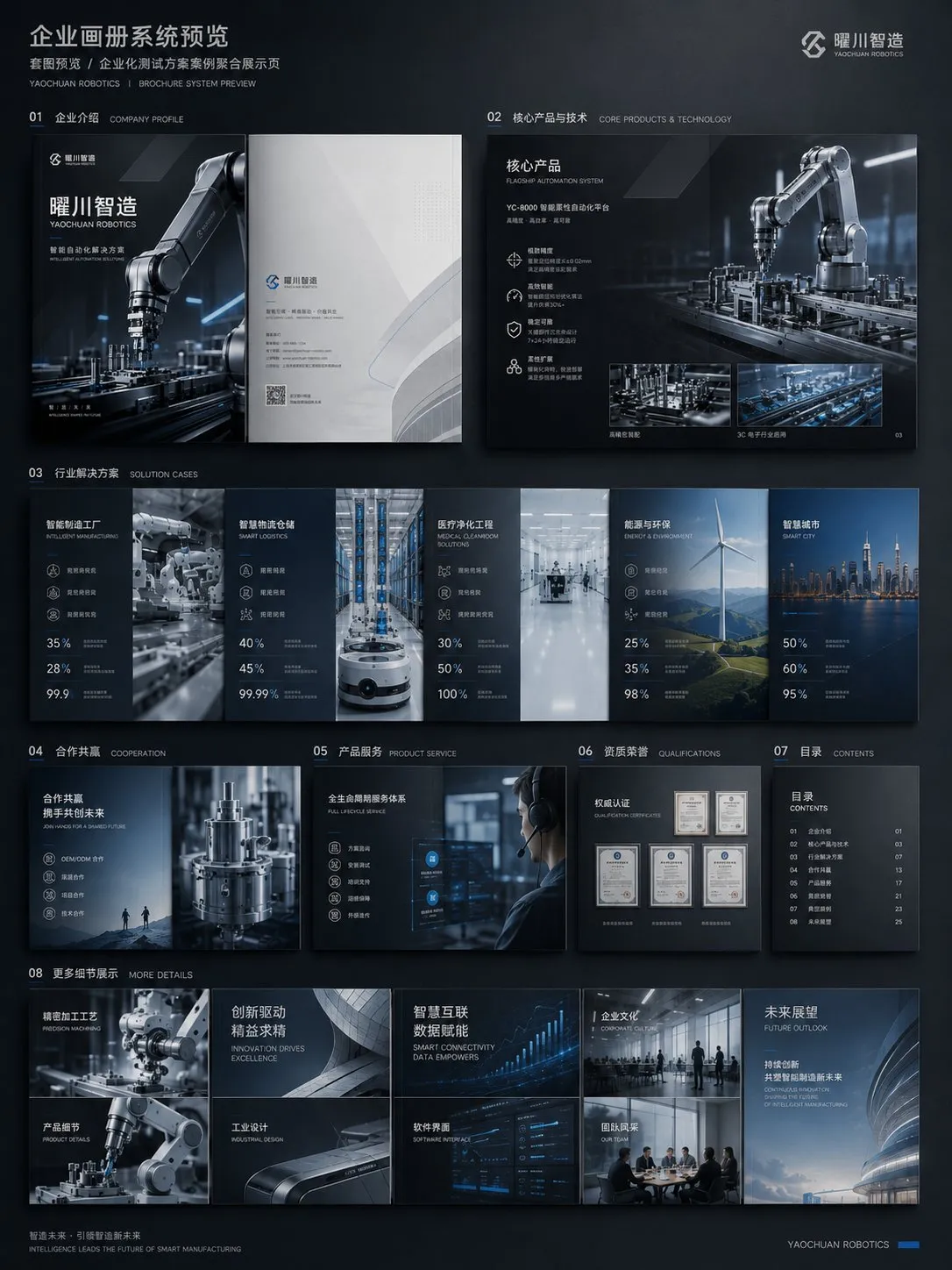
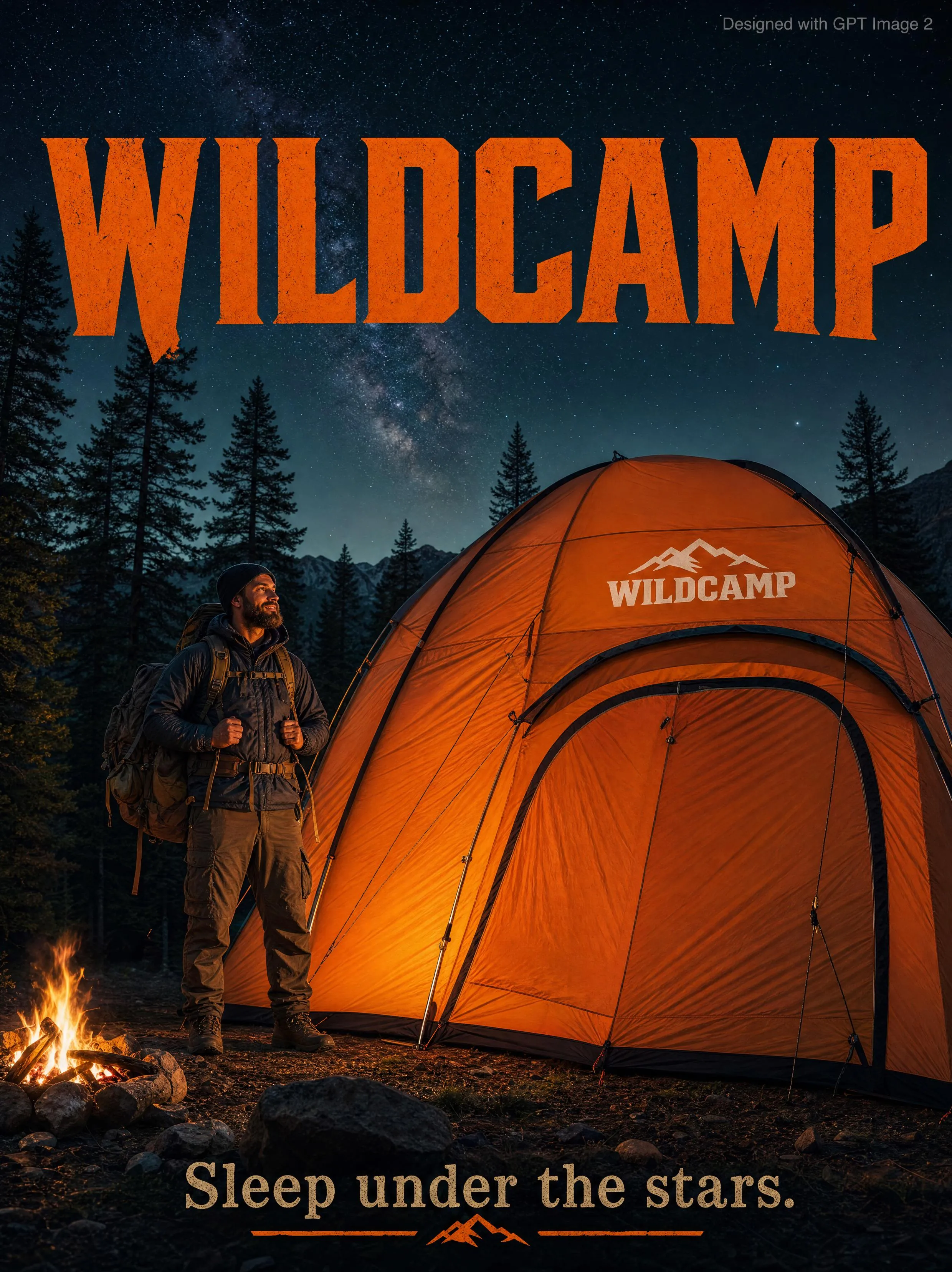
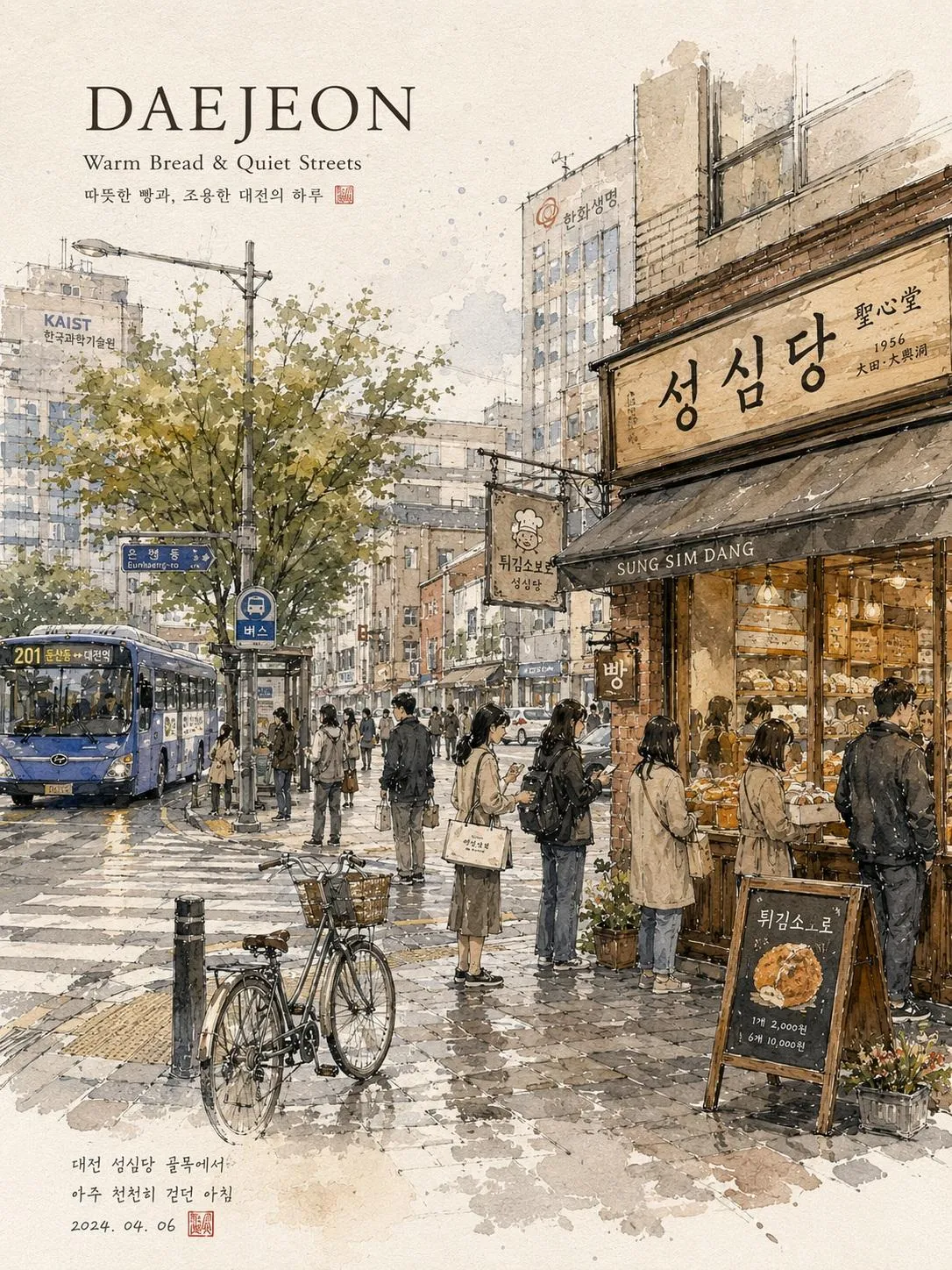
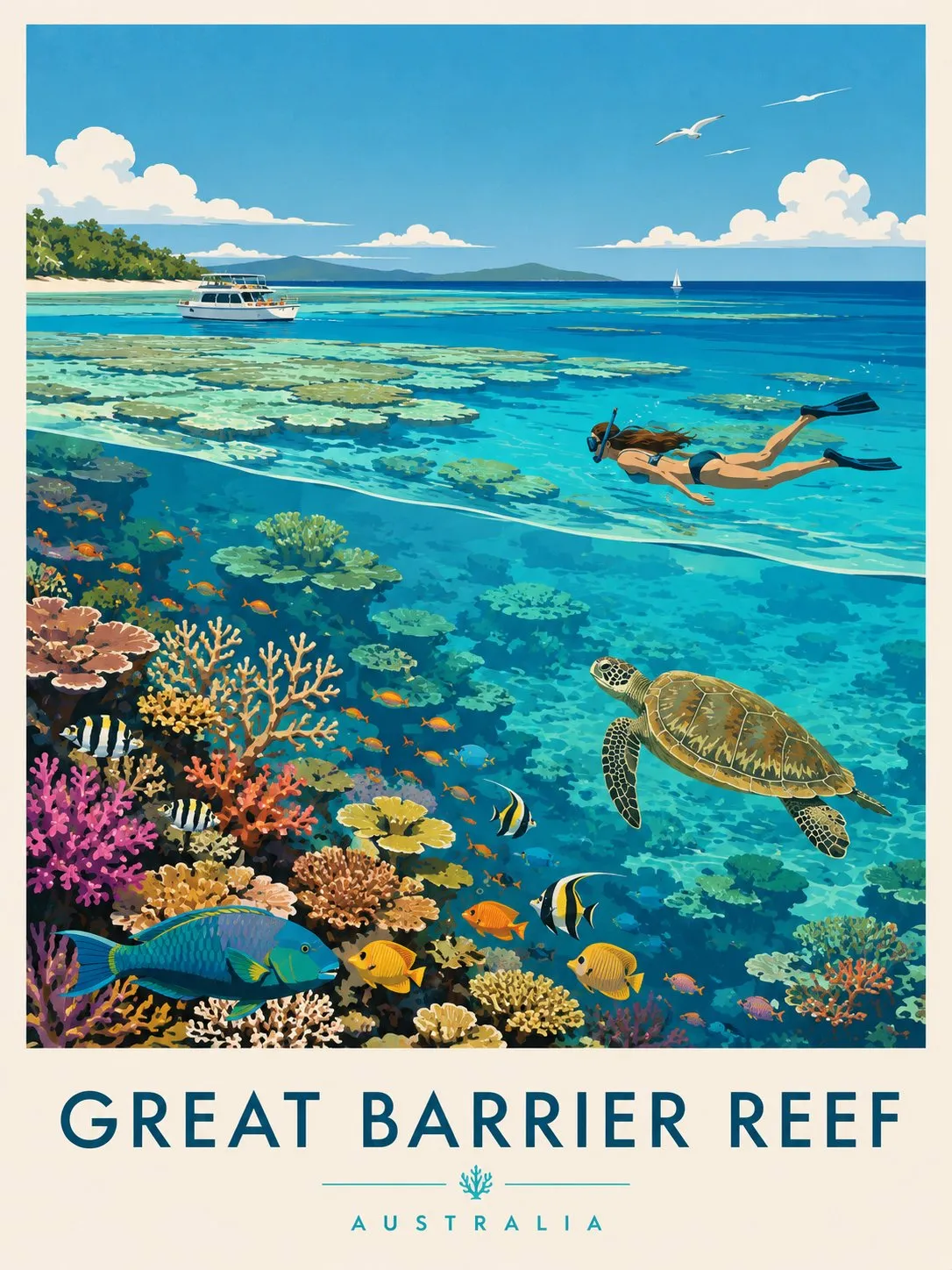
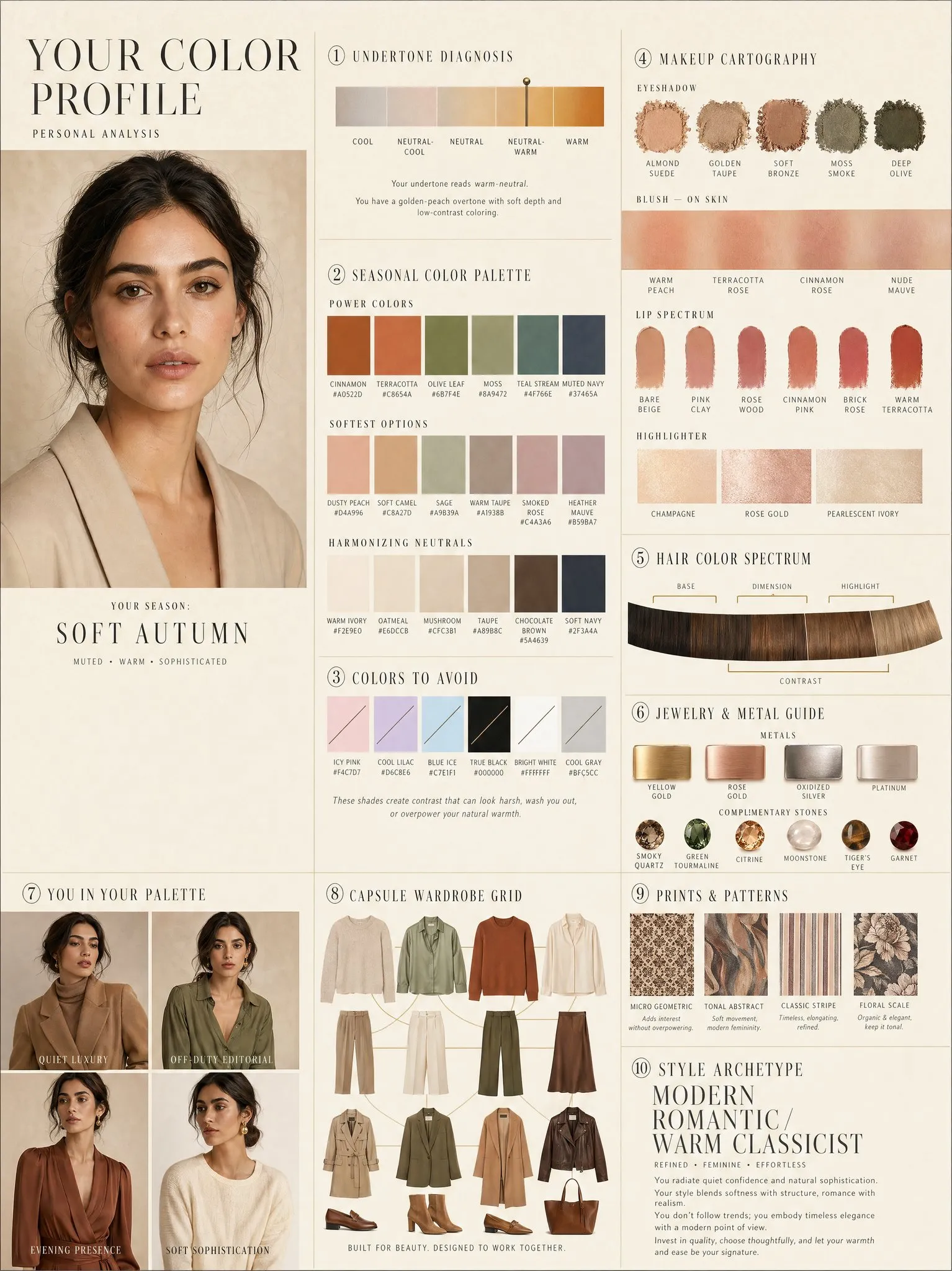
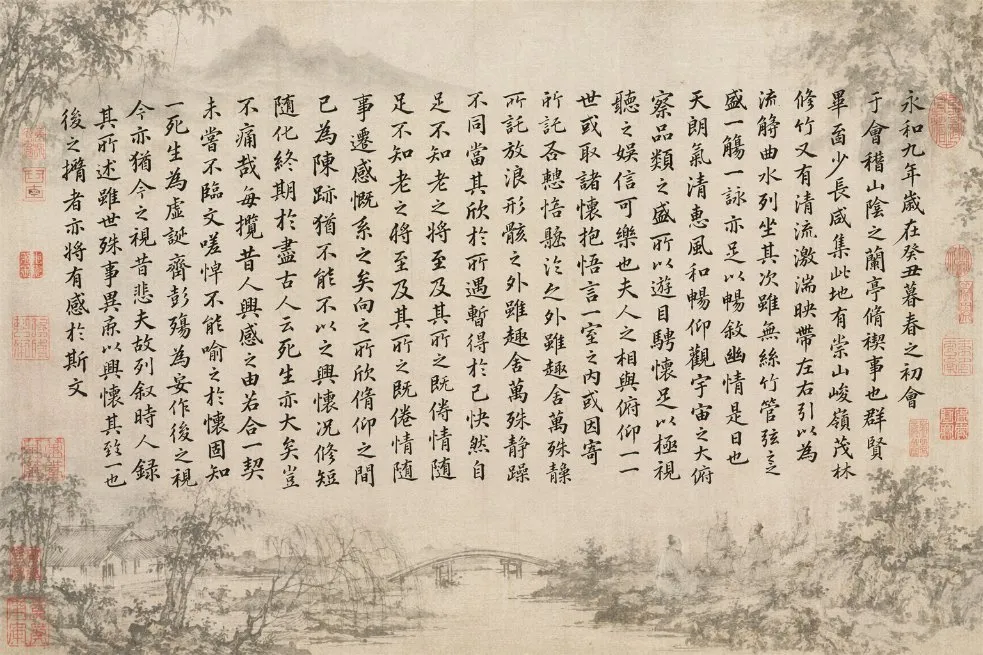
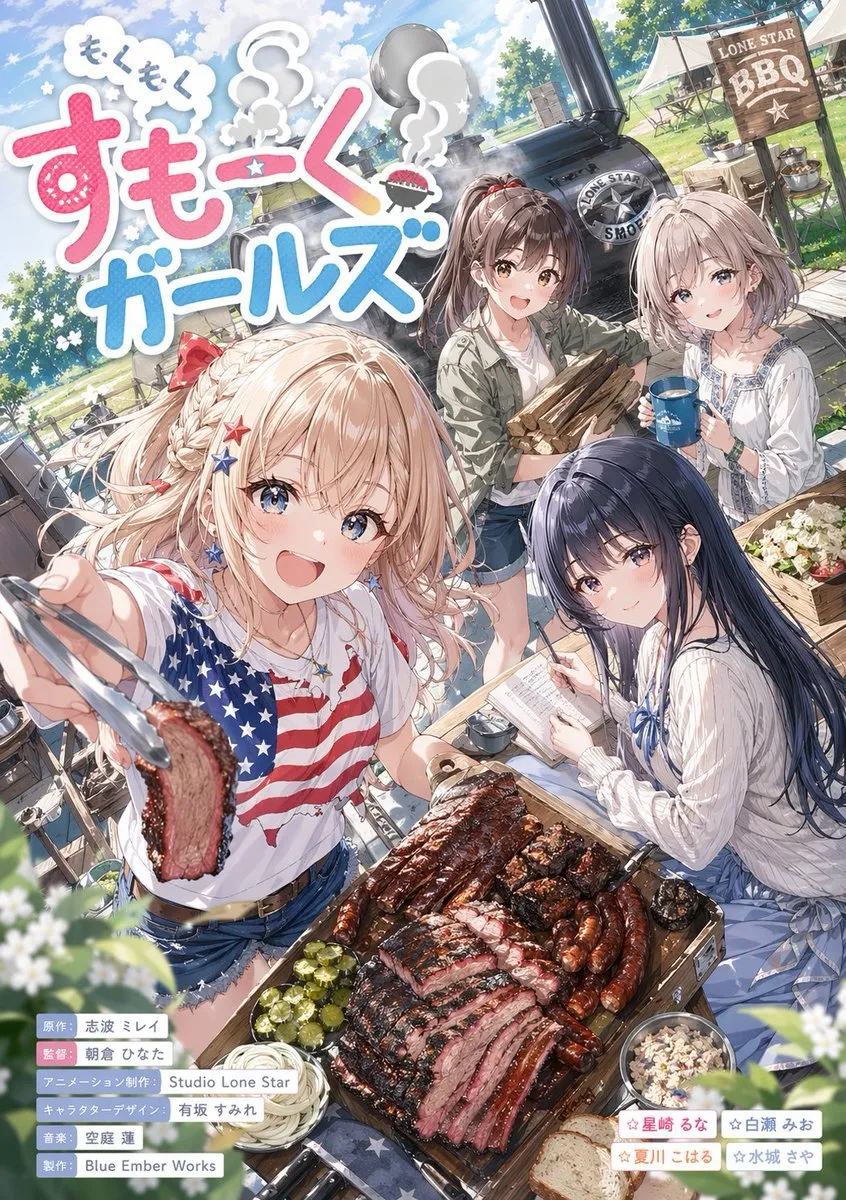
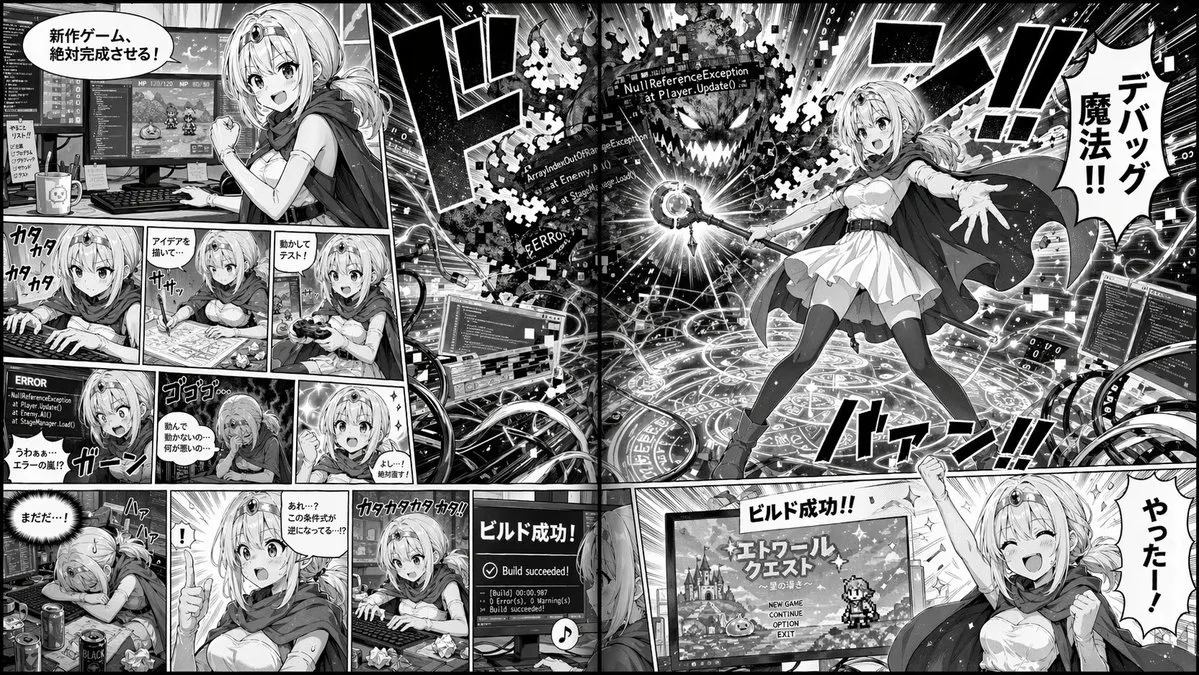
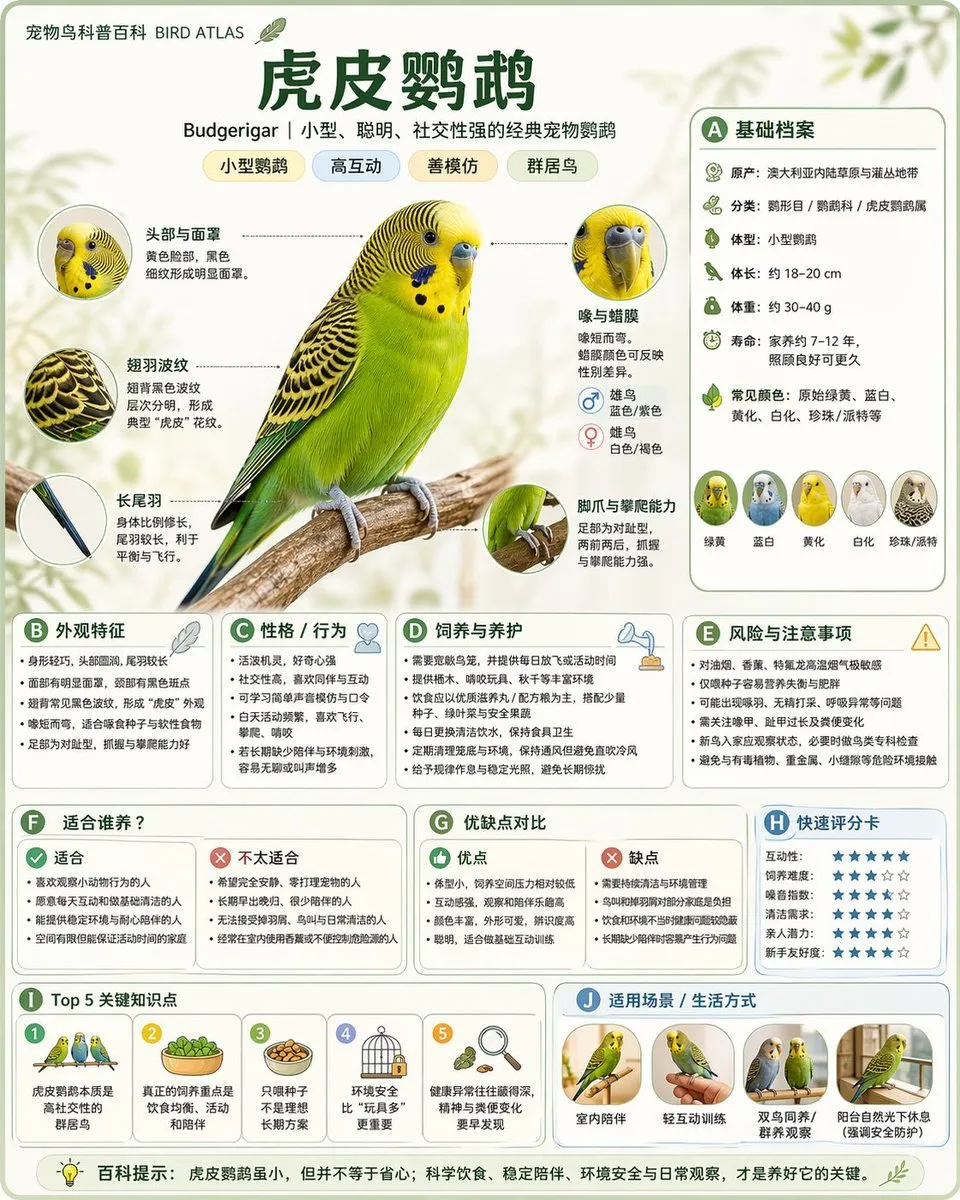
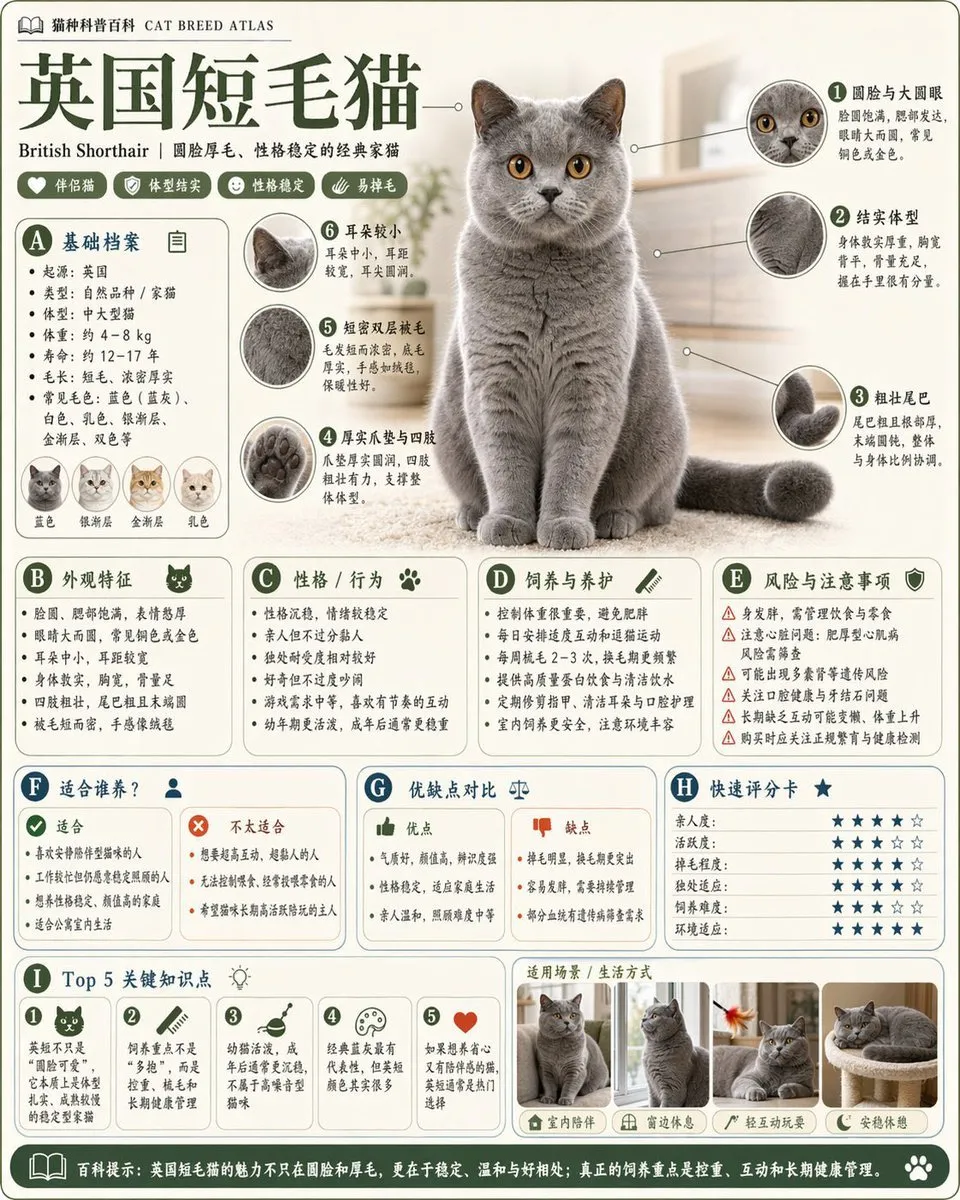
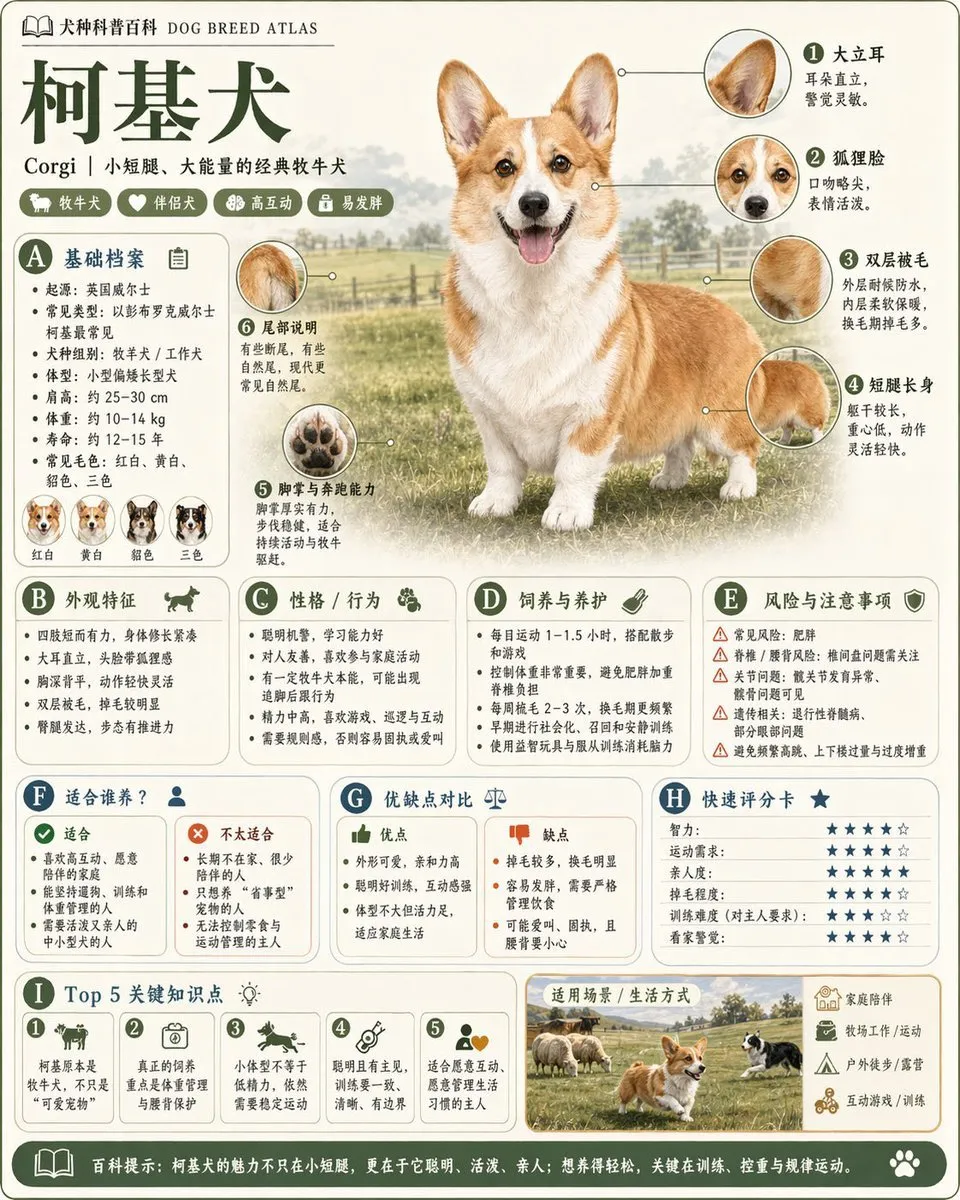
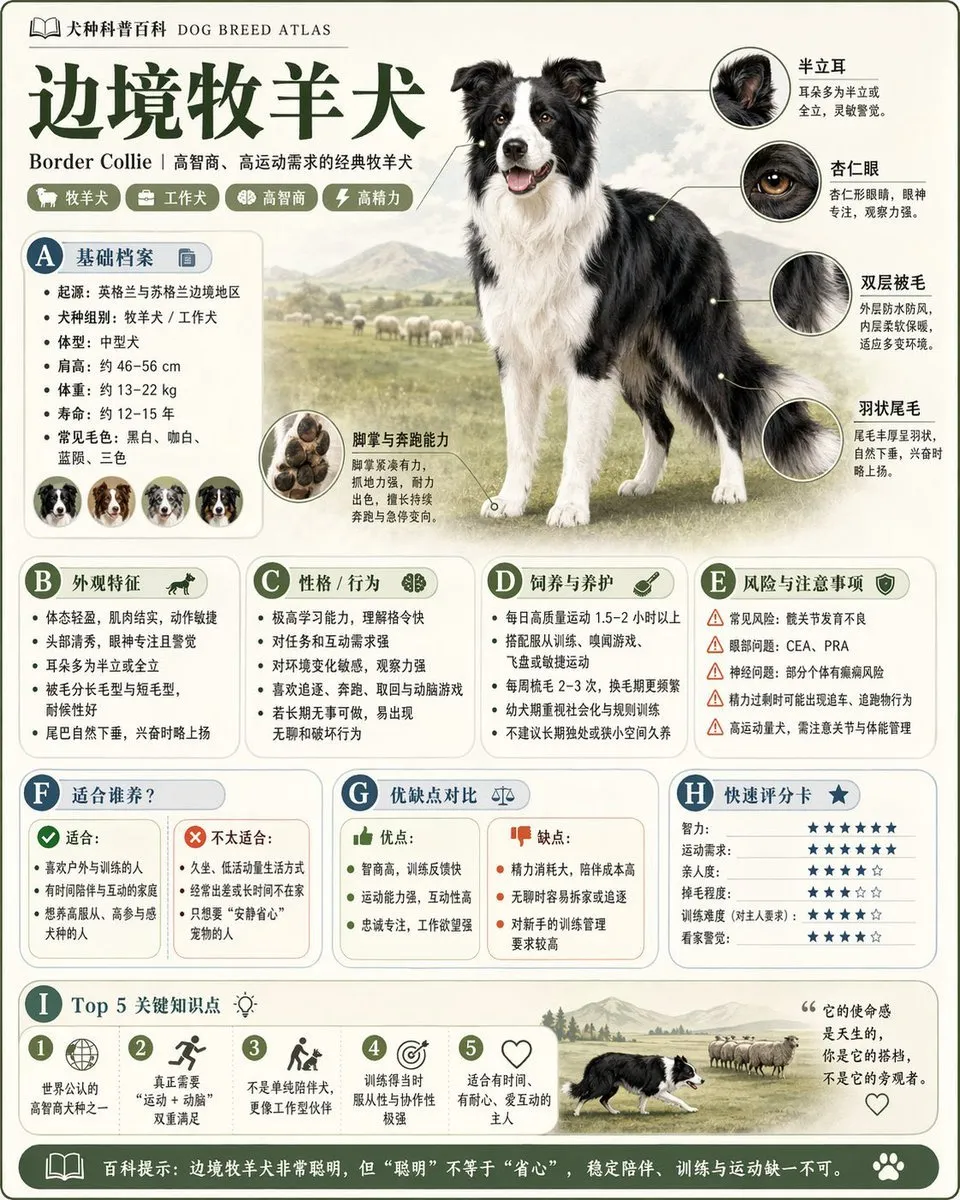
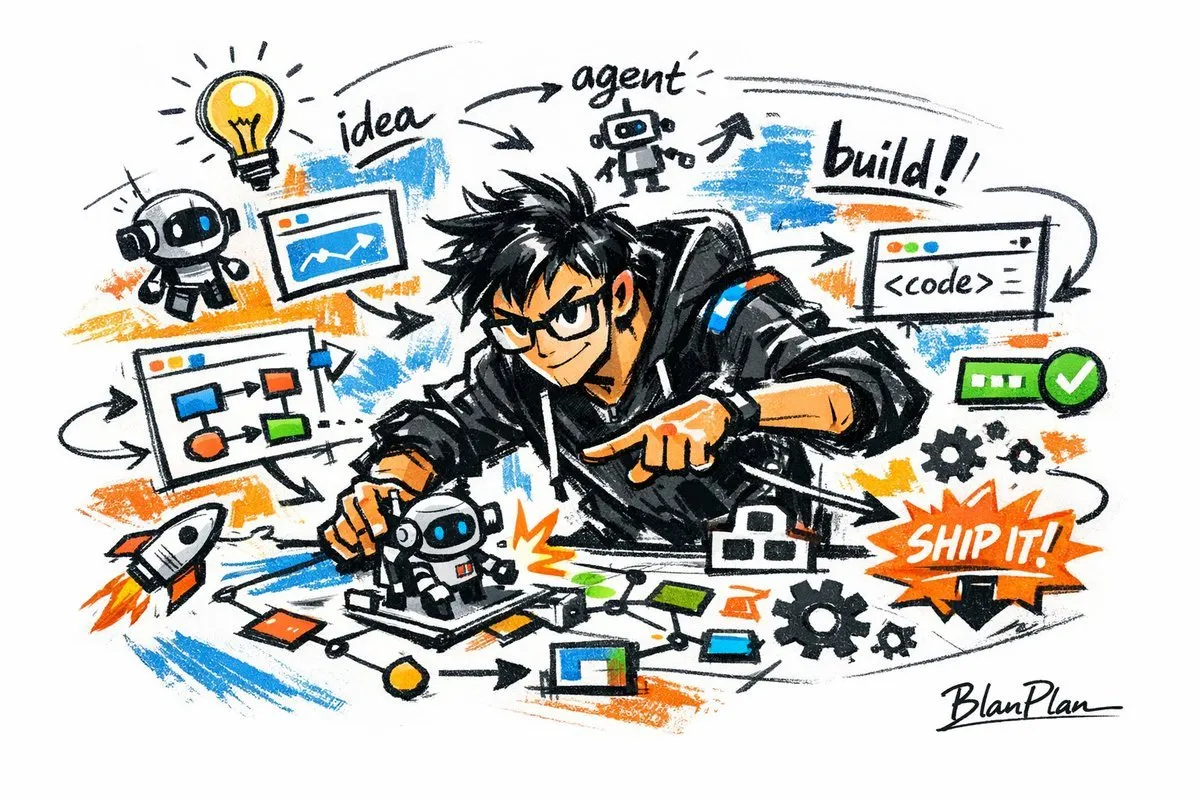
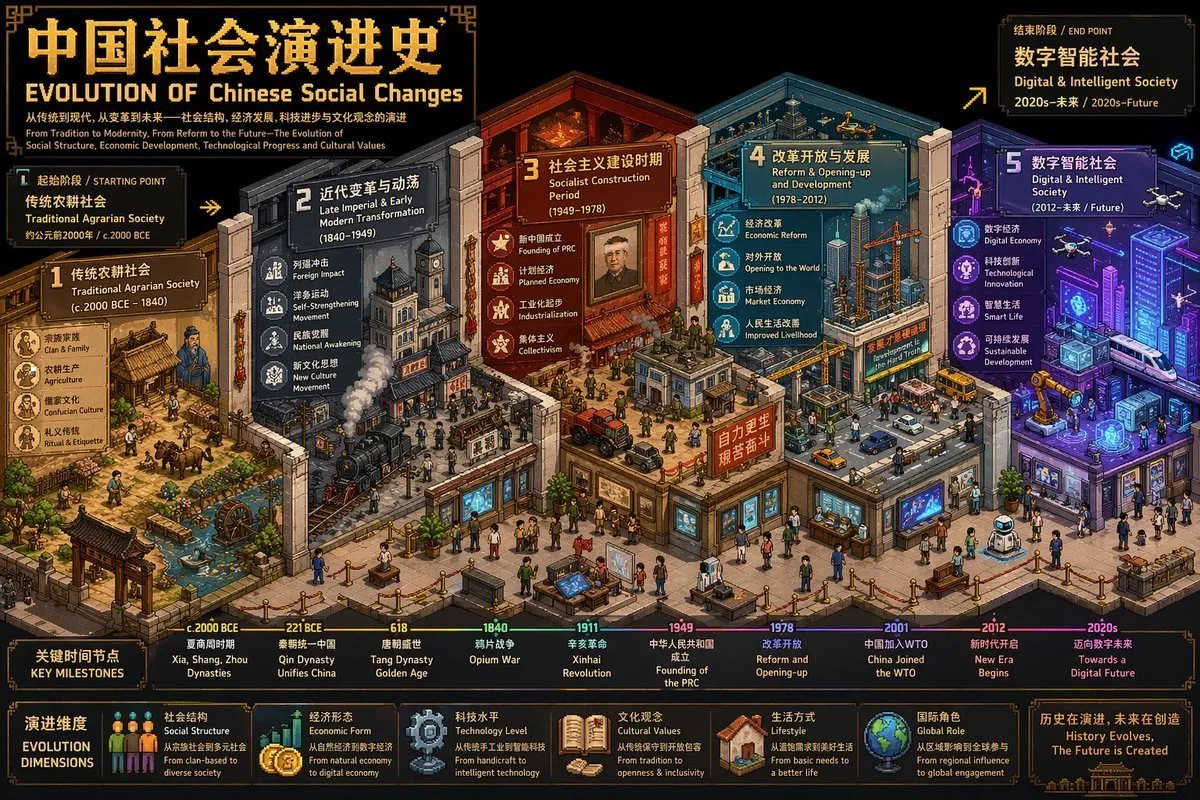
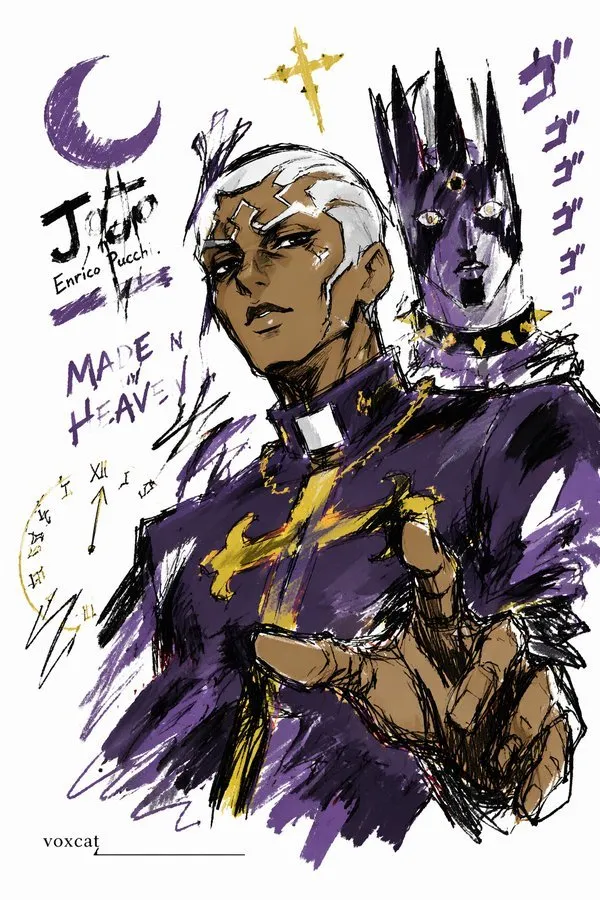
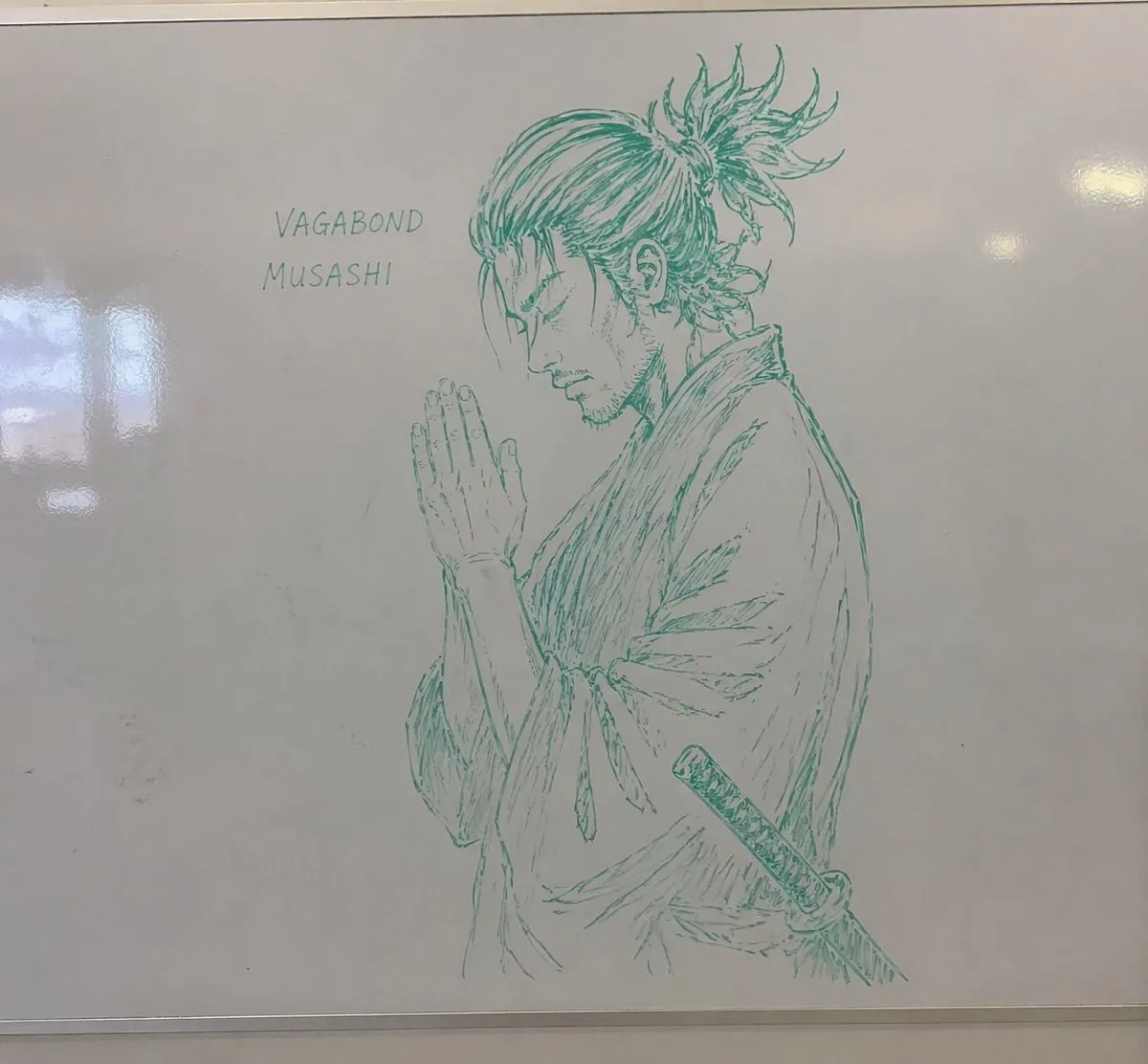
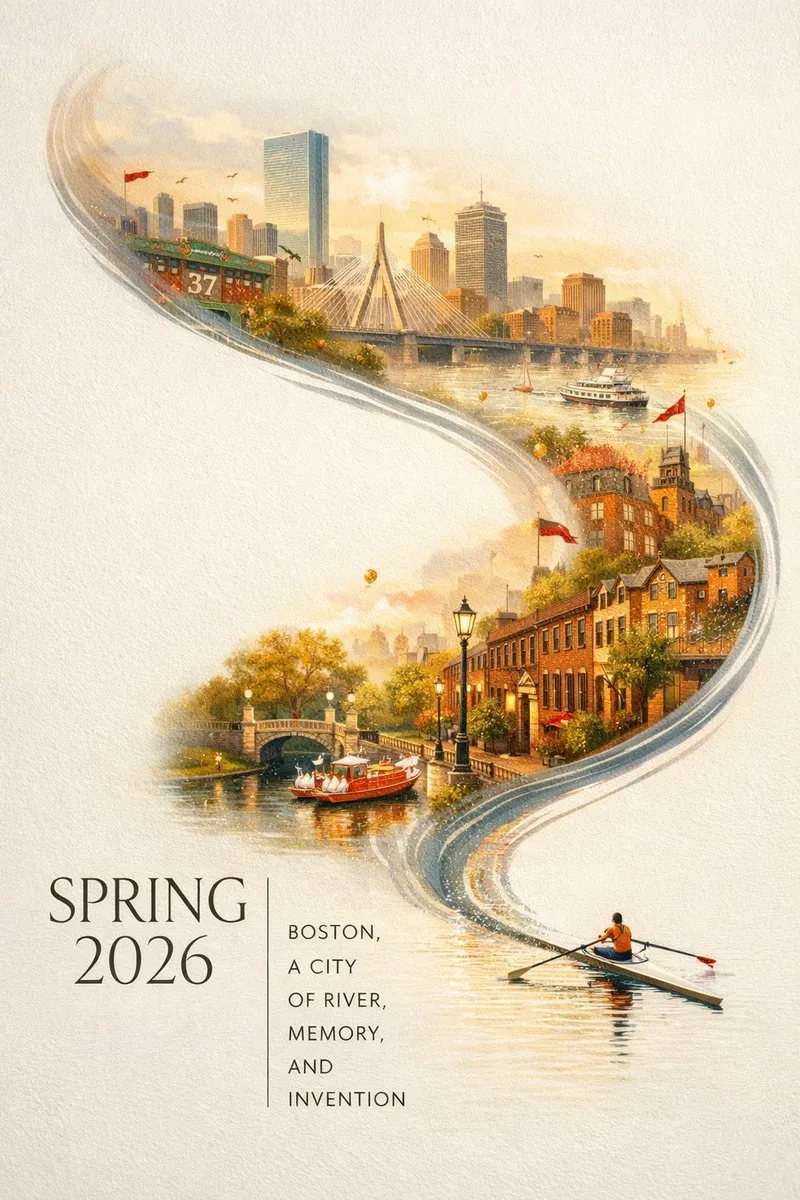
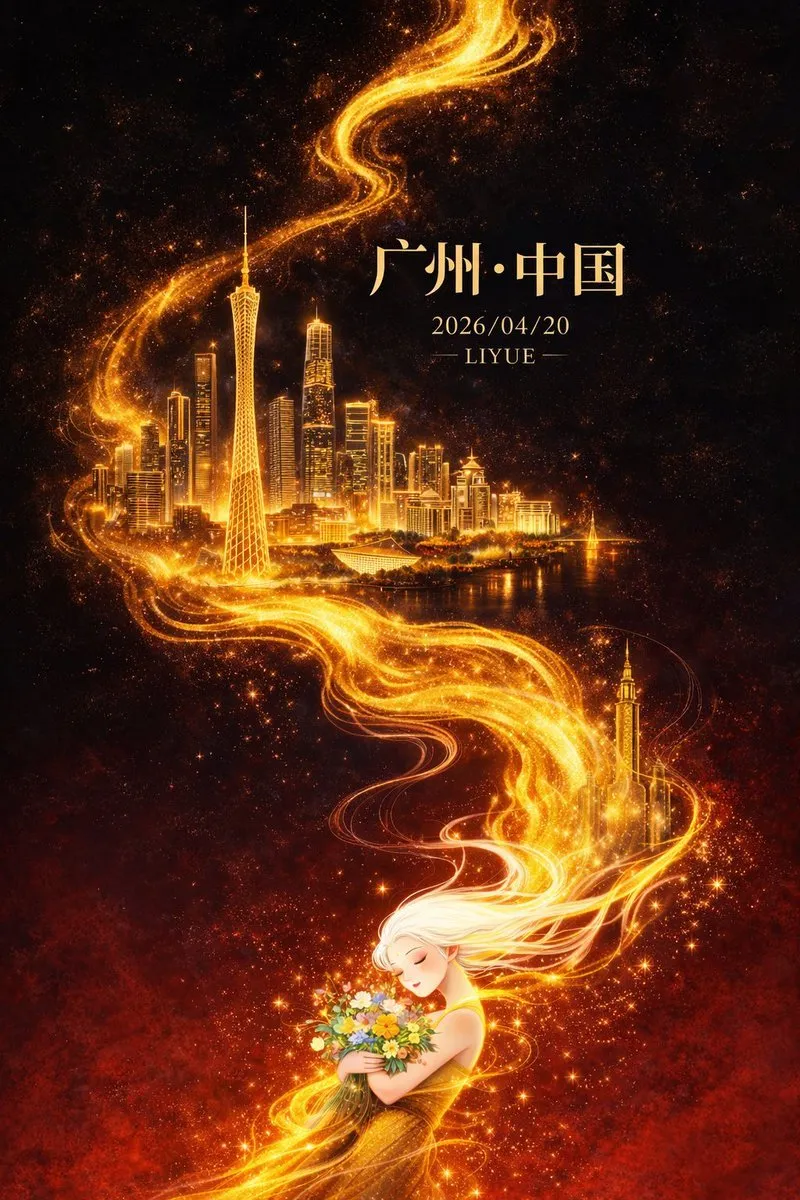
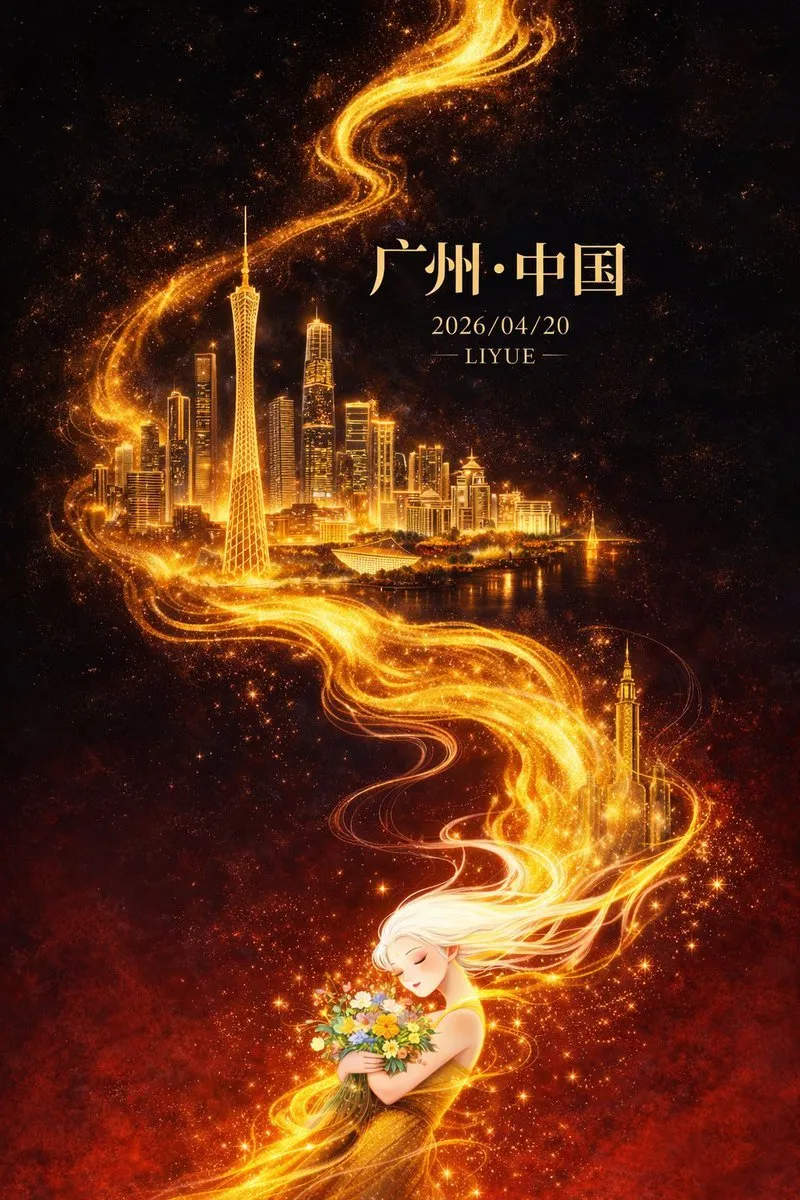
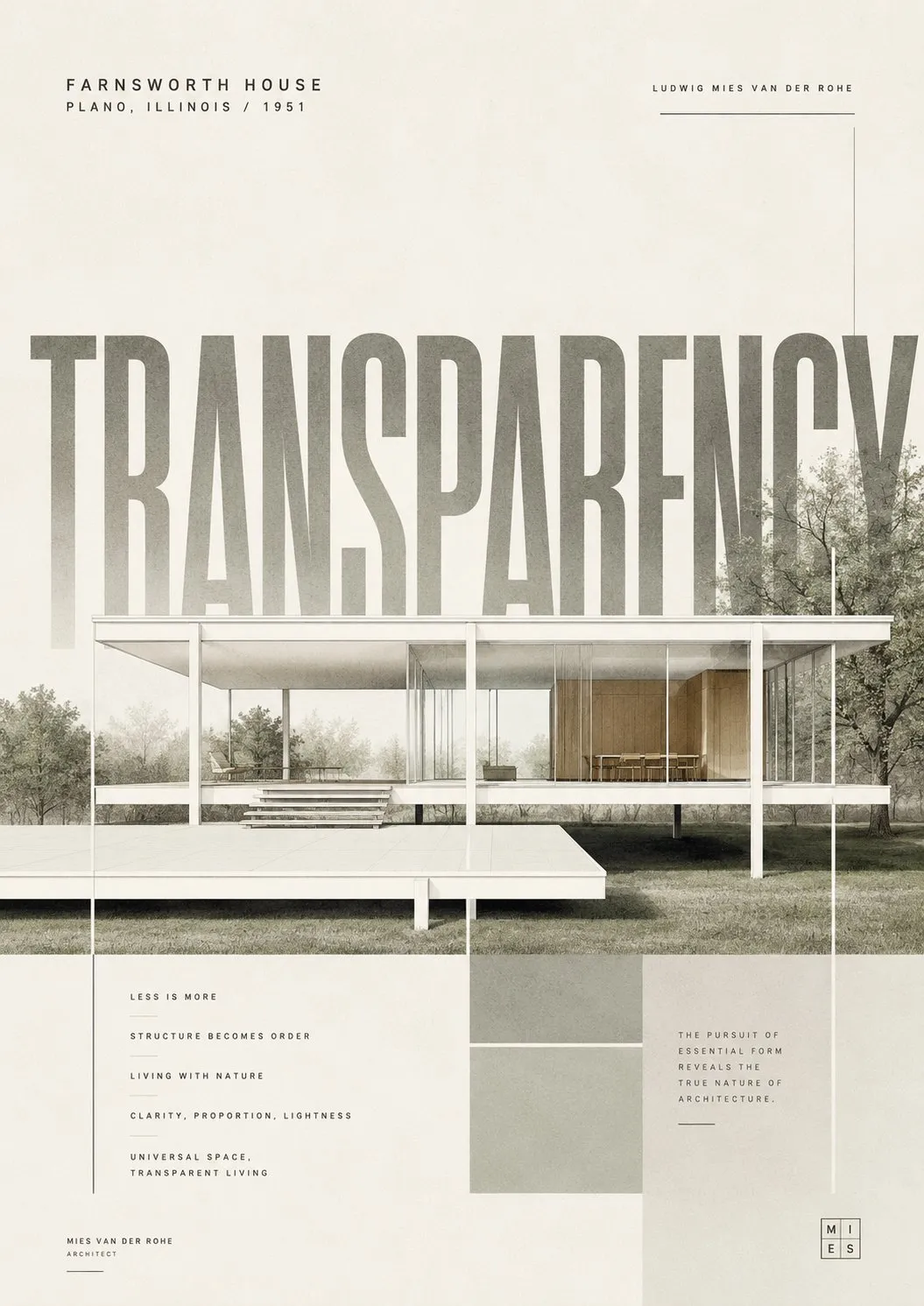
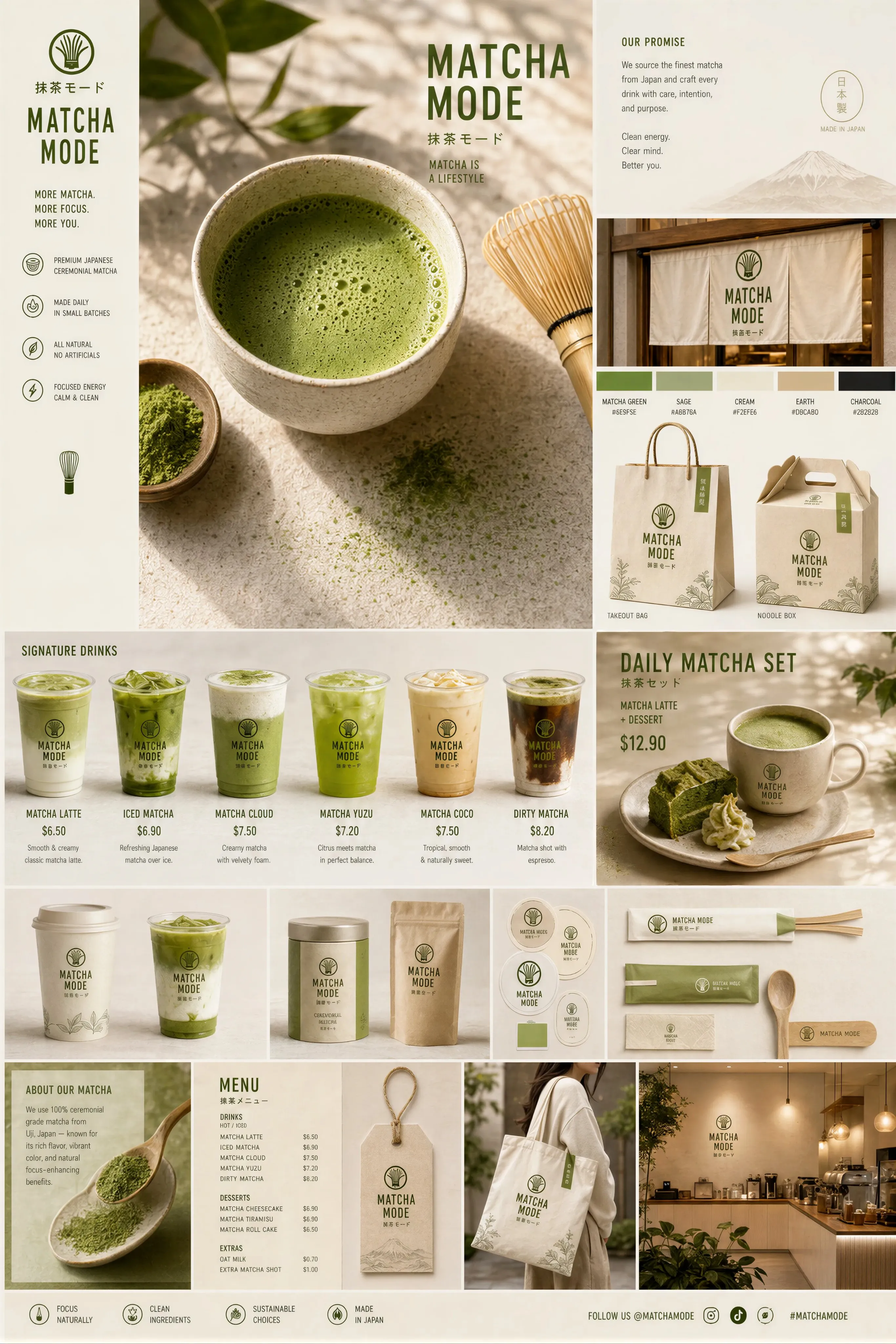
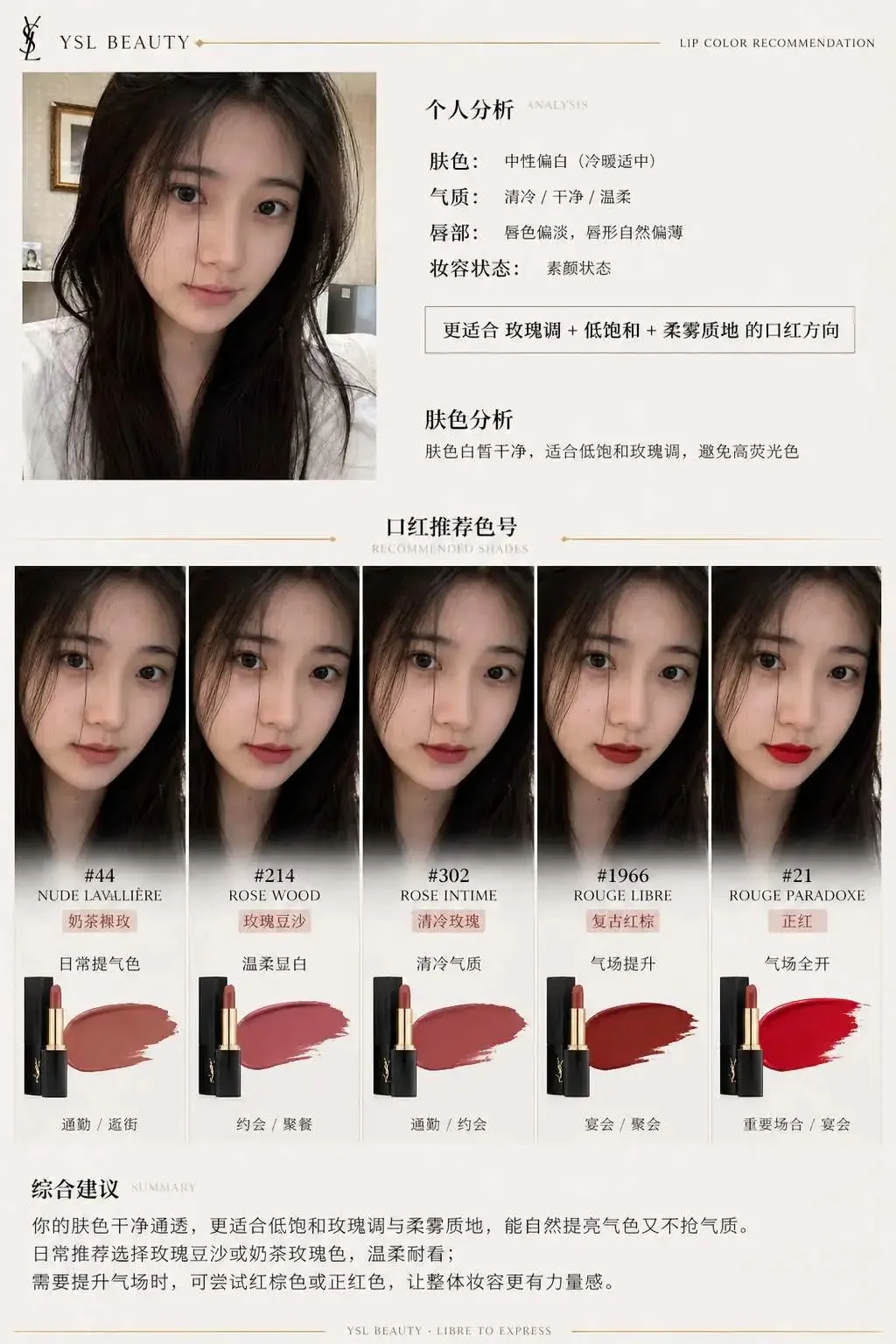
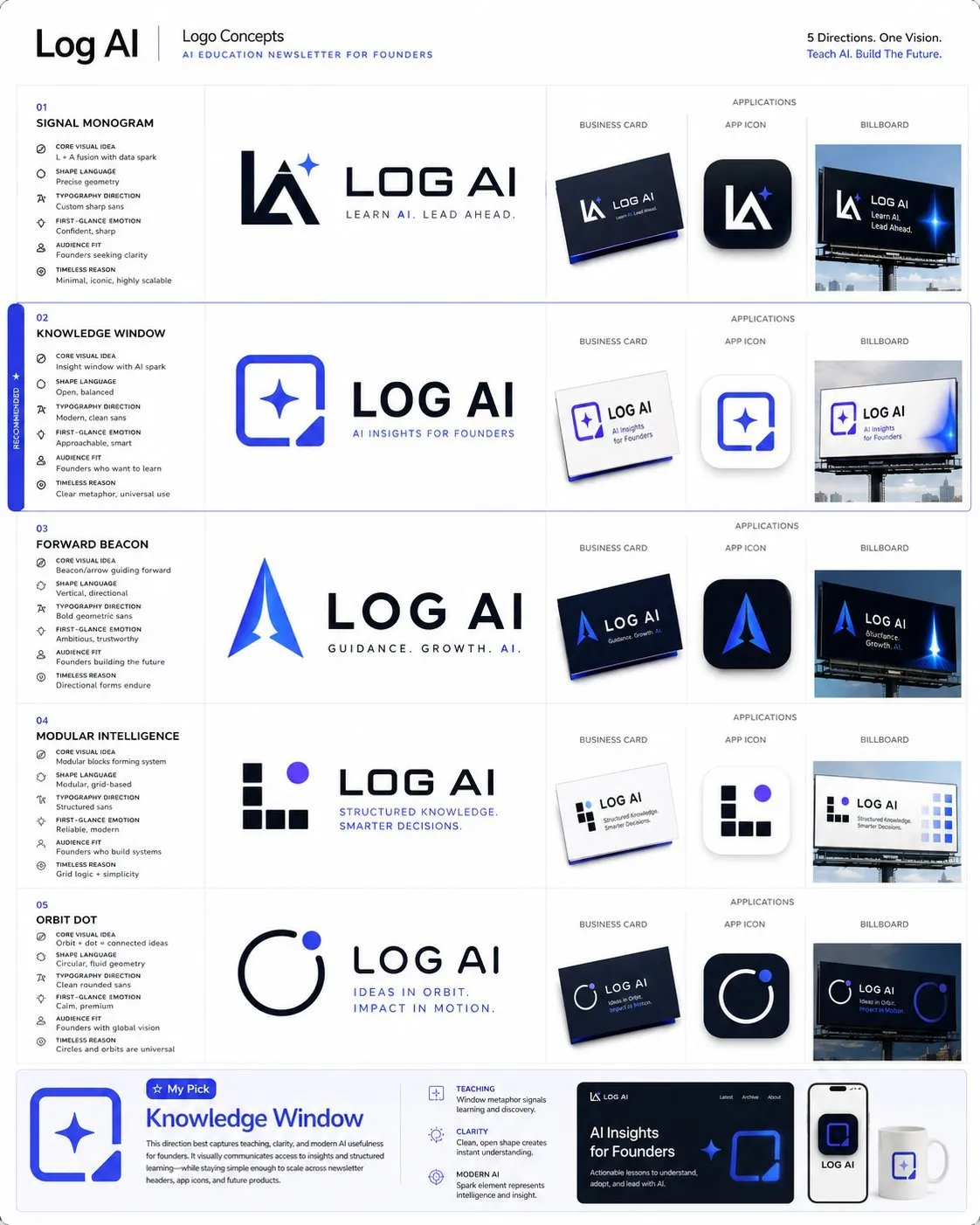
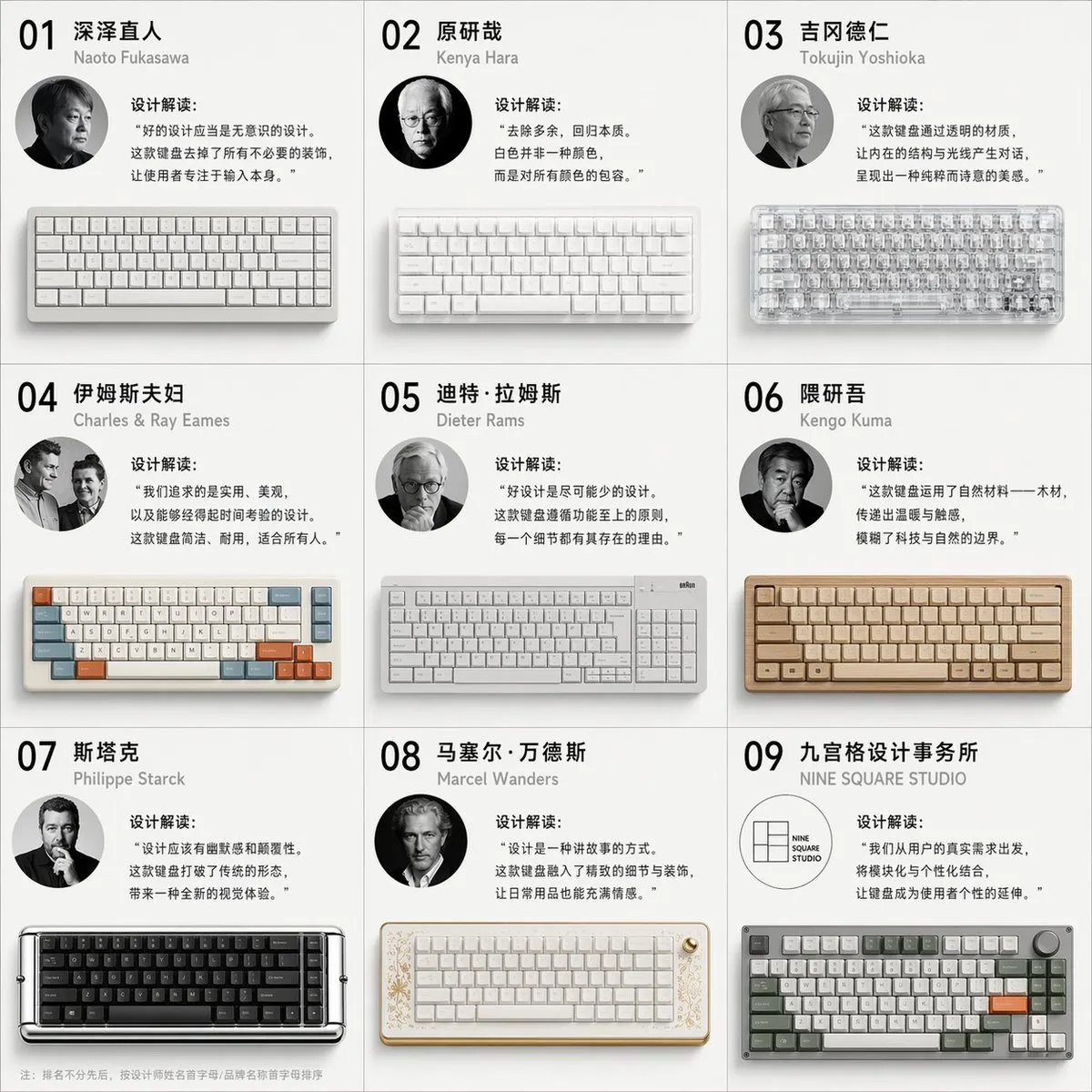
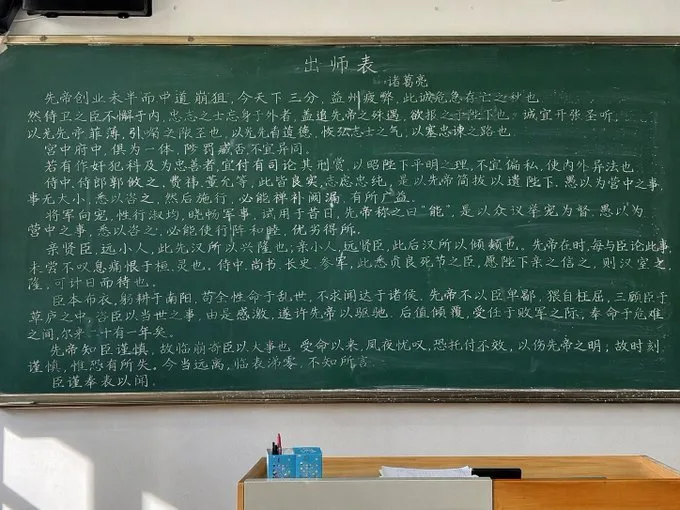
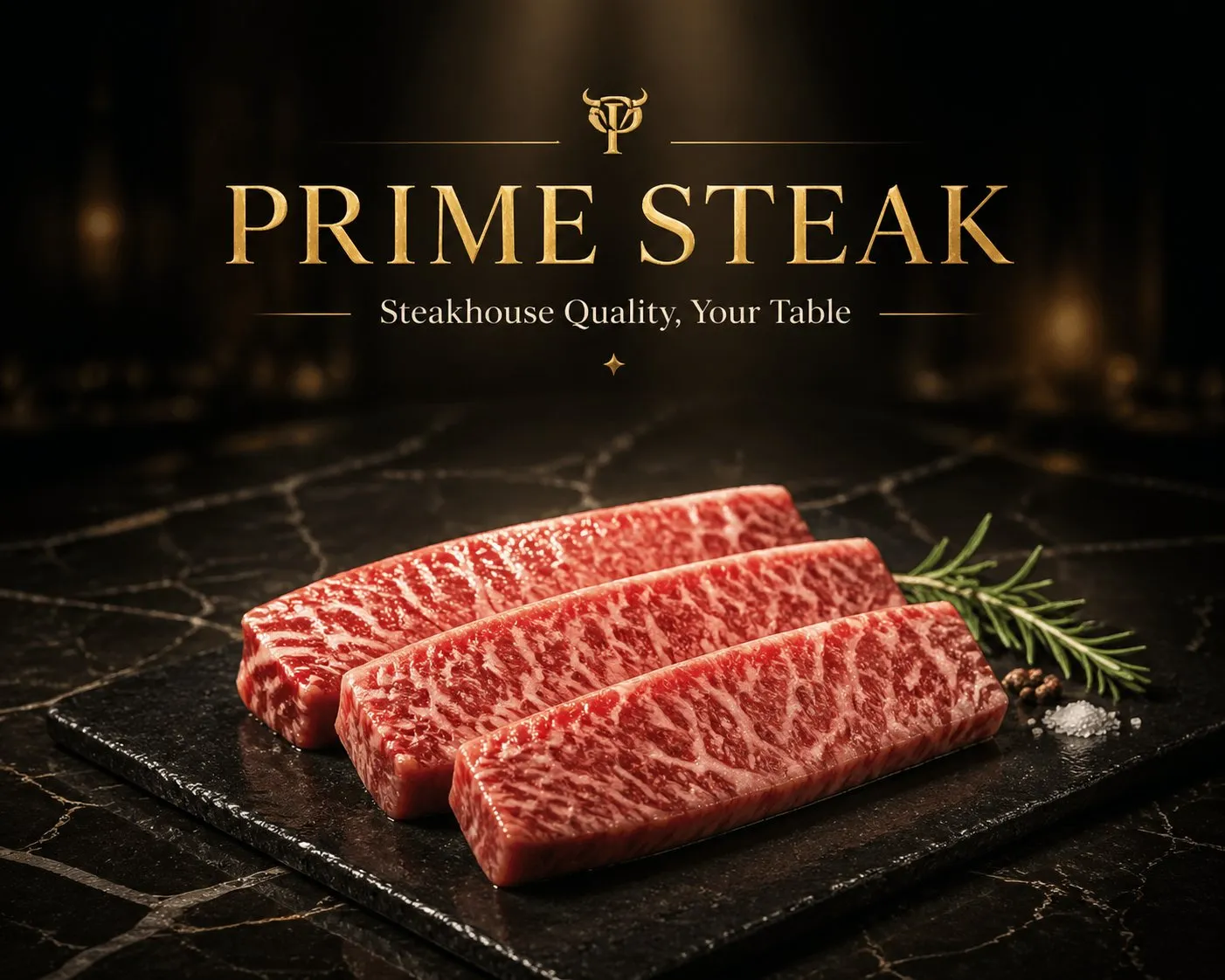
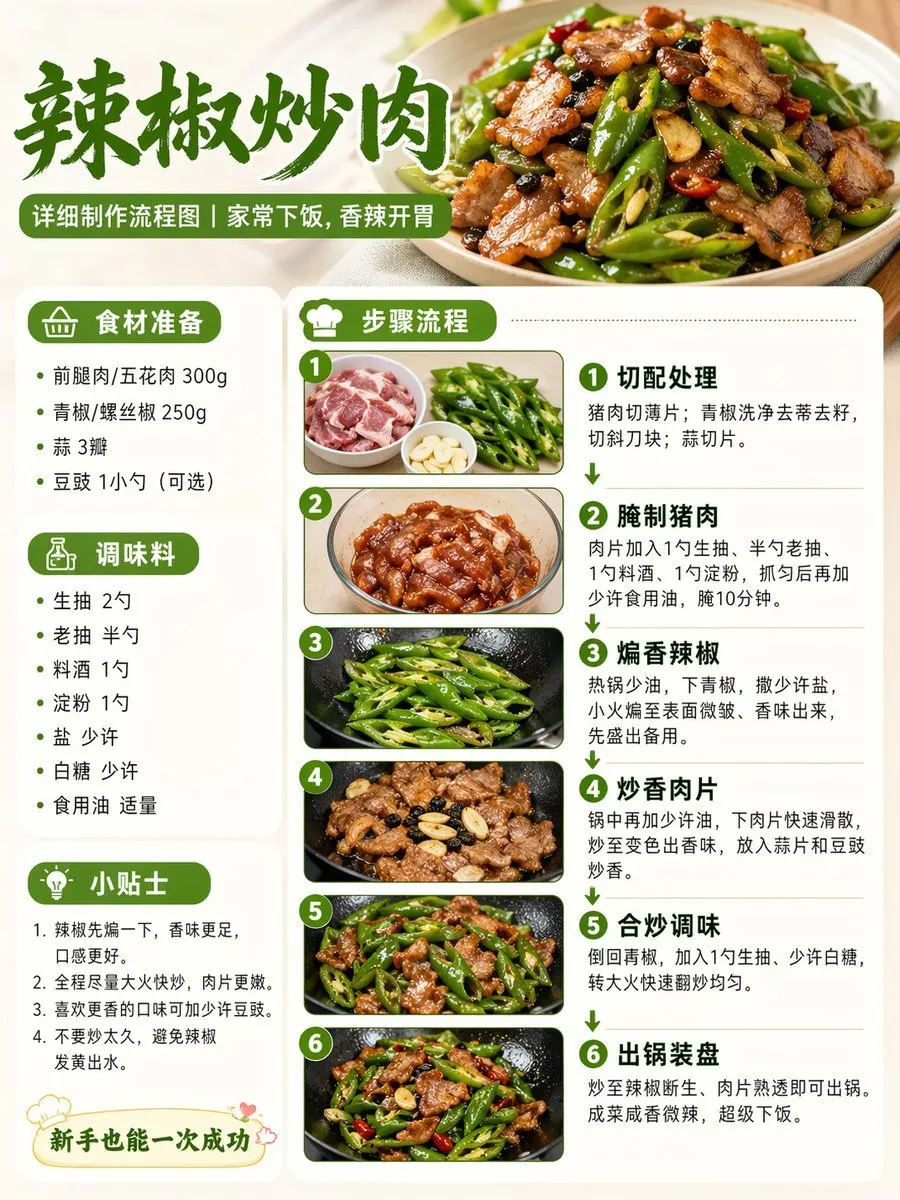
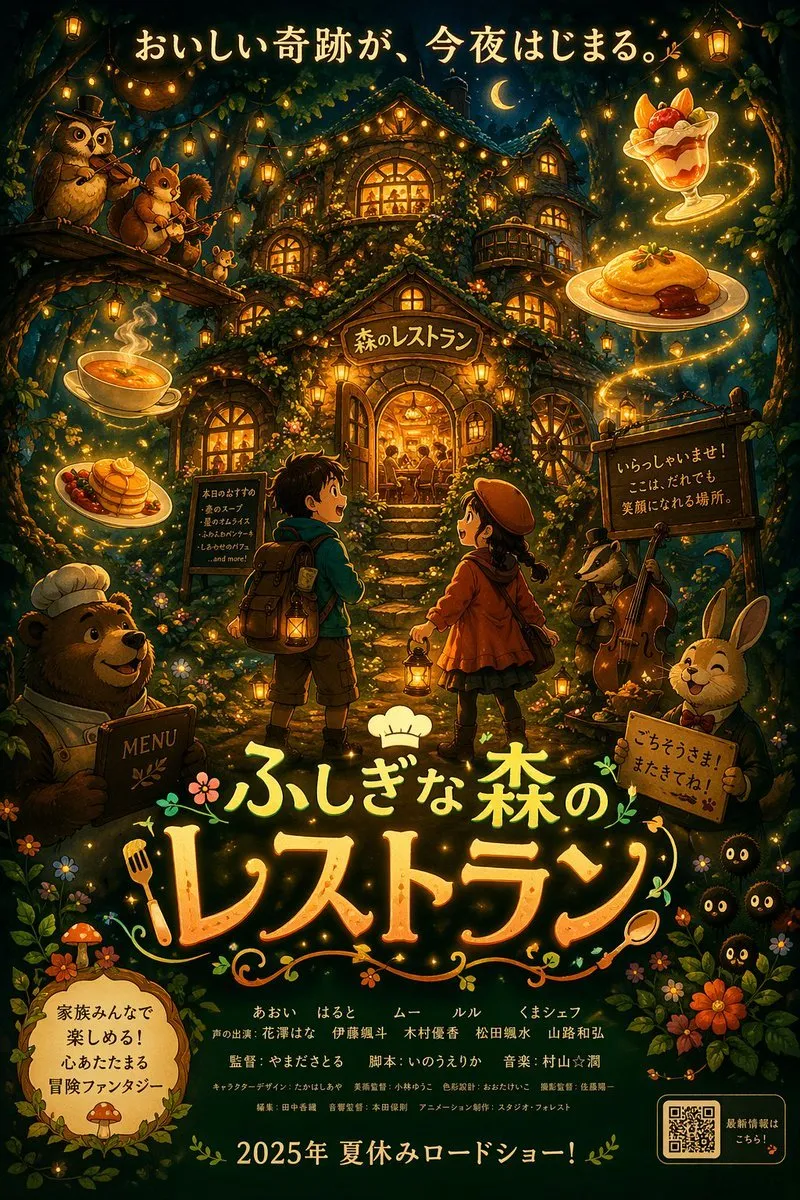
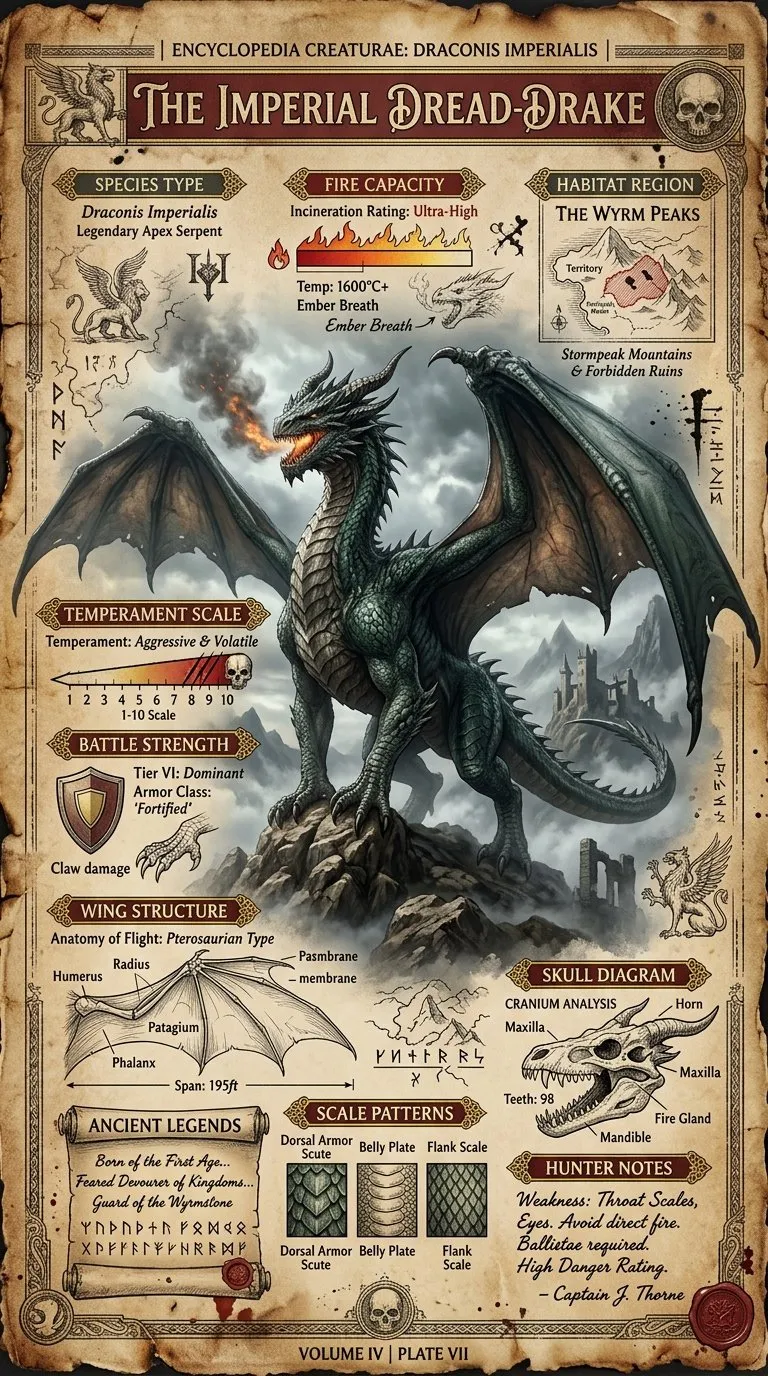
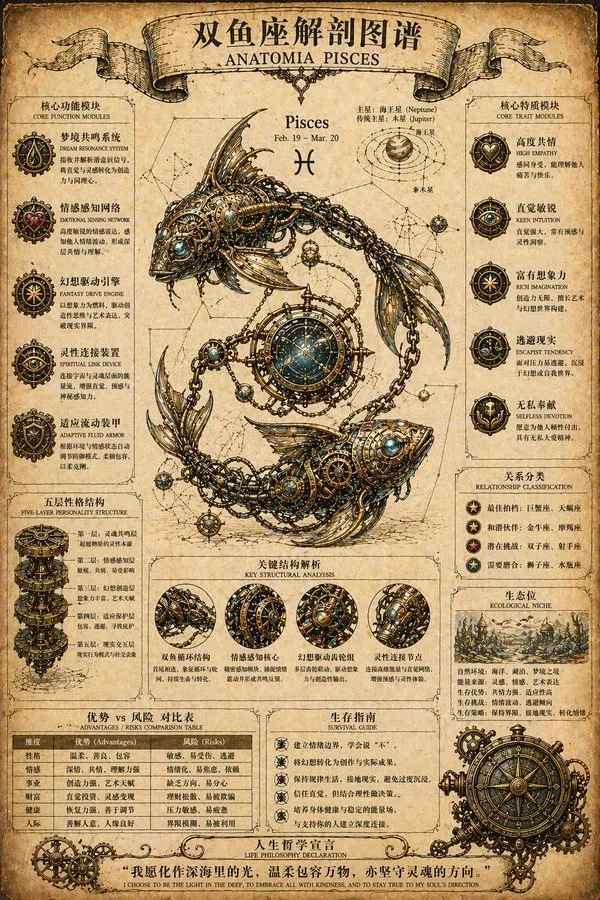
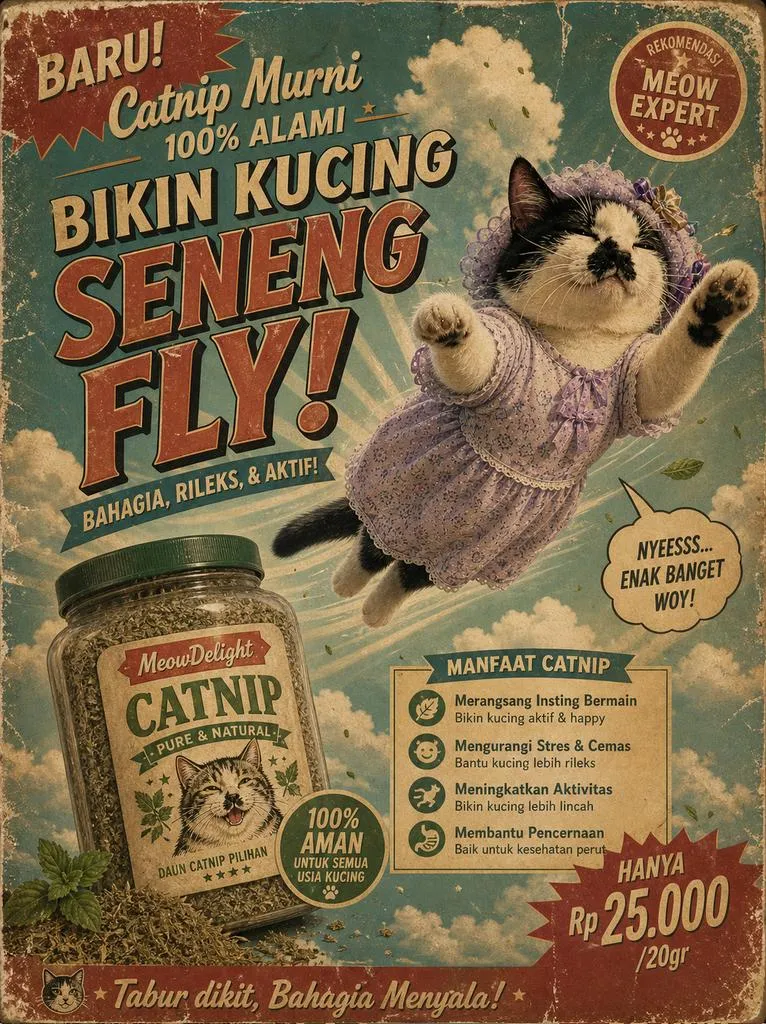


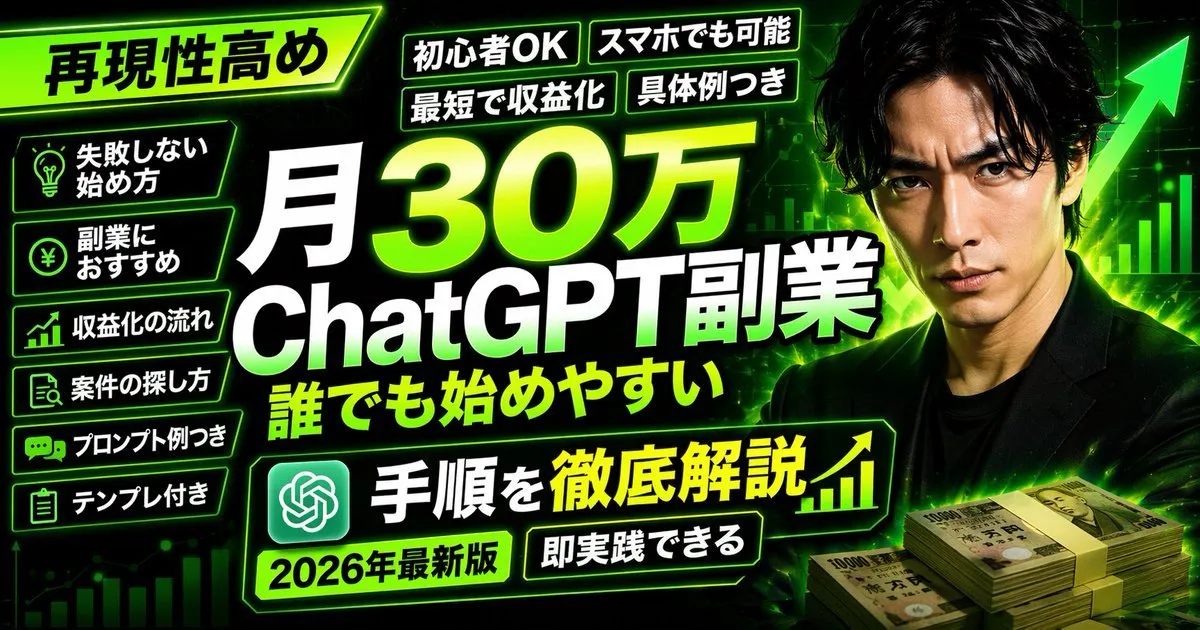
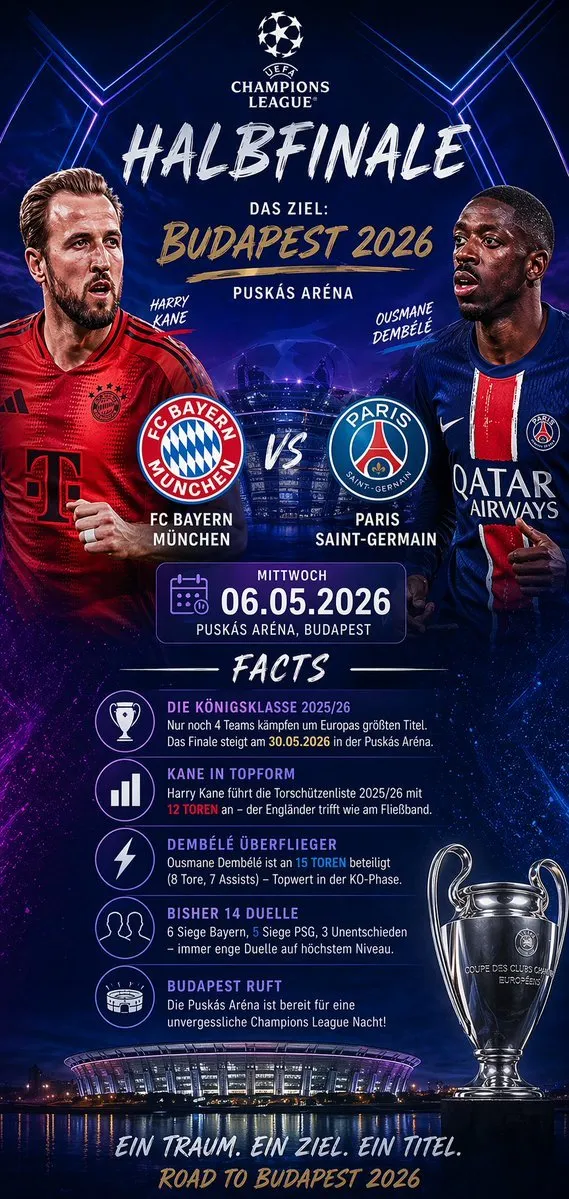
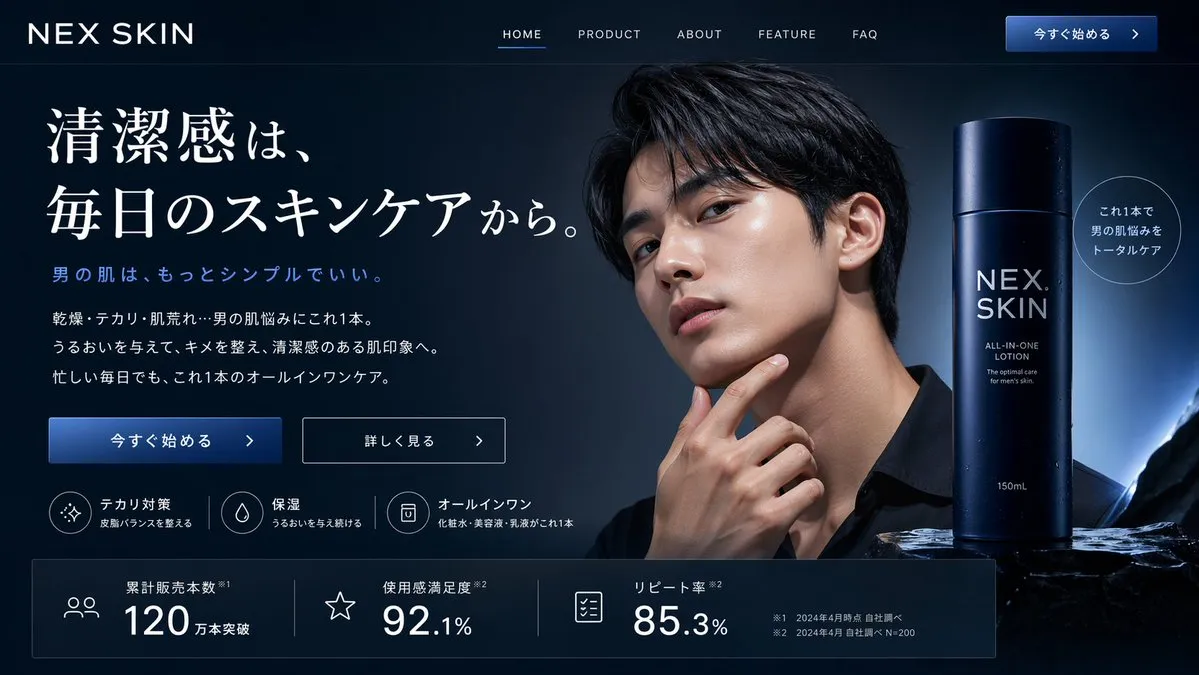
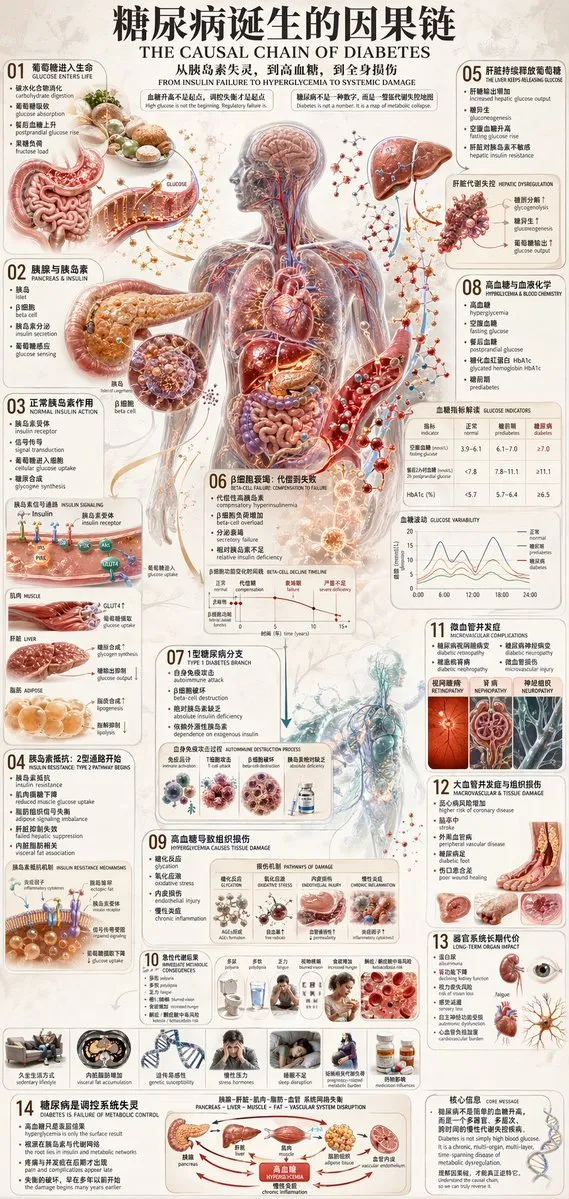
A curated set of GPT Image prompts for ChatGPT image generation: typography, posters, UI mockups, infographics and product shots, each one ready to copy and paste.
Every prompt below links to the full prompt page with the image and copy button.
GPT Image is the image model that ships inside ChatGPT, and it behaves differently from the classic text-to-image models. It reads long instructions, keeps the wording you ask for, and renders legible text inside the picture. That combination makes it the first image model that is genuinely useful for posters, packaging, interface mockups and information graphics rather than only for mood and pretty pictures.
The prompts below are written for that strength. Instead of four comma-separated keywords, each one gives the model a role, a subject, a layout, a lighting plan and the exact text that has to appear in the frame. When you keep the text in quotes and describe where it sits, GPT Image puts it where you asked instead of inventing its own headline.
Use this page as a starting library. Copy a prompt, replace the quoted copy with your own wording, then change one variable at a time - subject, palette, camera or typography. Changing one thing per run is the fastest way to learn what the model actually responds to.
Give role (art director, packaging designer), deliverable (poster, app screen, label), exact copy in quotes, and layout constraints. GPT Image treats structure as instruction, not decoration, so a numbered brief beats a stream of adjectives.
Name the position - centred headline, bottom-left caption, badge in the top-right corner - and give a font character such as geometric sans, condensed grotesk or serif with high contrast. The model will place and style it accordingly.
Once a layout lands, ask for the change instead of rewriting the prompt: swap the colour, translate the headline, remove the background. Editing preserves the composition you already approved.
Vertical 4:5, square 1:1 or 16:9 changes the layout the model plans. Add a margin instruction when the image will be cropped by a social platform.