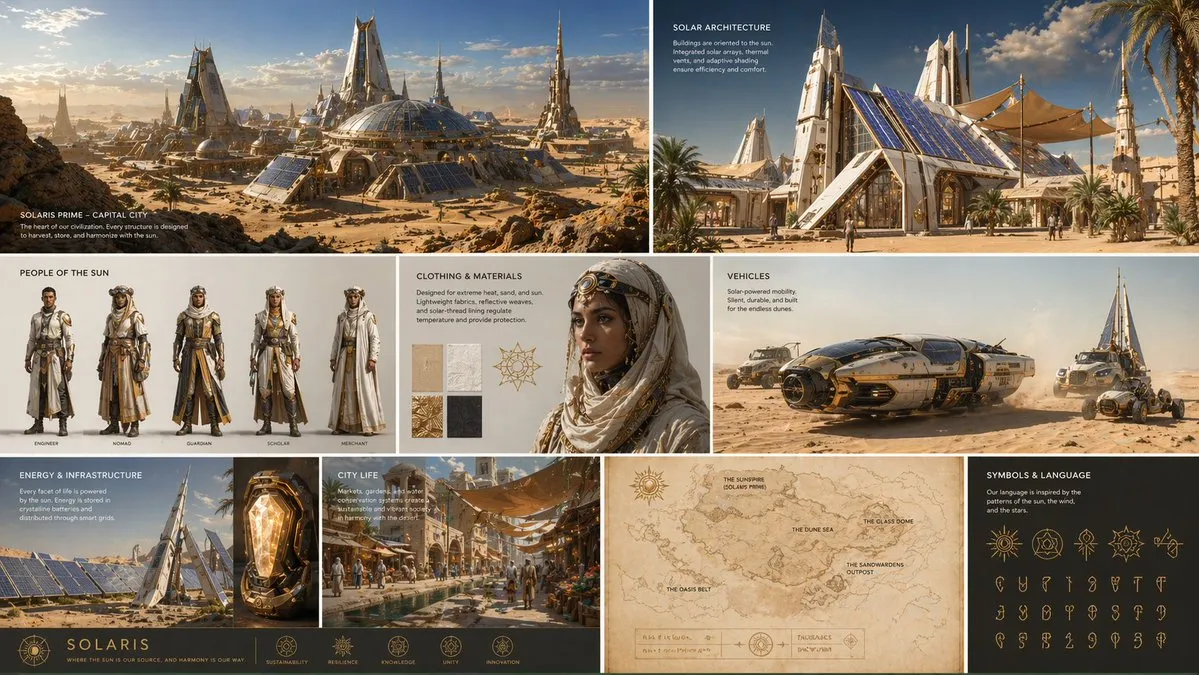
60 Gemini prompts to copy
Every prompt below links to the full prompt page with the image and copy button.
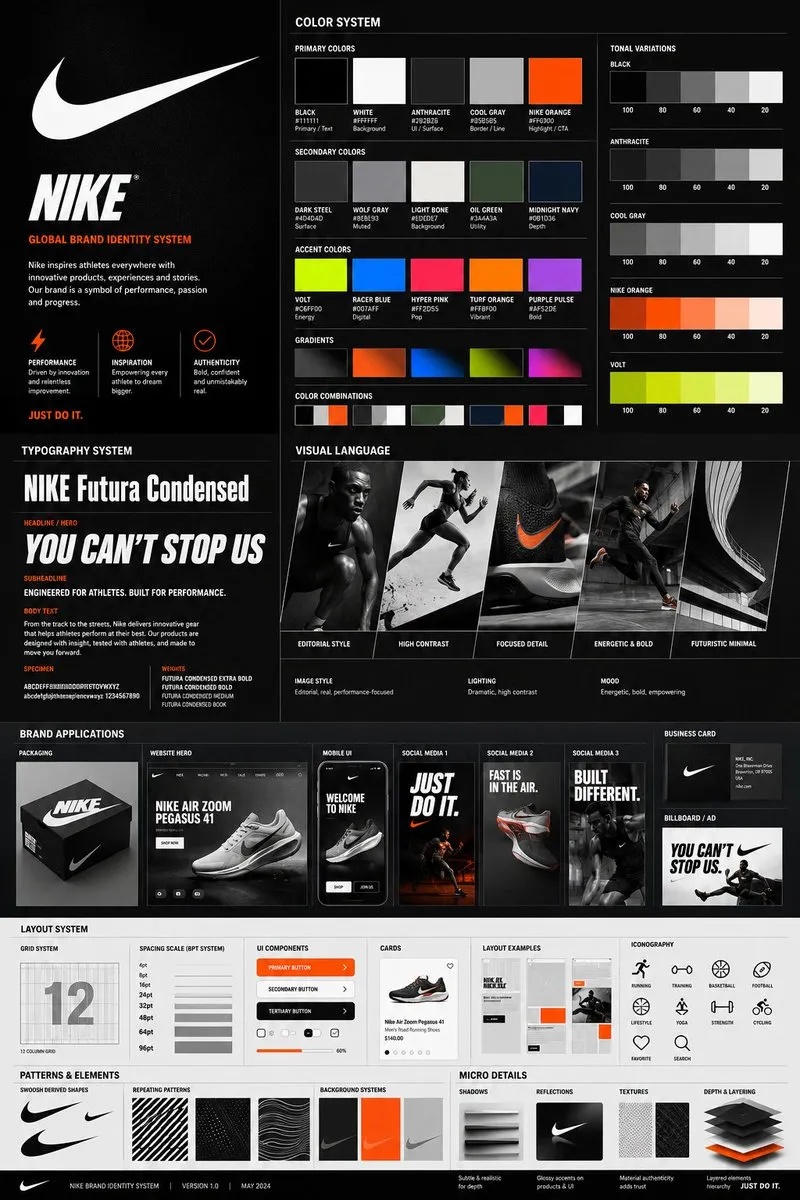
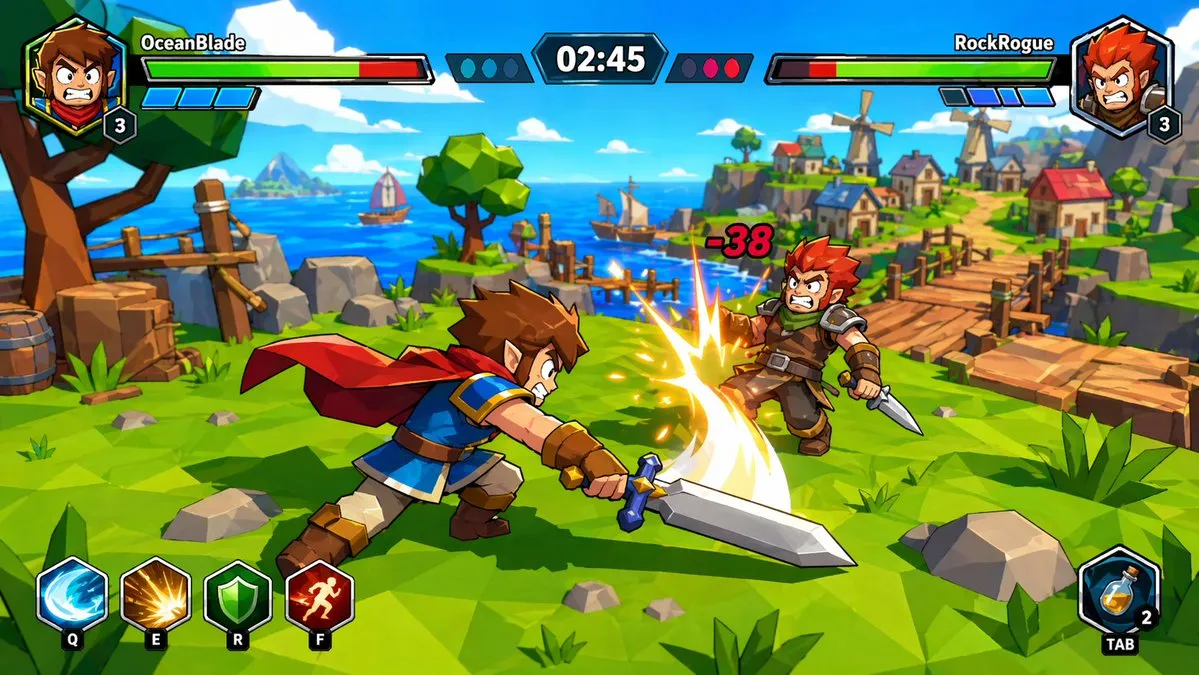

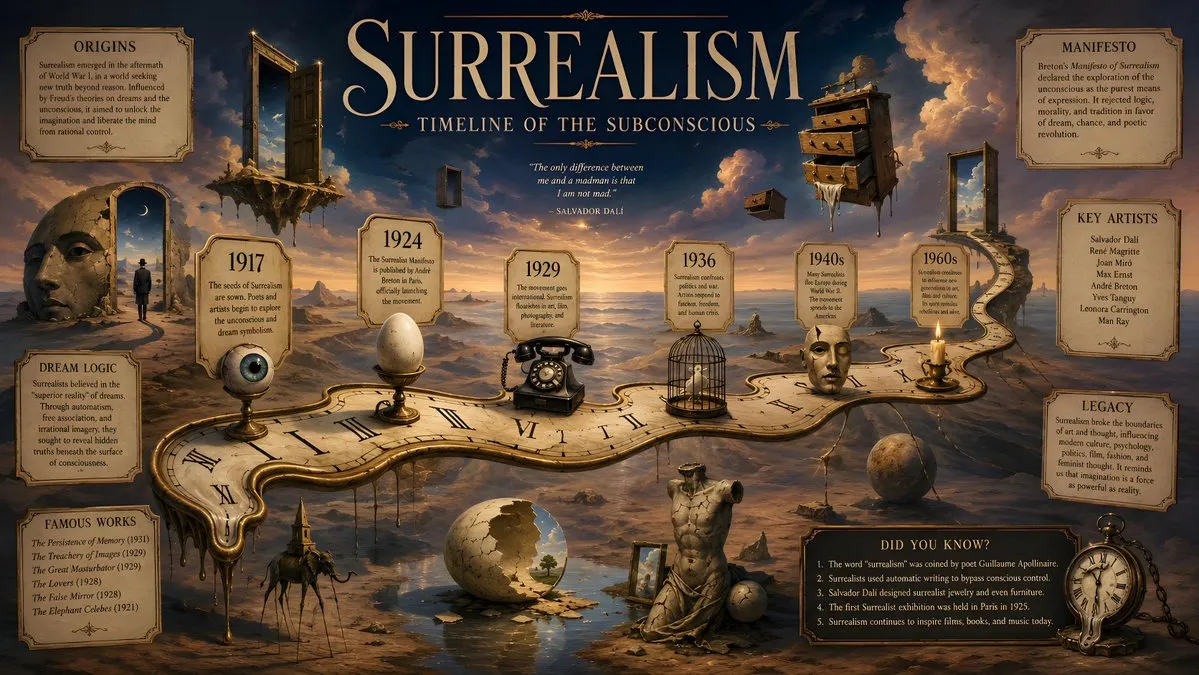

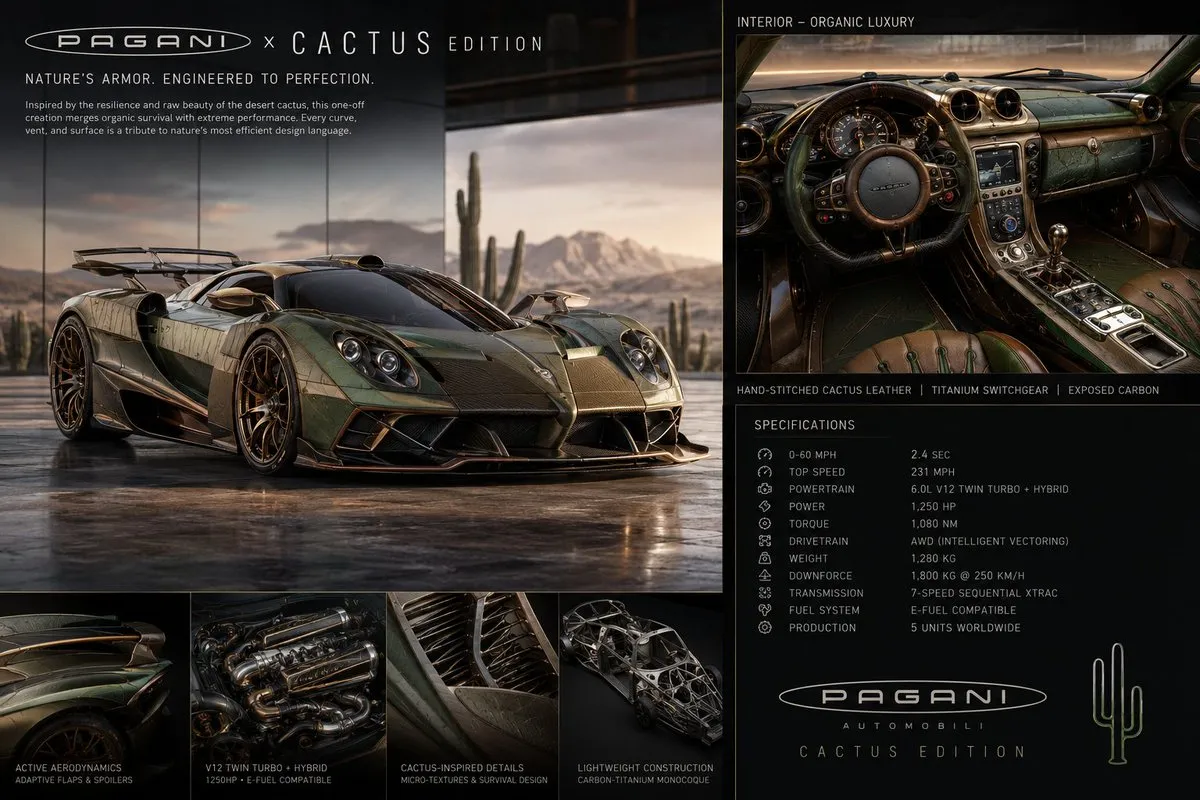
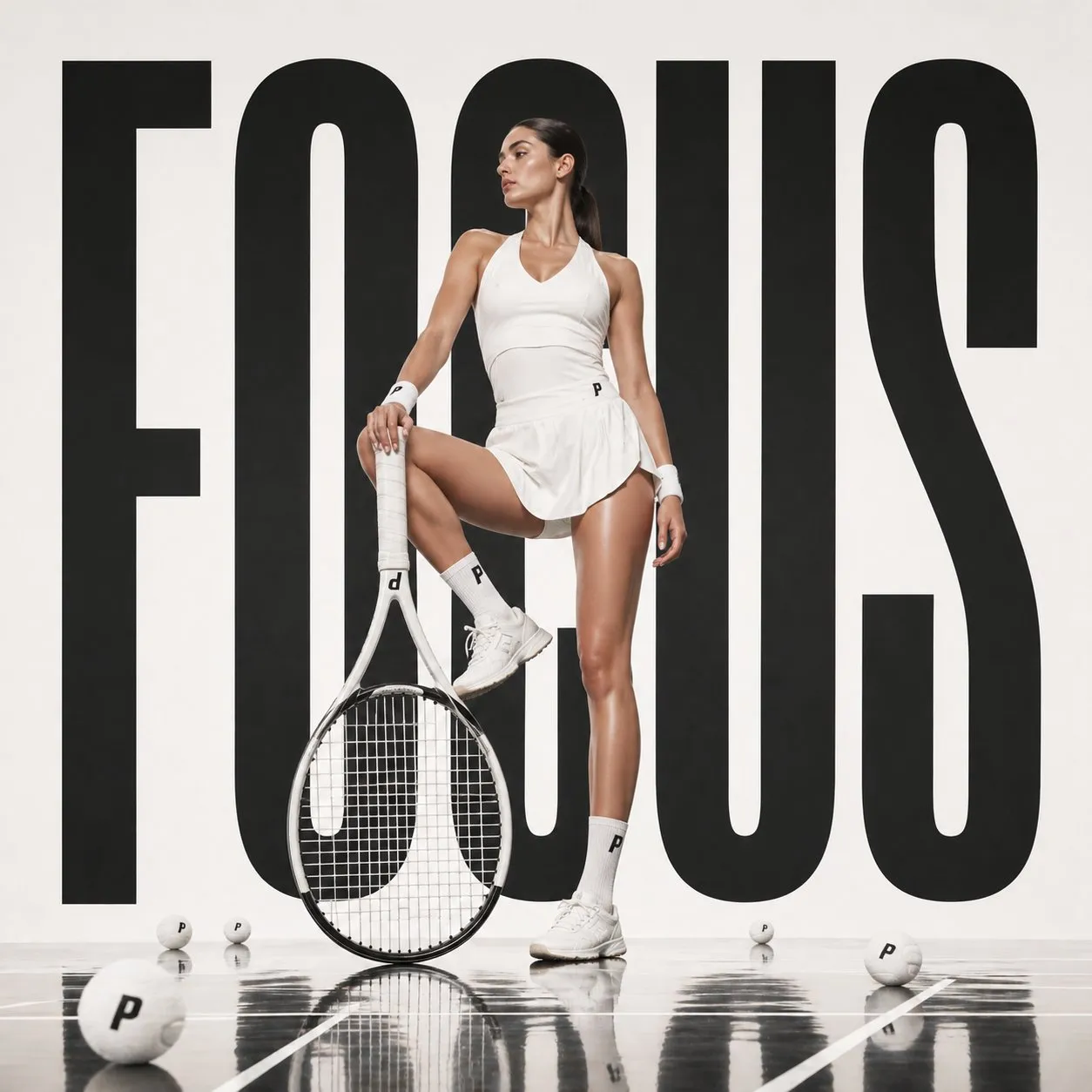

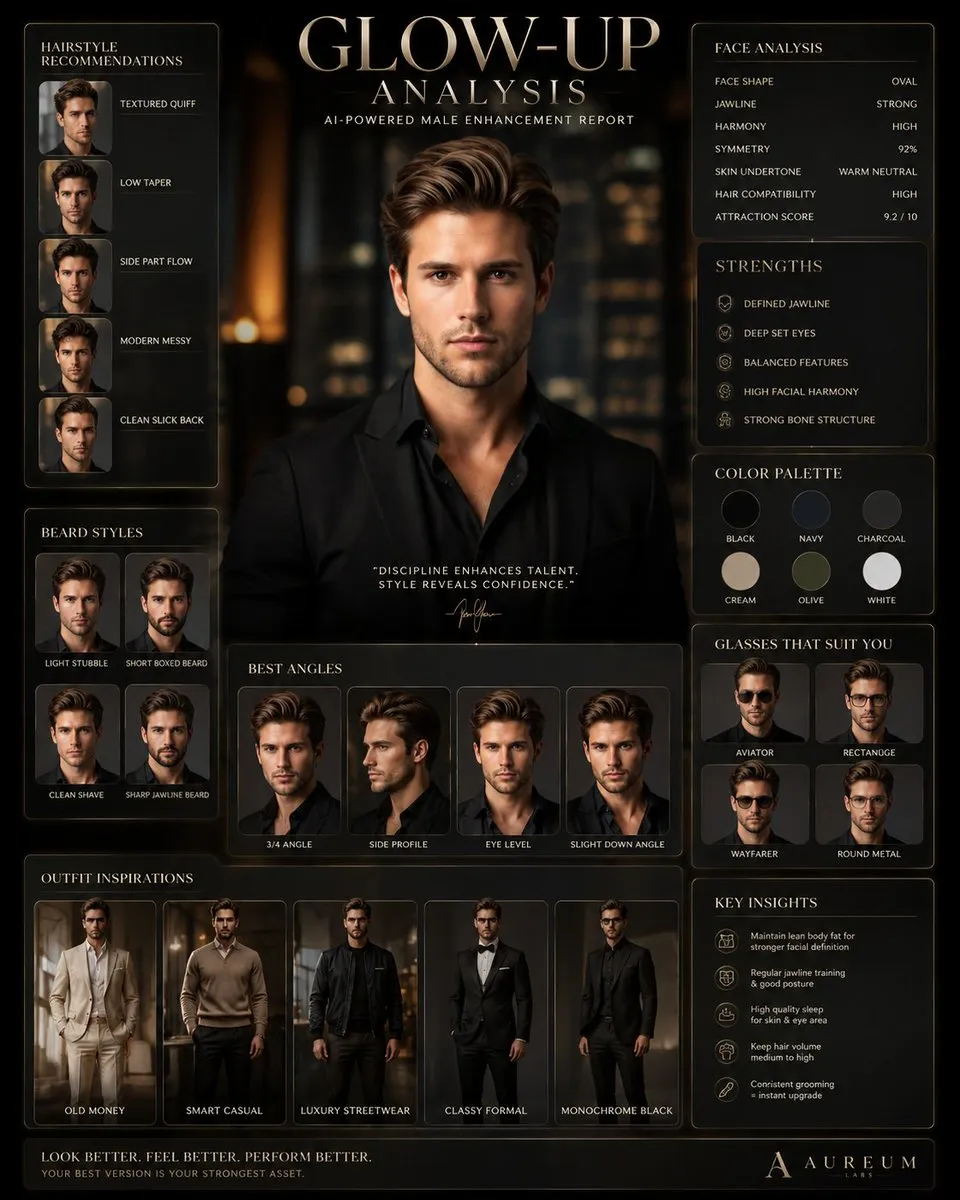
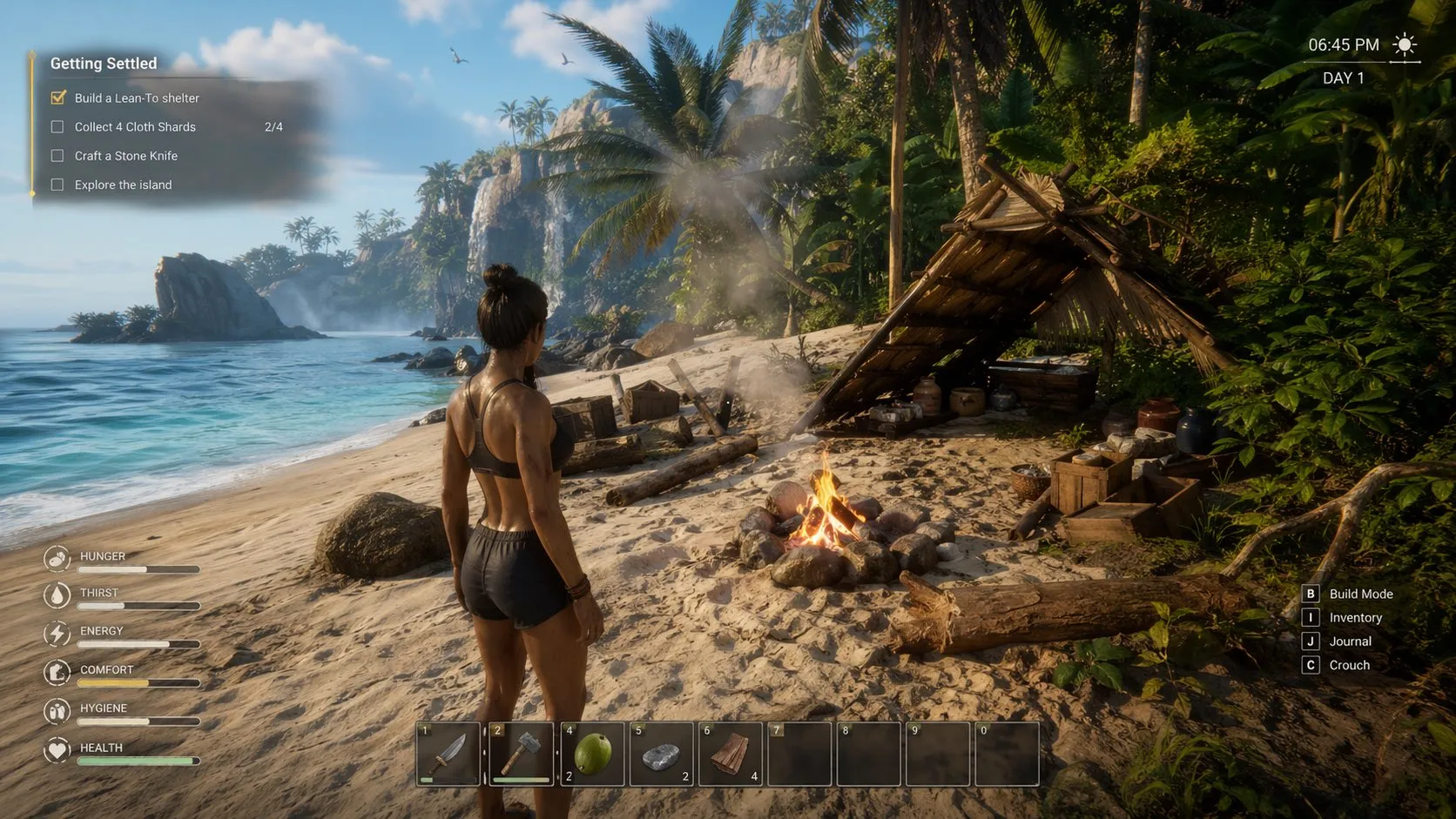
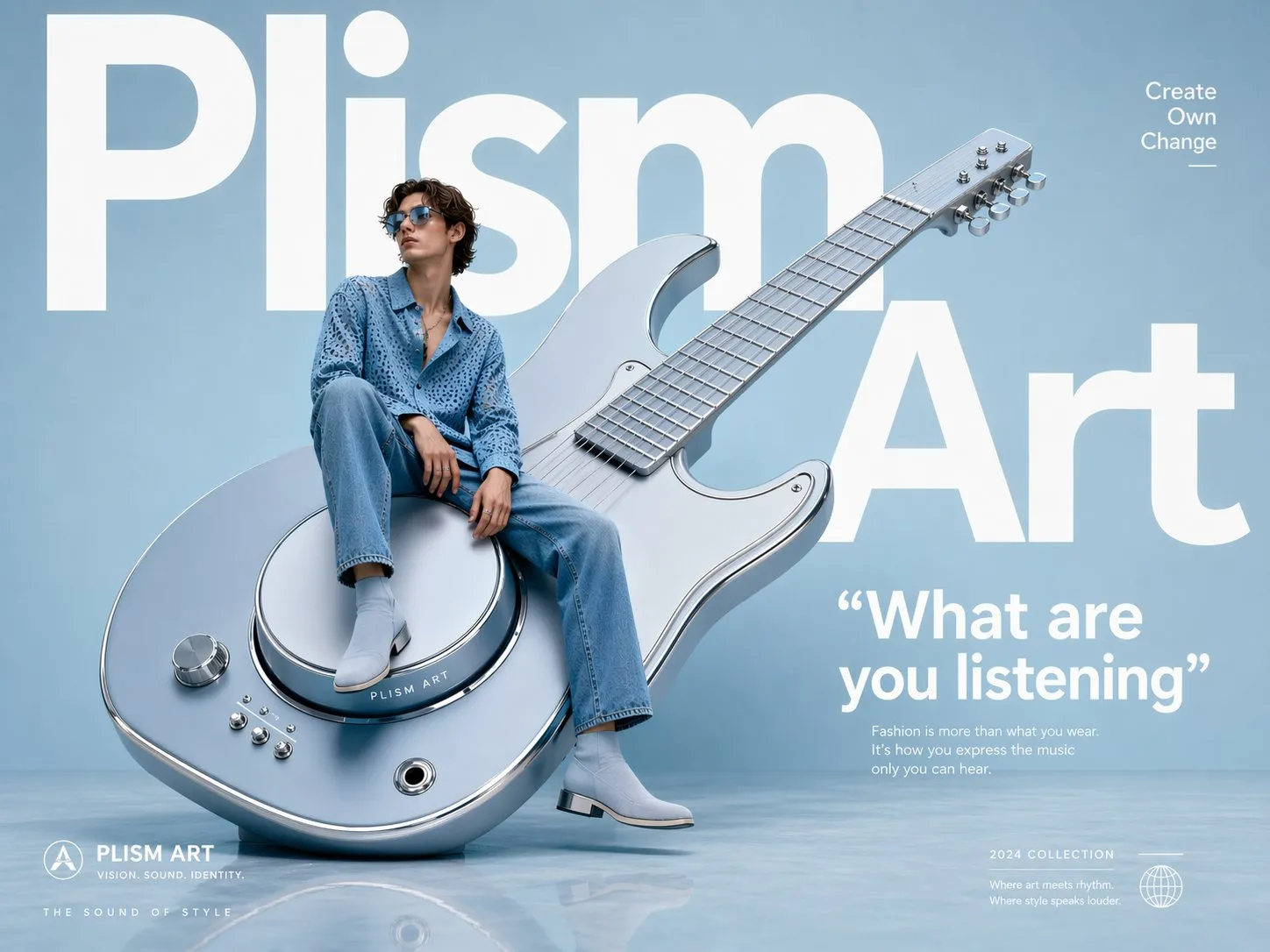
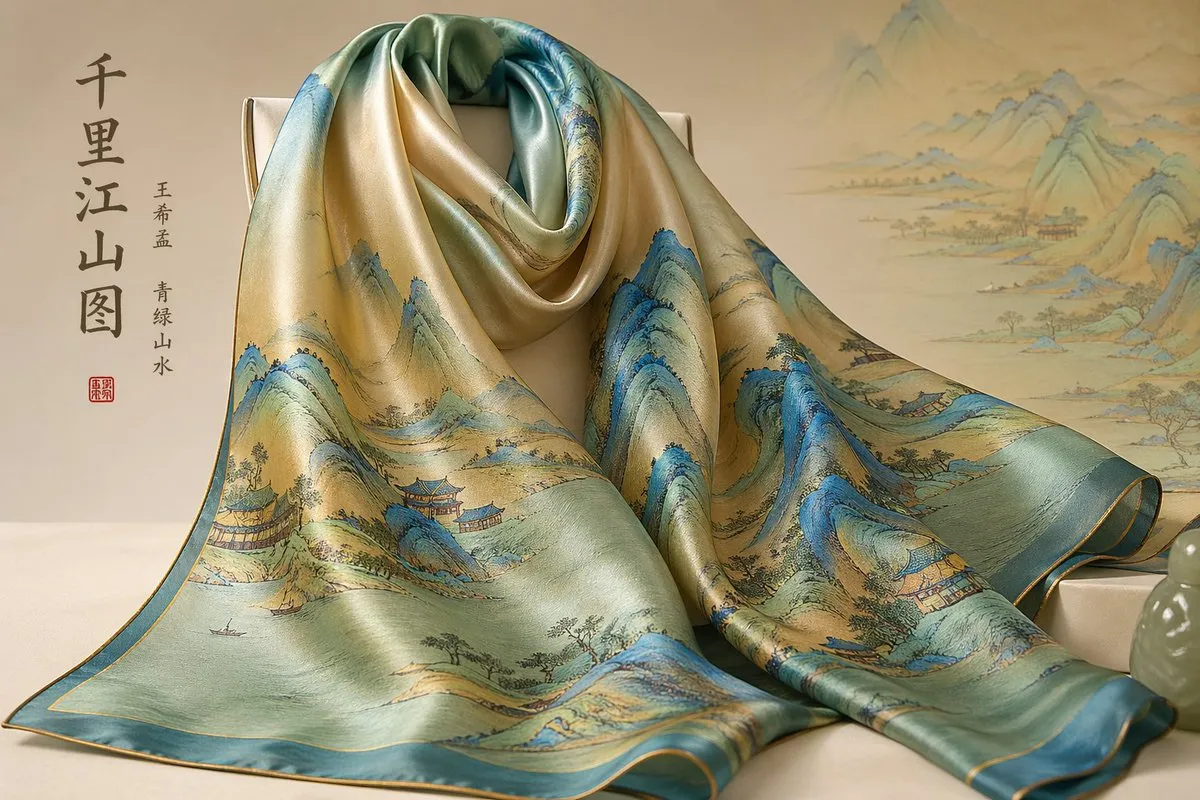
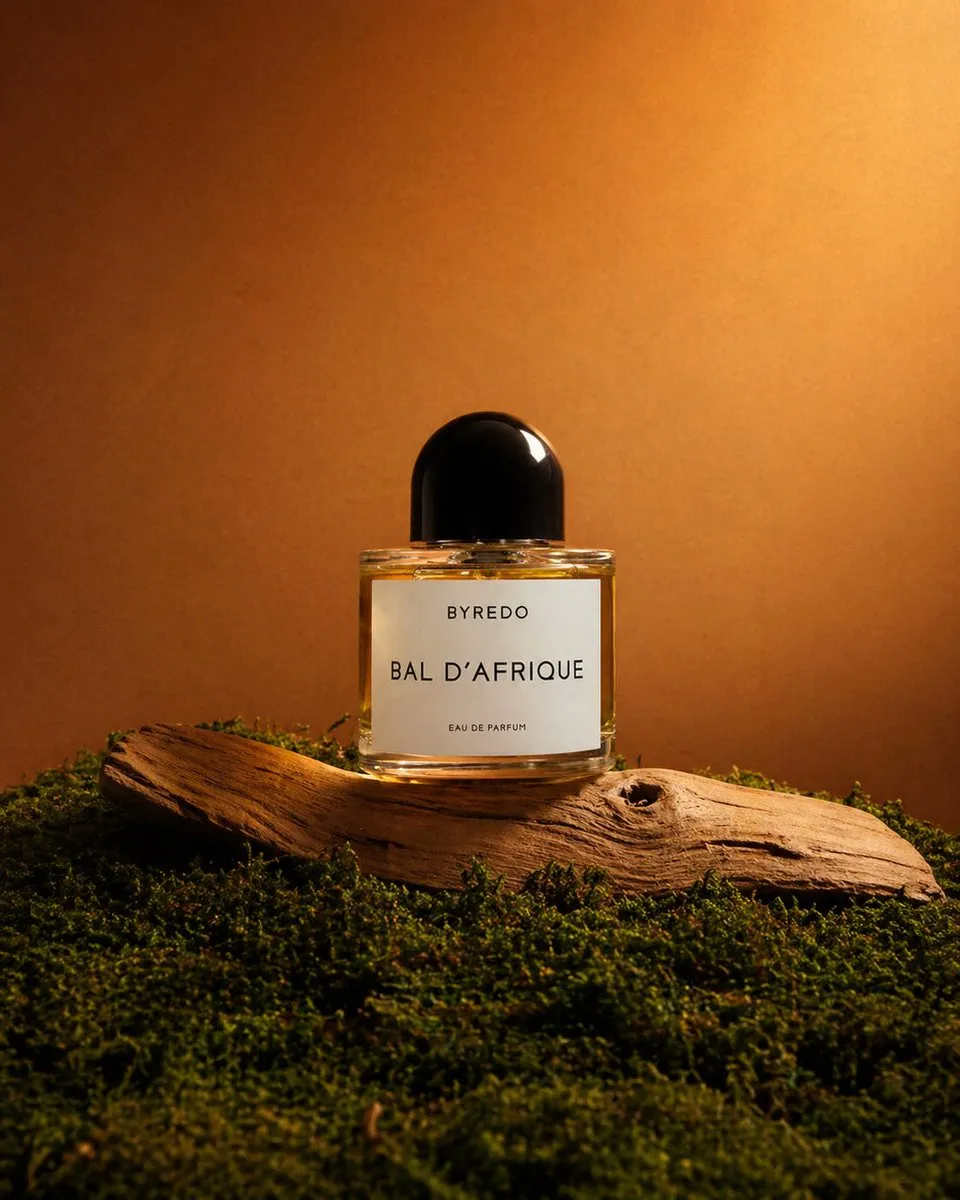

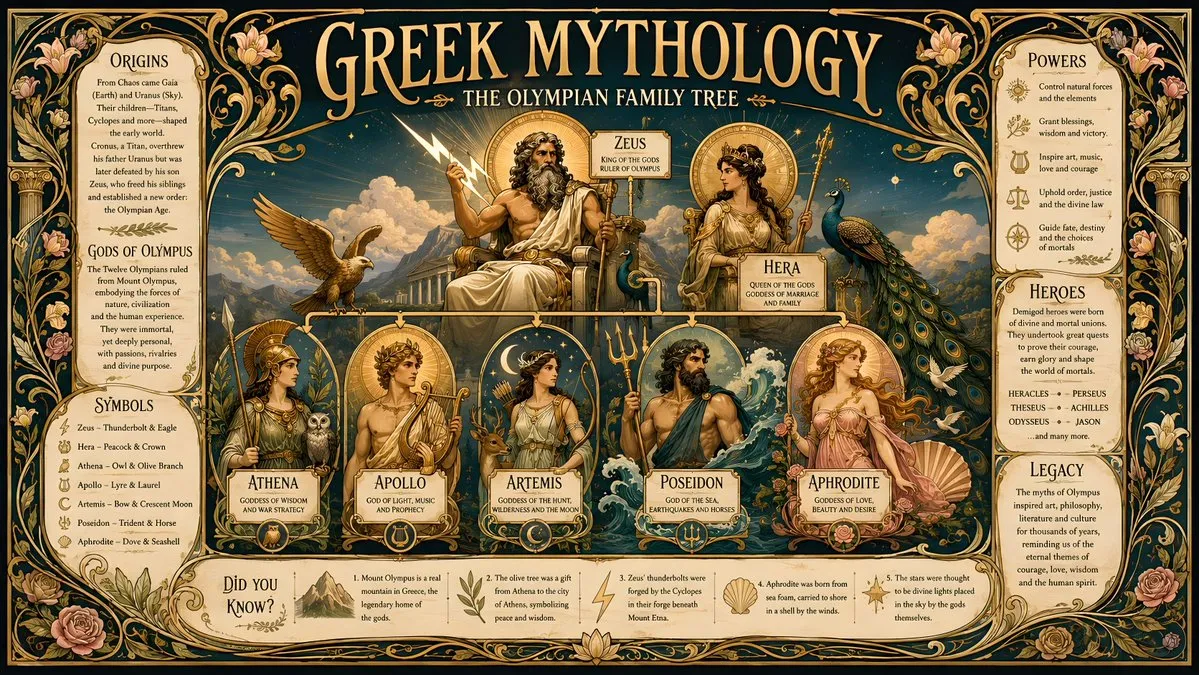
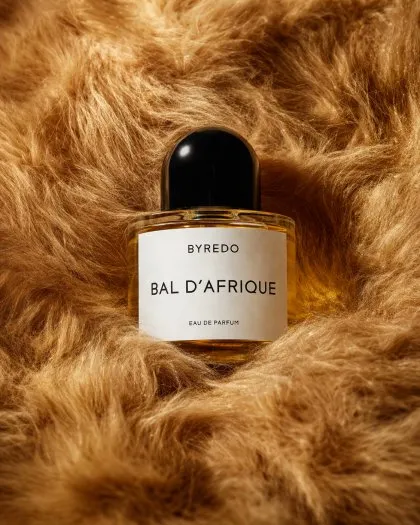
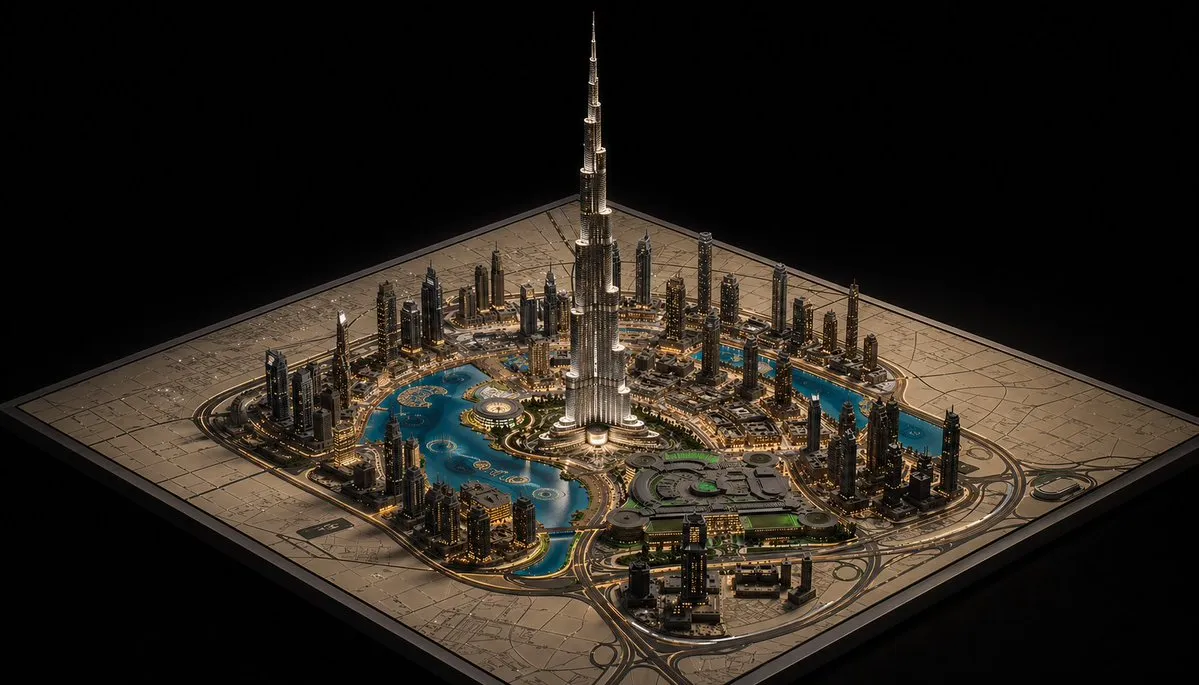
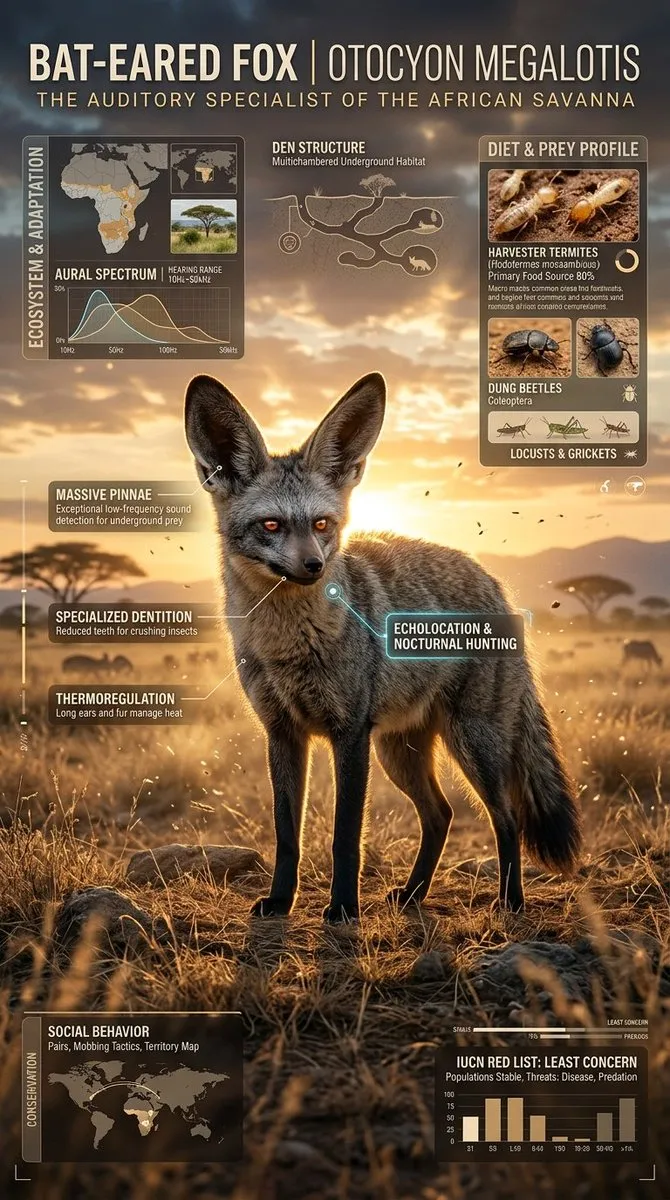

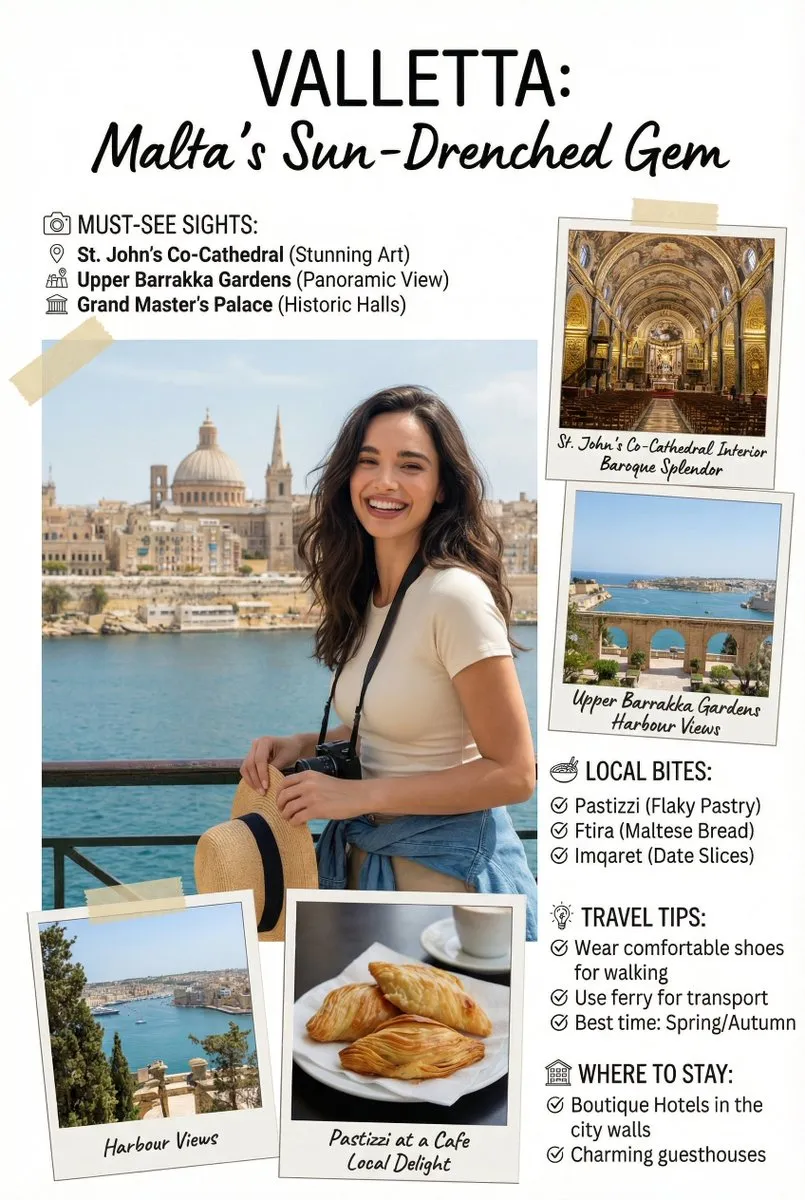
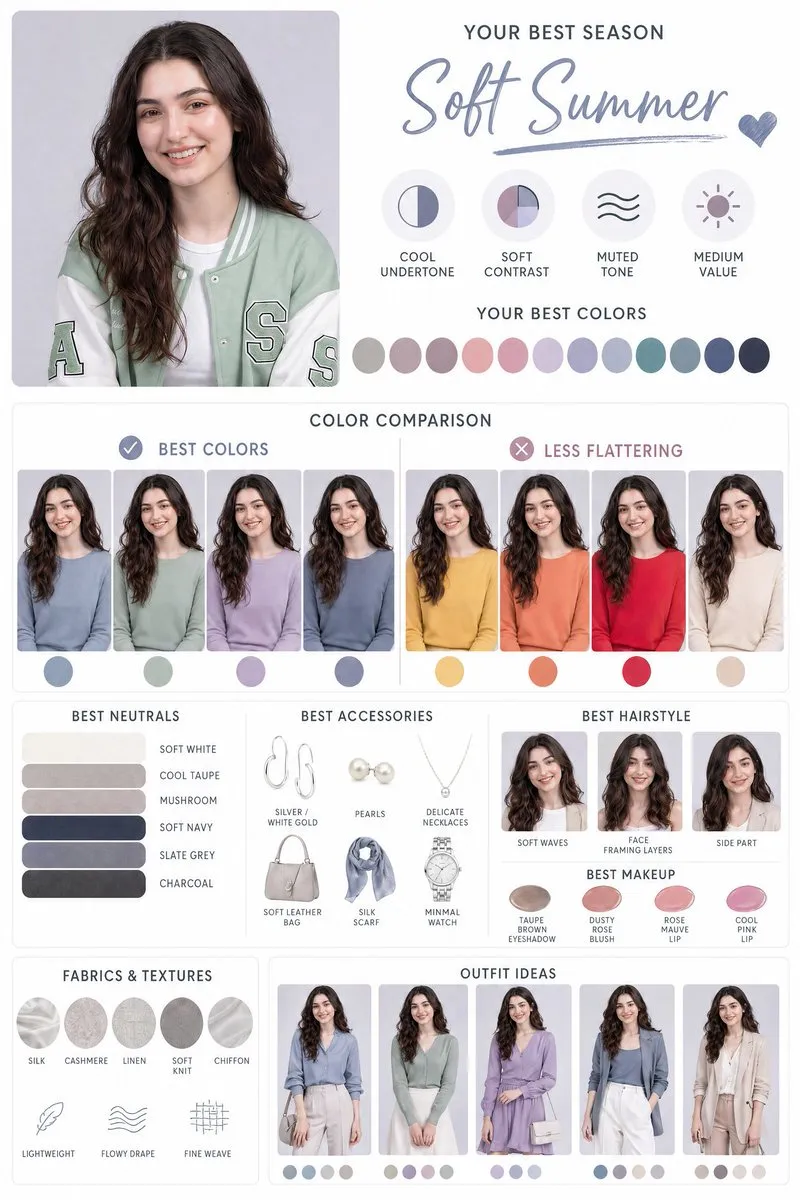
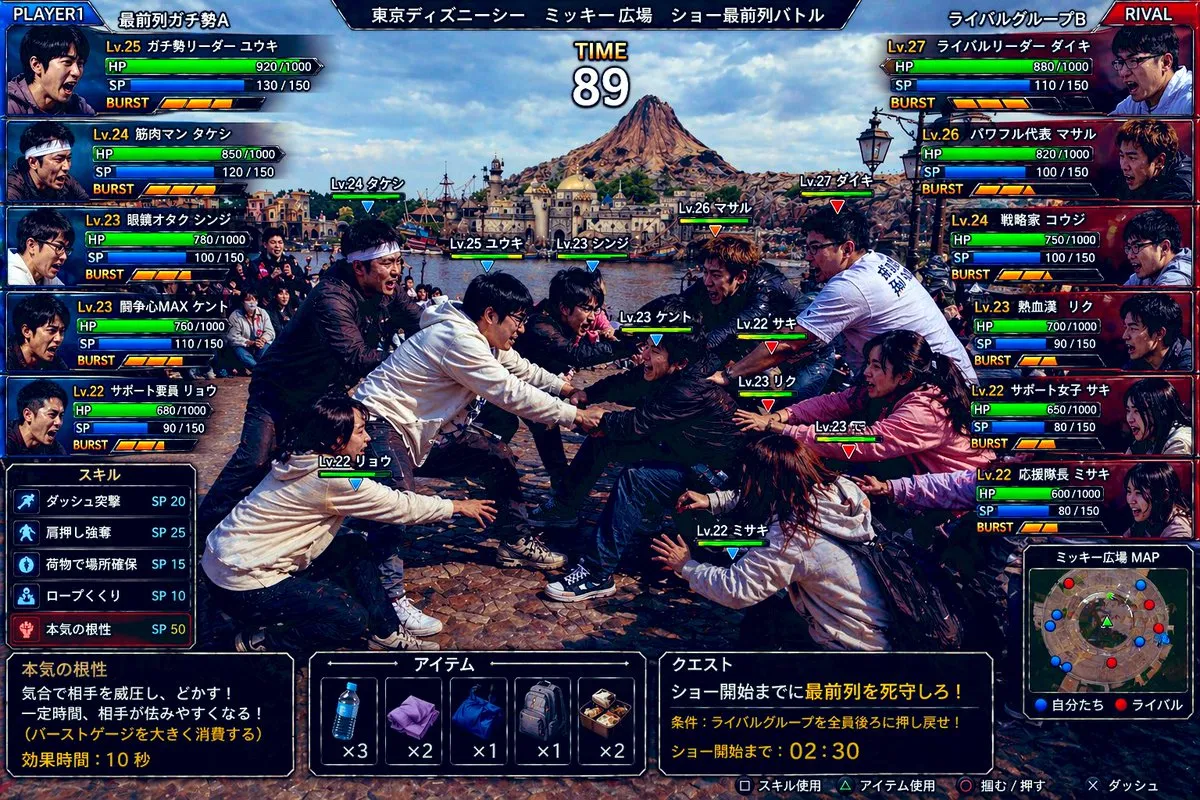




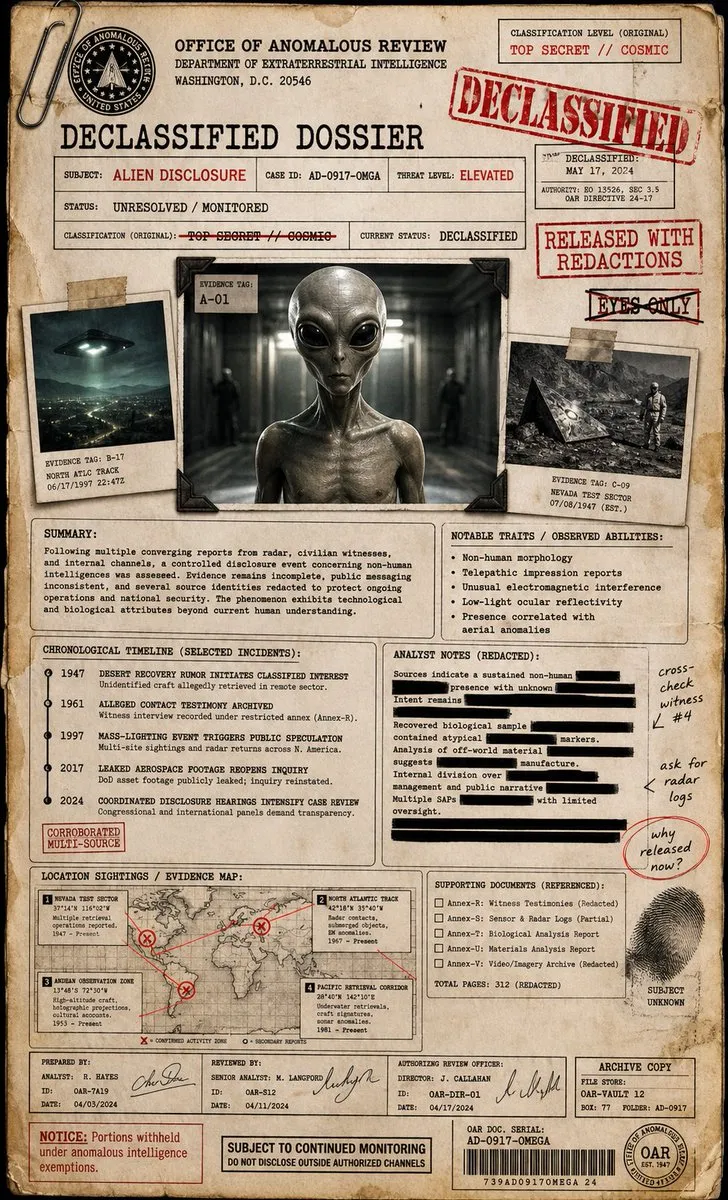




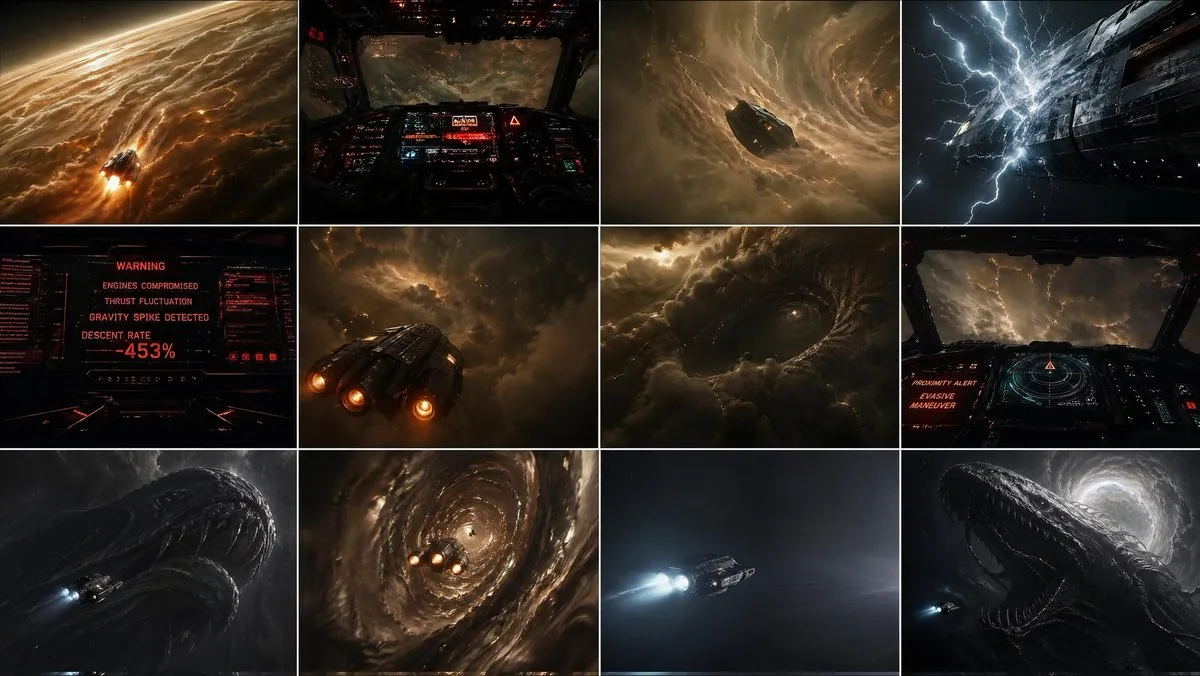


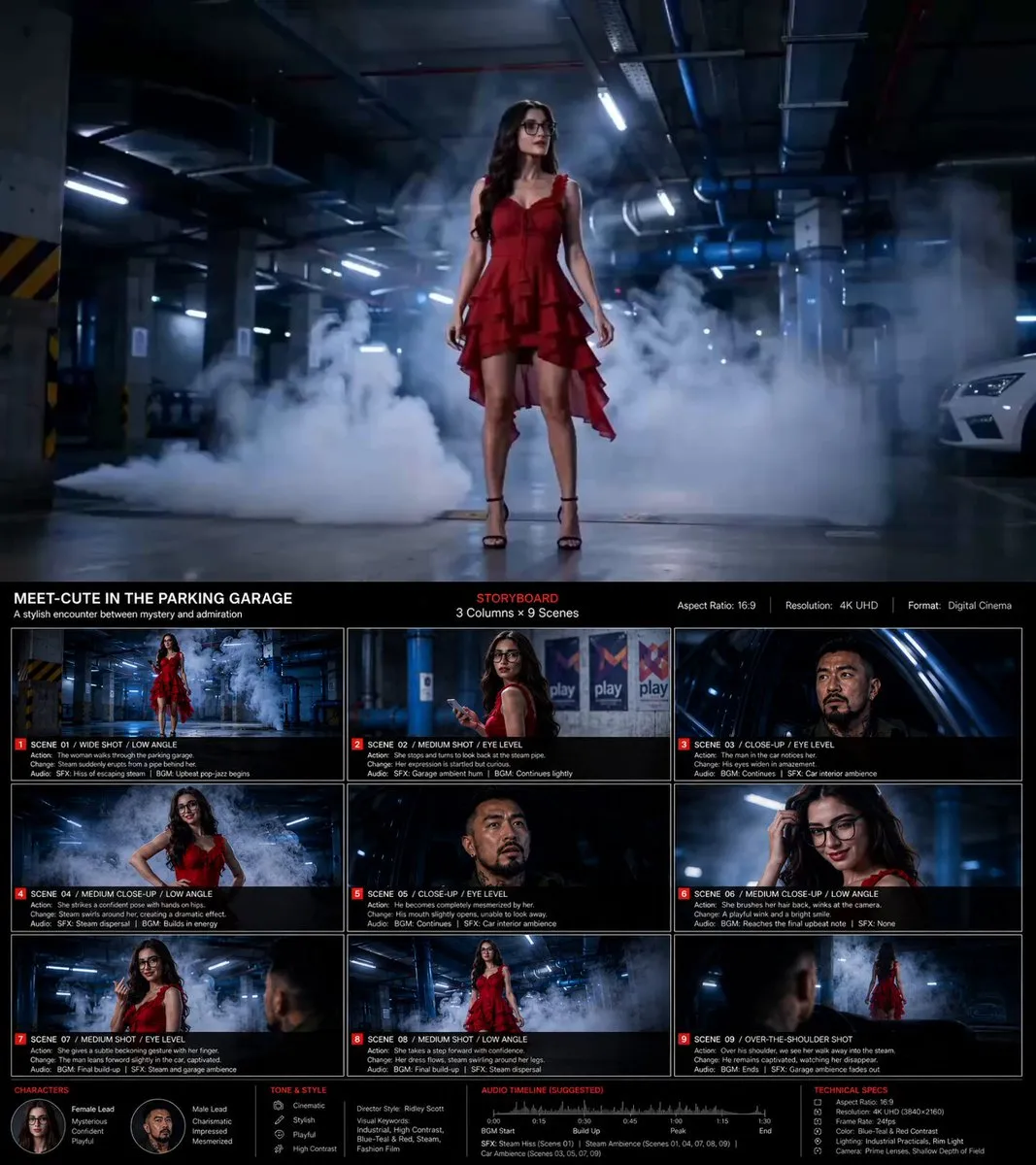
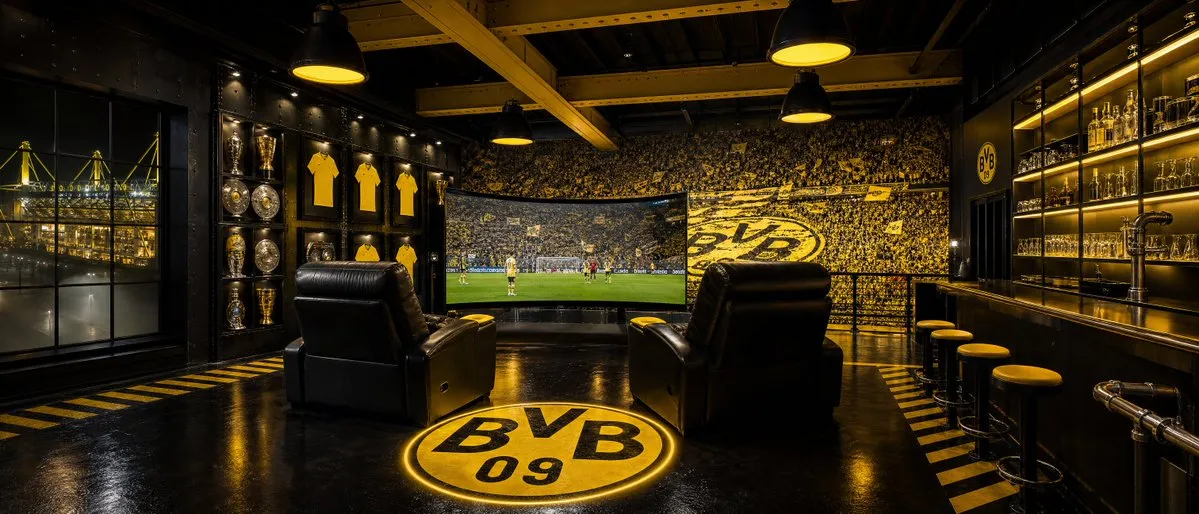

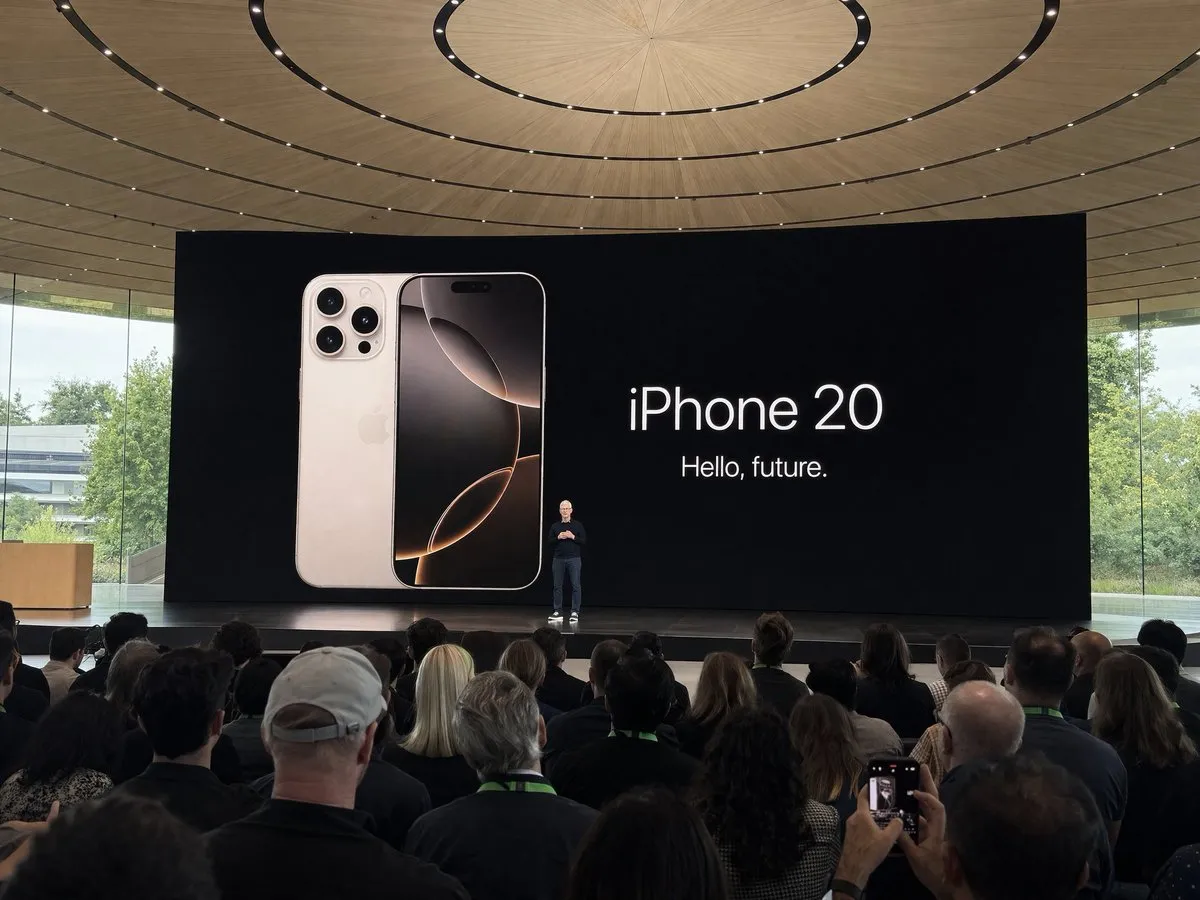


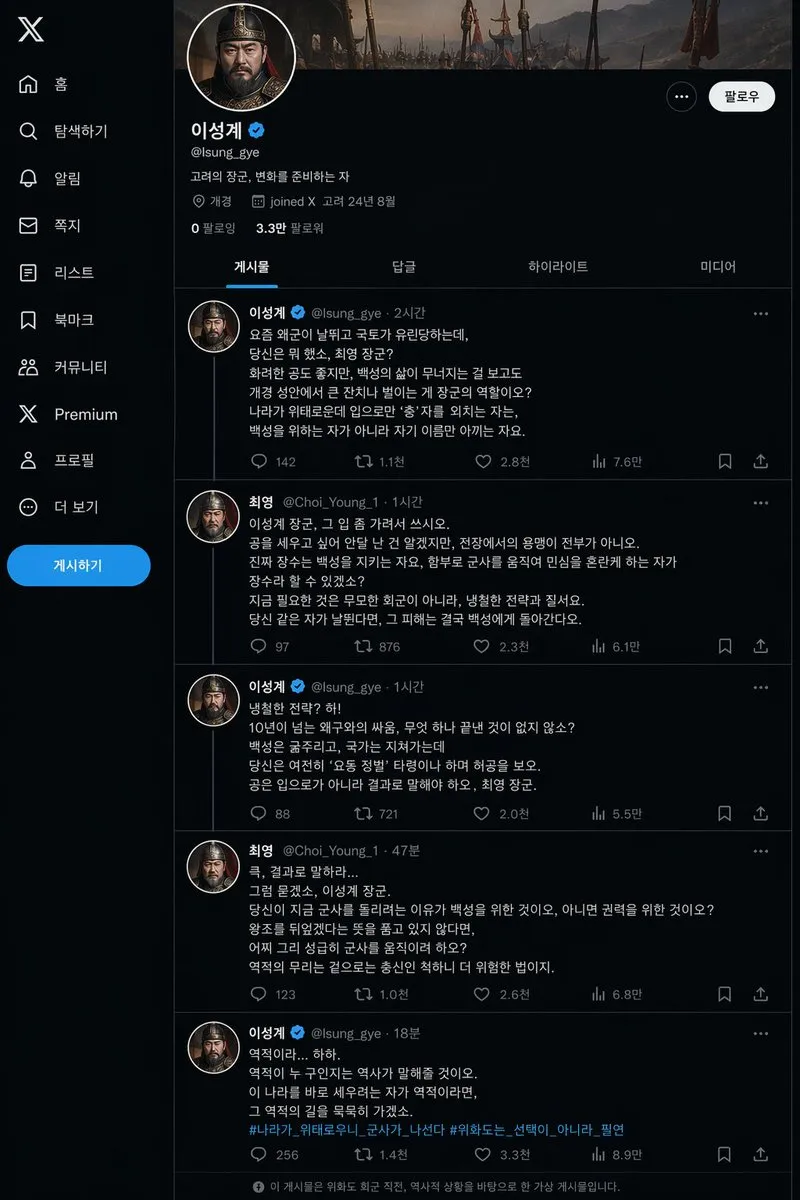
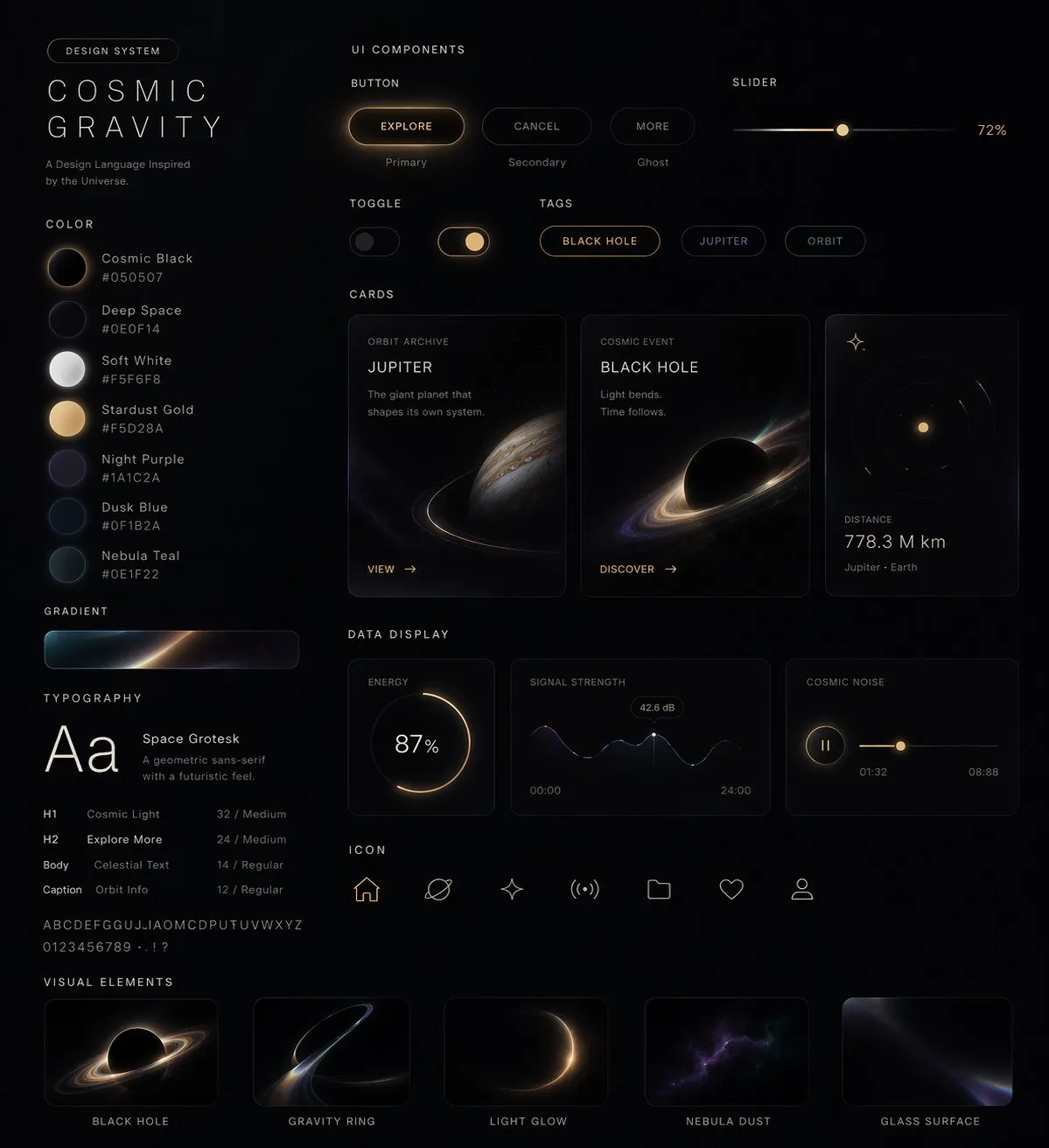
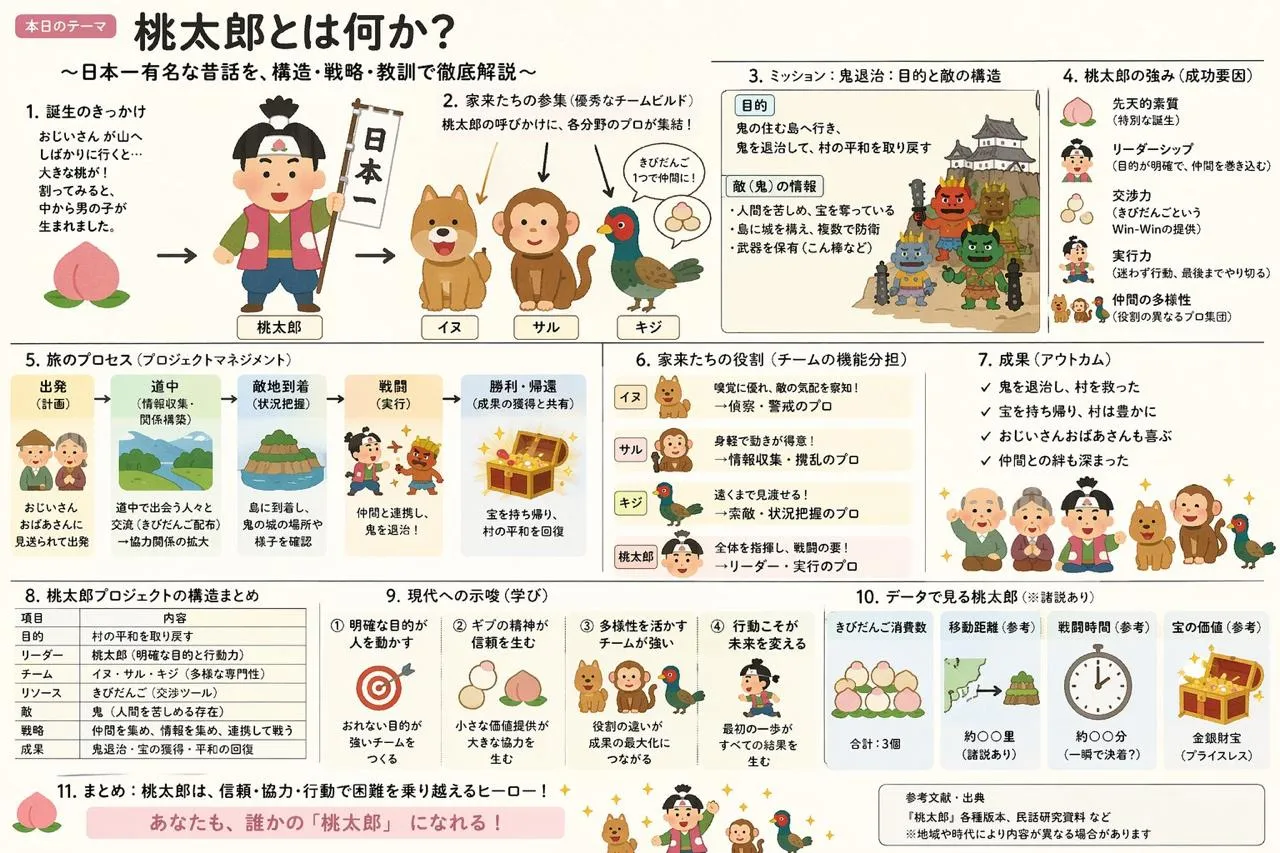
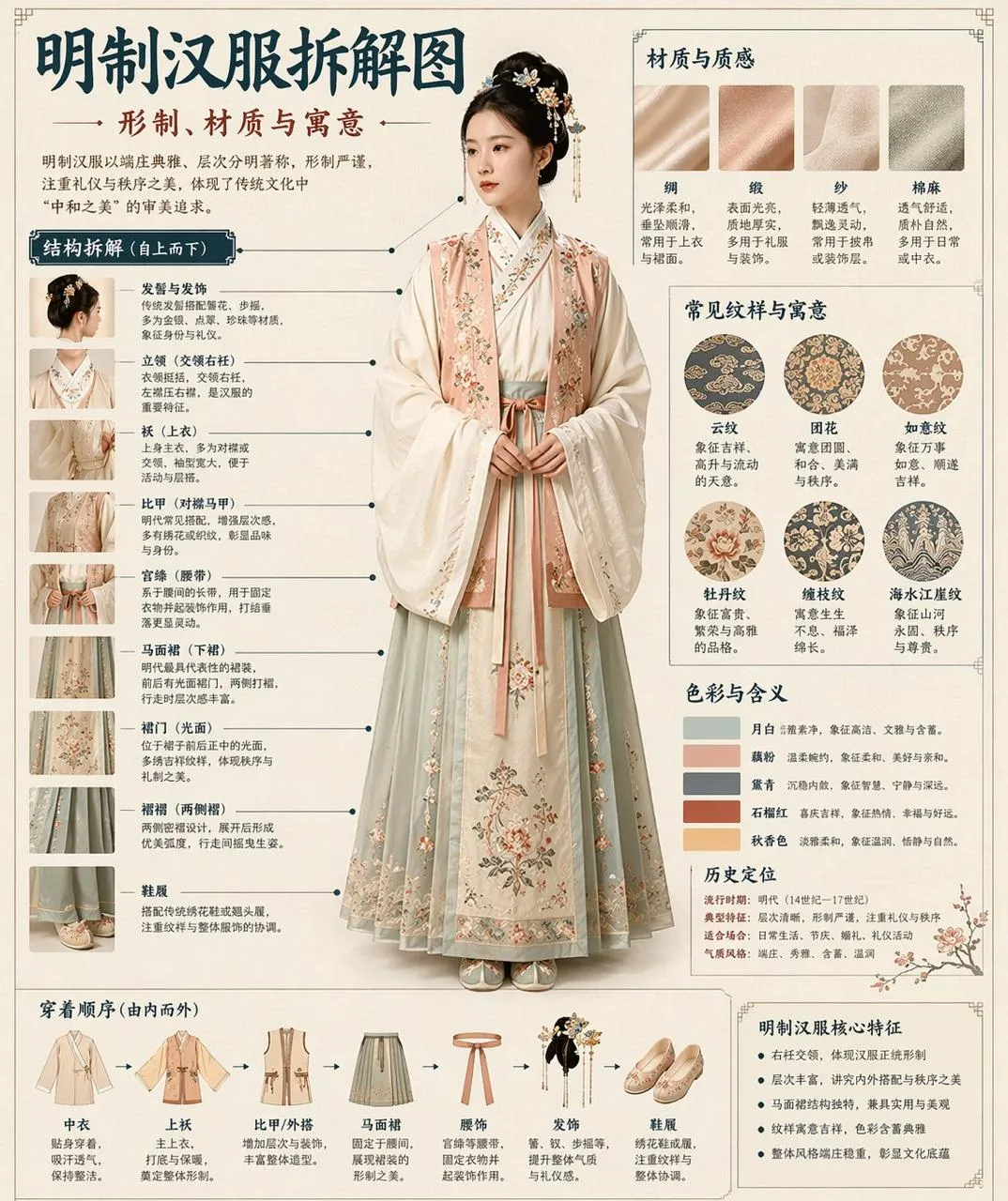
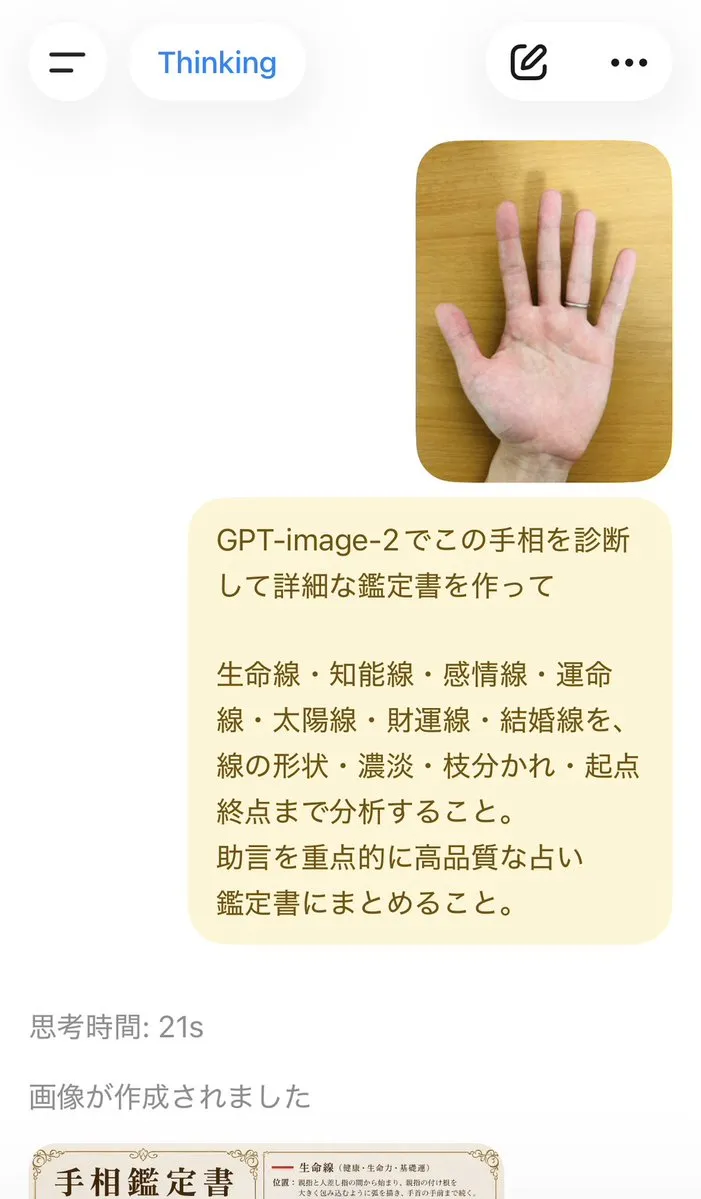
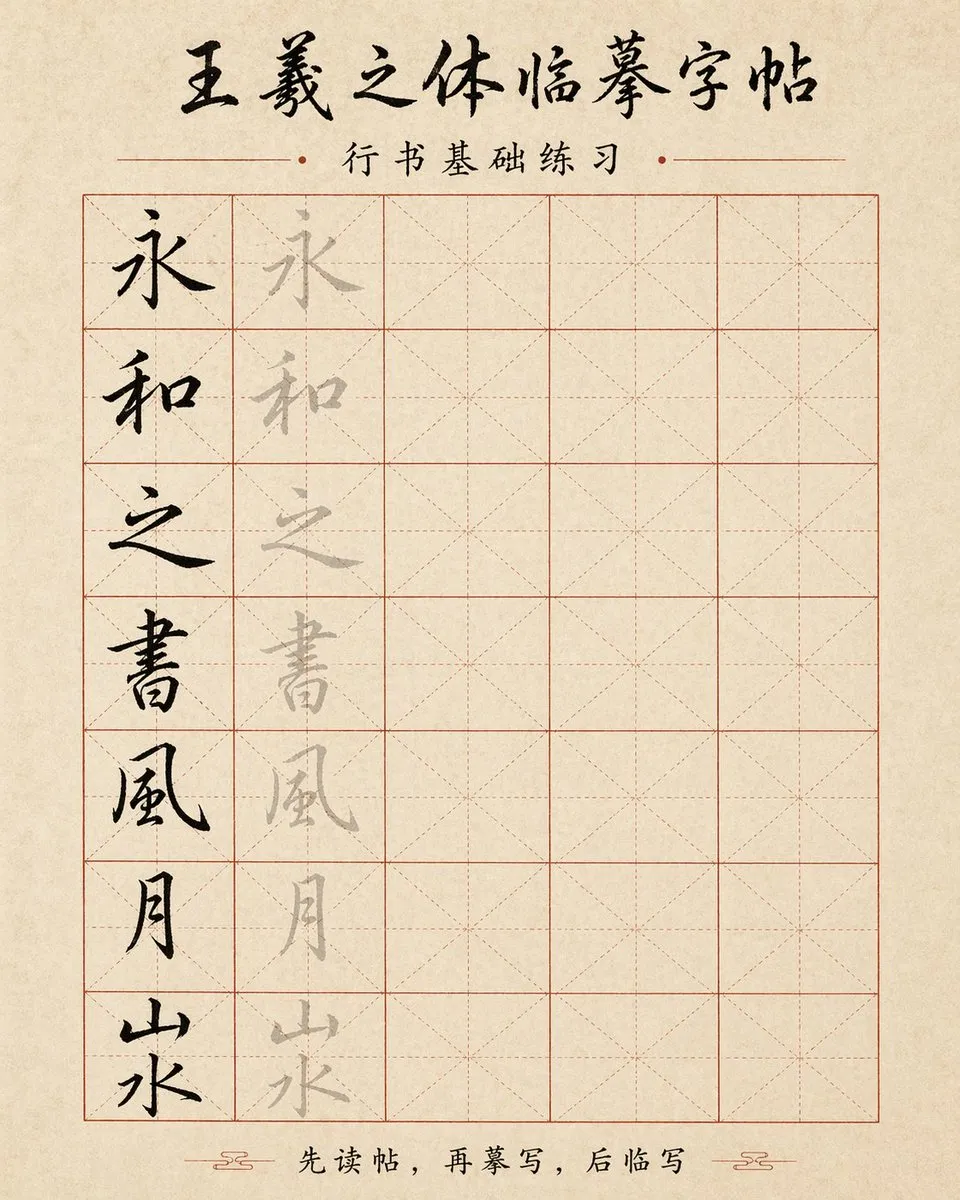
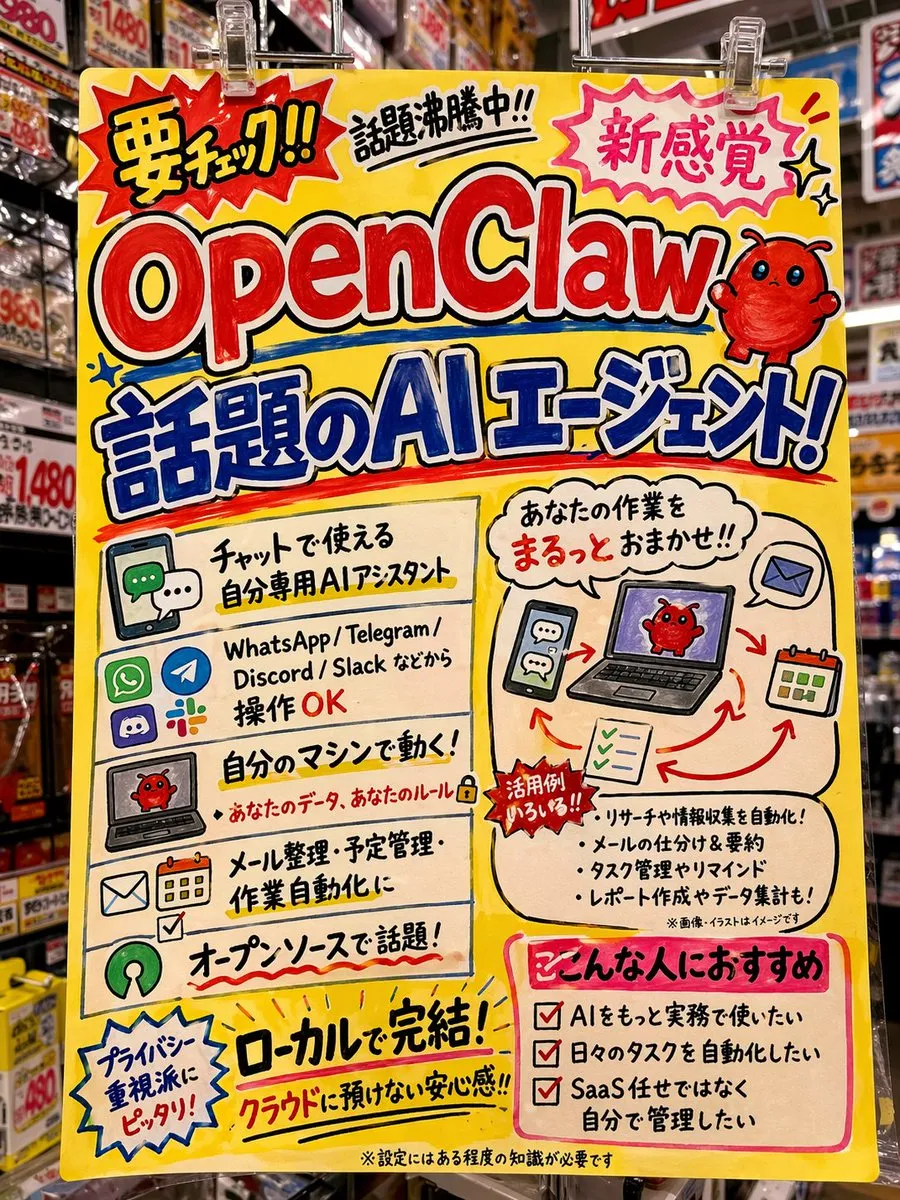
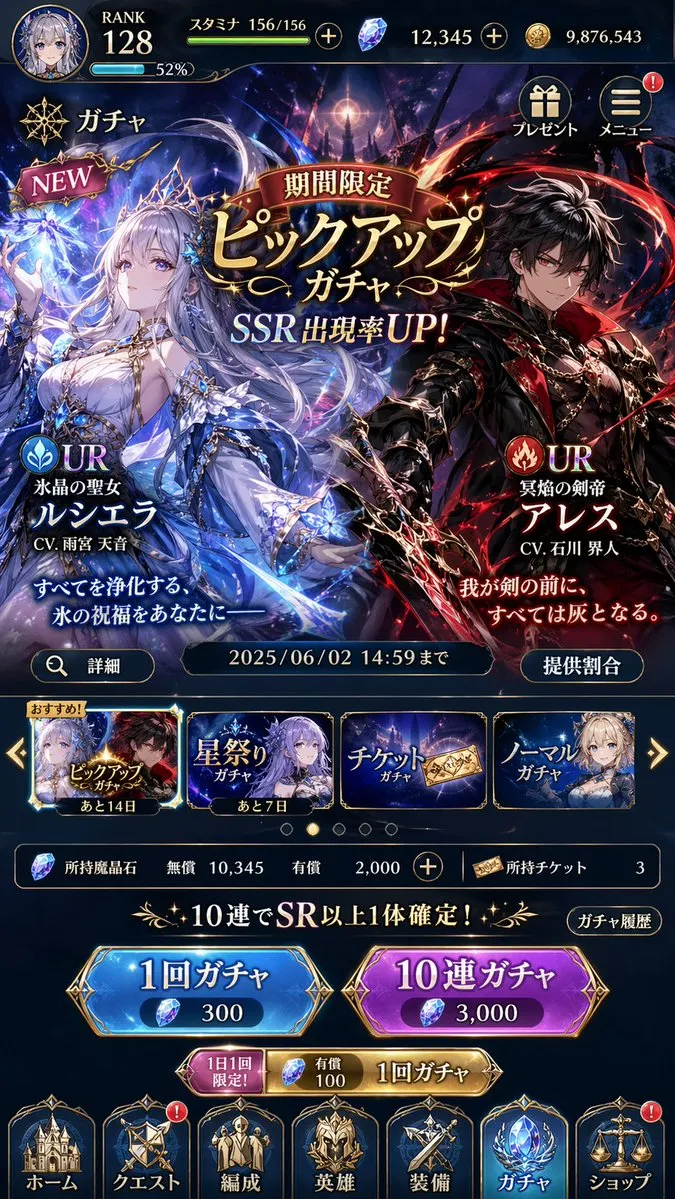
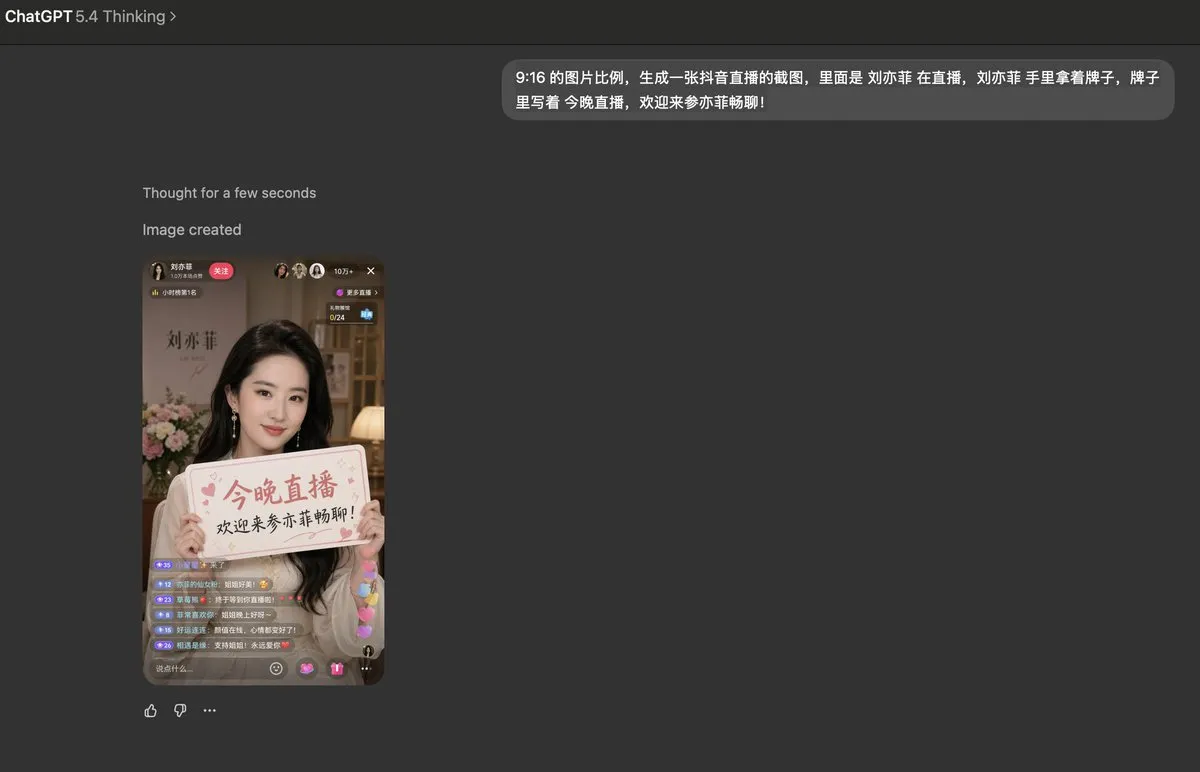
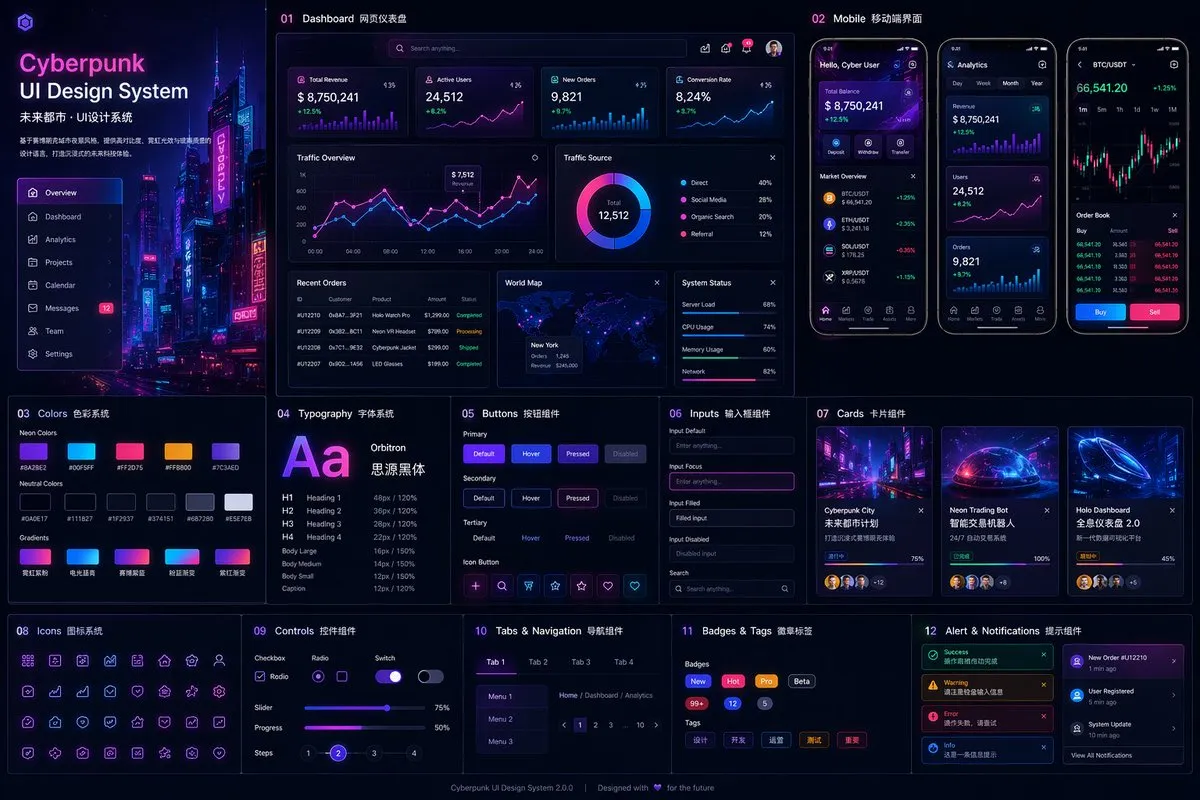

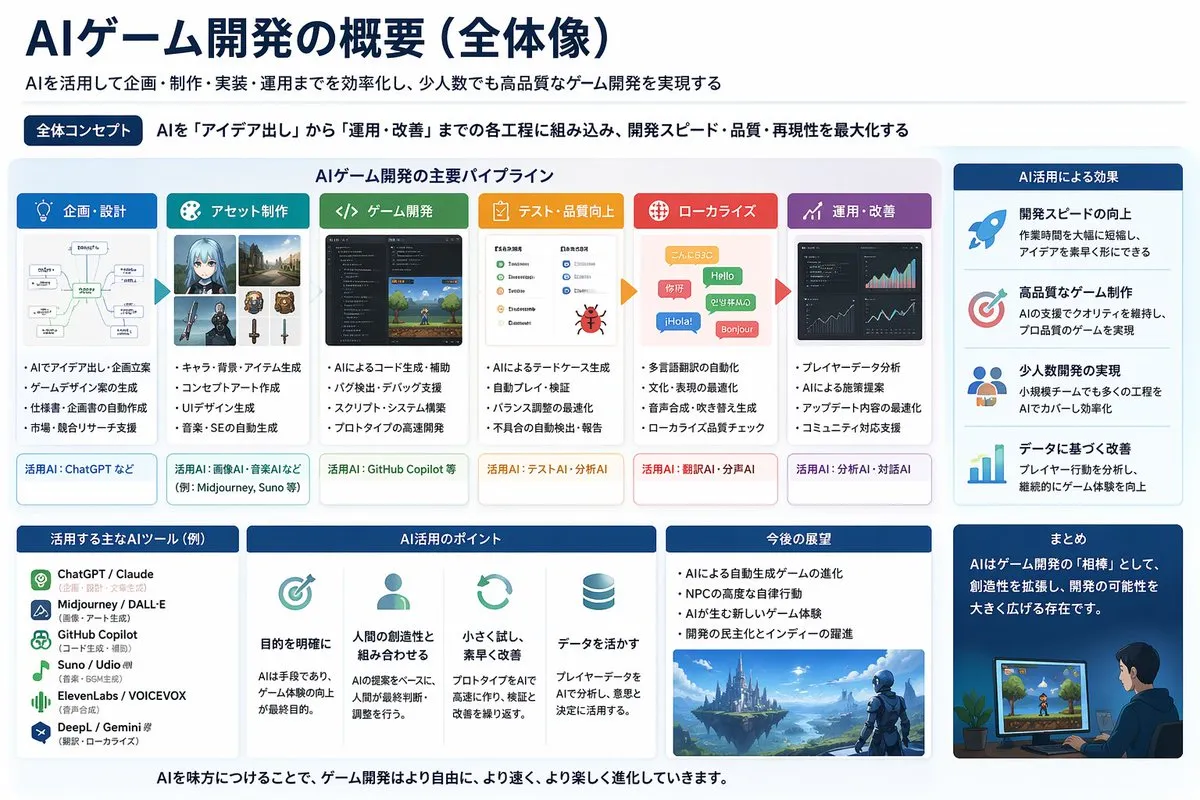
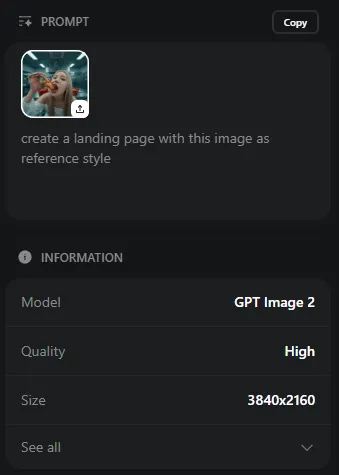

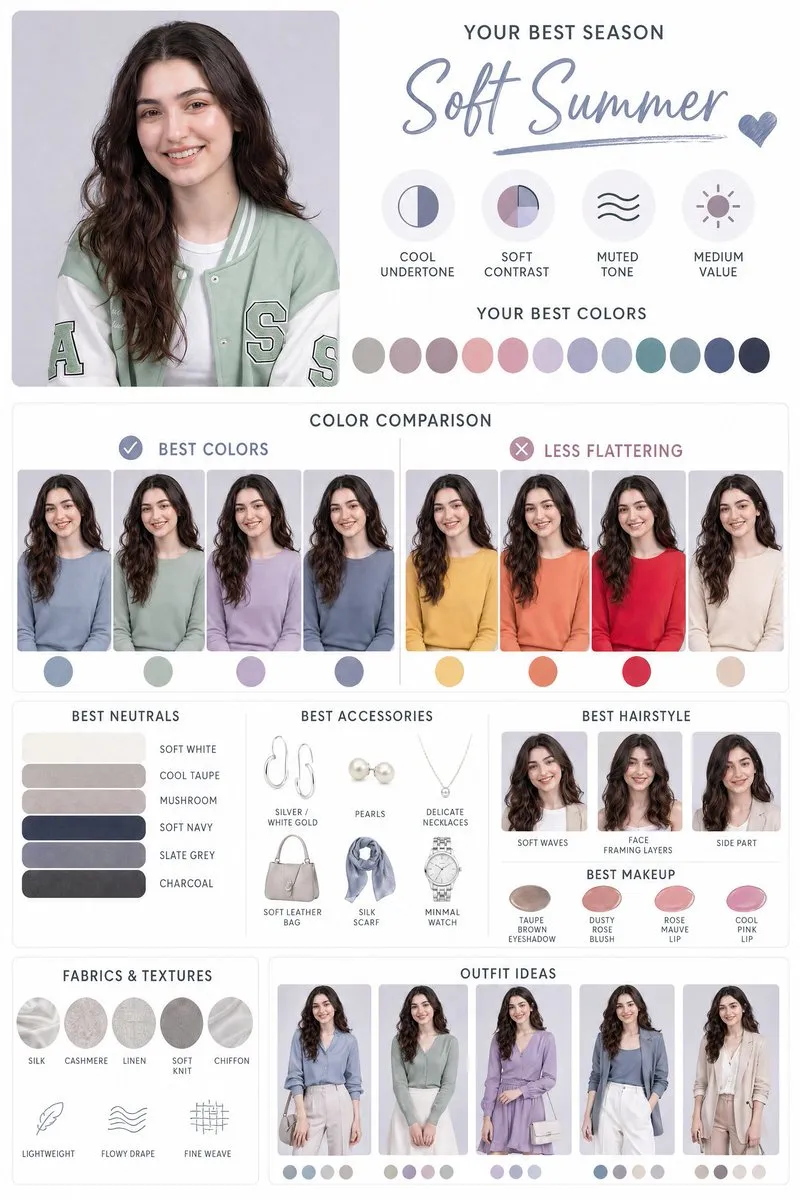
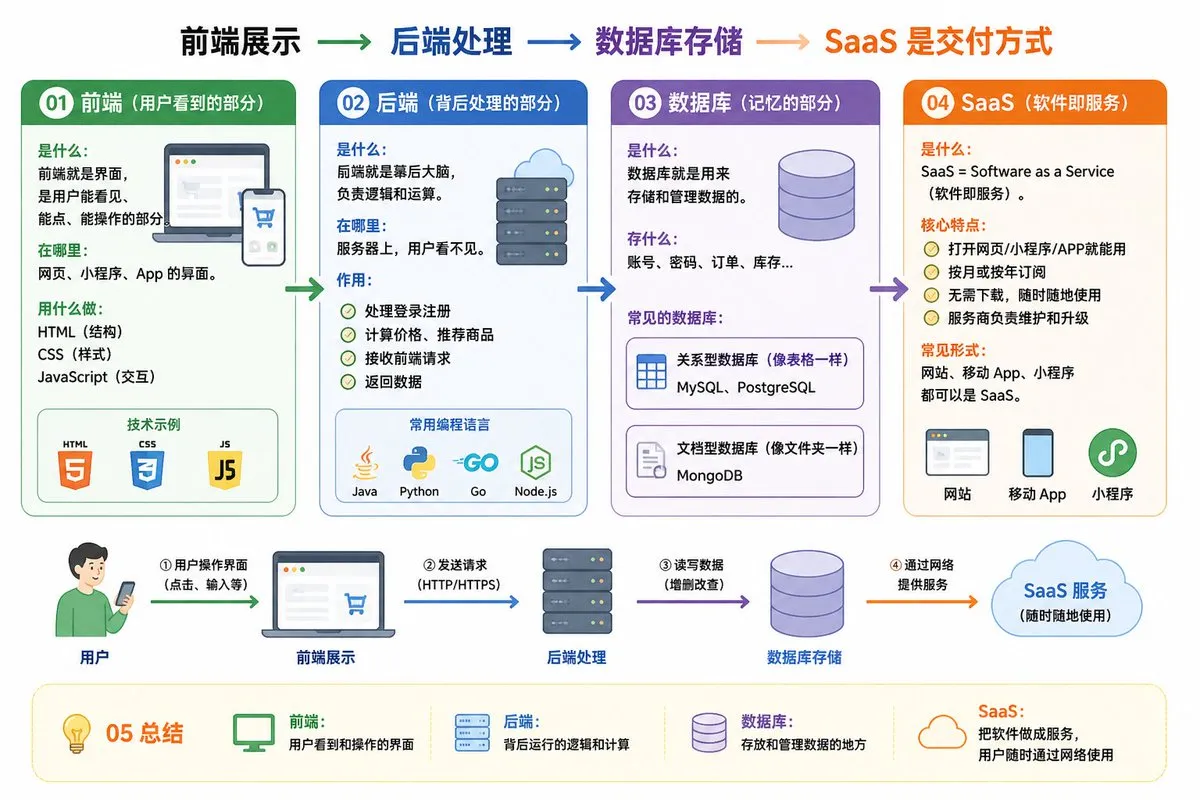
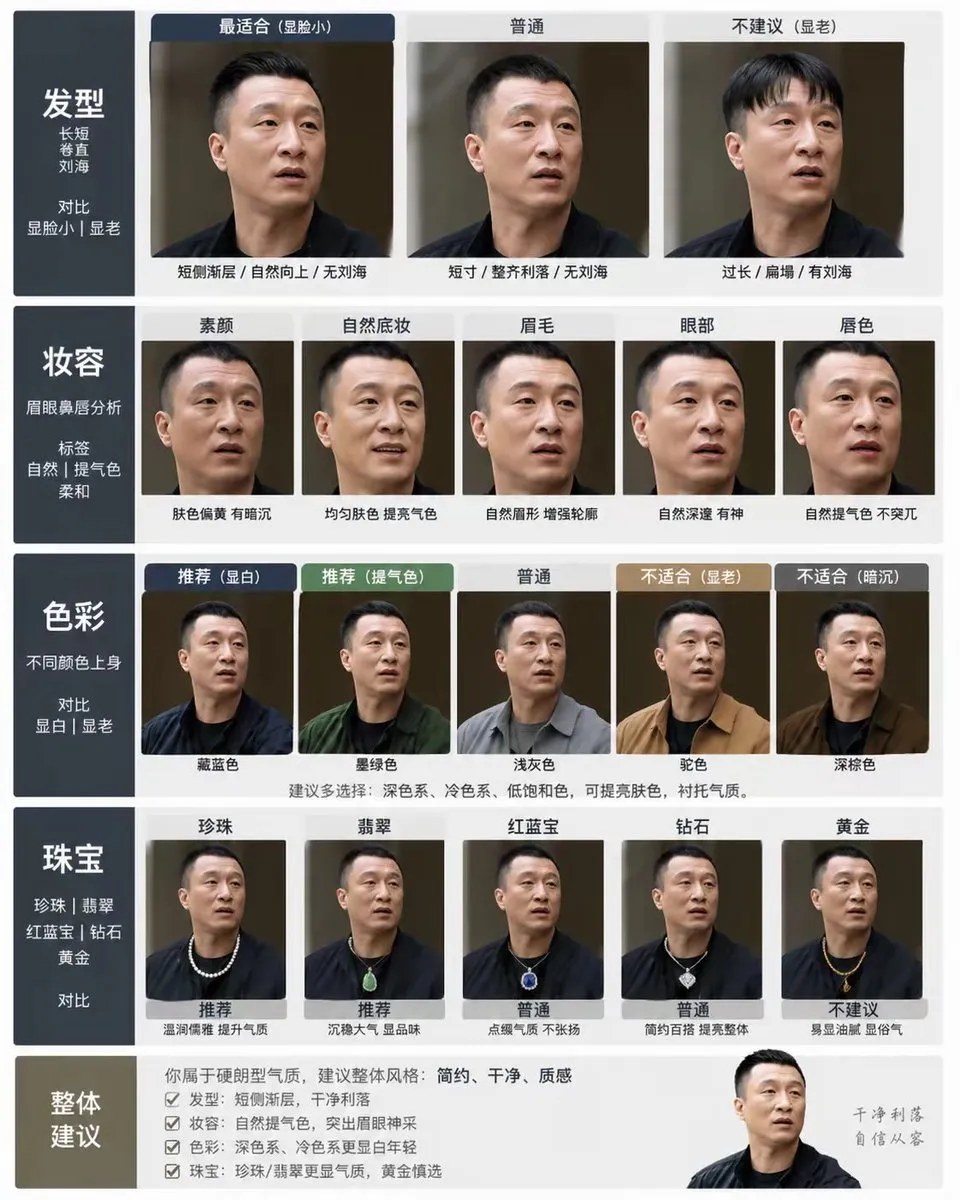

Gemini image prompts for interfaces, infographics, diagrams and design work, written to take advantage of the model's layout and reasoning skills.
Every prompt below links to the full prompt page with the image and copy button.
Gemini reasons about a brief before it draws, which makes it unusually good at images that have to be structured: interfaces, dashboards, infographics, diagrams and slide-ready visuals. Where other models improvise a layout, Gemini tends to plan one - consistent margins, a readable hierarchy, a sensible grid.
The prompts on this page lean into that. They describe the artefact and its information architecture - what the chart shows, which panel sits where, what the labels say - rather than piling on style words. The result looks like a designed asset instead of a decorative image.
It is also a practical choice when the image has to match real content, because you can hand it the data, the section titles and the tone in the prompt and get a visual that a designer could actually ship after a light pass.
Name the deliverable, then list the components in order - header, filter row, chart, footnote - with the content each one holds. Structure in the prompt produces structure in the image.
Two or three colours with roles, plus a type character such as geometric sans for headings and a mono for data. Vague colour requests produce generic gradients.
Tell the model what the eye should hit first, second and third. That single instruction fixes most hierarchy problems before you regenerate.
Request flat fills, aligned edges and generous padding when the image will be redrawn or rebuilt in a design tool. Soft glows and floating shapes look good in the render and cost time in production.