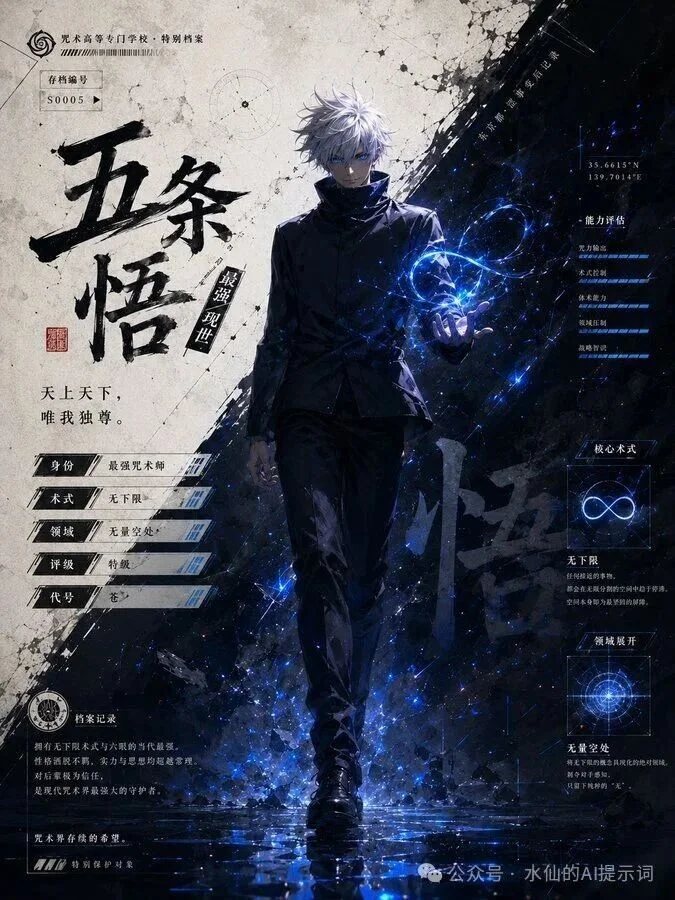
Imagine producing magazine-quality photos without ever picking up a camera. A well-crafted photoshoot prompt can turn any AI image generator — ChatGPT, Gemini, Midjourney — into your personal photography studio. From fashion editorials to product shots, from editorial portraits to conceptual art, the quality of your AI photoshoot depends entirely on how well you write your prompts.
This guide covers everything you need to know about crafting professional-grade AI photoshoot prompts, including the exact formula, tested examples, and the most common mistakes beginners make.
The Anatomy of a Perfect Photoshoot Prompt
Every great photo prompt follows a consistent structure. Think of it as a photographer's shot list translated into words:
Subject + Setting + Lighting + Camera Specs + Style
Let's break down each component:
1. Subject (Who or What)
Be specific about the subject's appearance, pose, expression, and clothing. "A woman" is too vague. "A model wearing a flowing red silk gown, hair swept to one side, looking over her shoulder with a mysterious expression" tells the AI exactly what to create.
2. Setting (Where)
Describe the environment in 2-3 key details. "On a misty beach at dawn," "in a minimalist concrete studio," or "on a rooftop at blue hour" immediately establish mood and context.
3. Lighting (The Mood Maker)
Lighting is what separates amateur snapshots from professional photos. Use terms photographers use:
- Golden hour — warm, soft light just after sunrise or before sunset
- Rembrandt lighting — dramatic side lighting creating a triangle of light on the shadowed cheek
- Studio strobe — crisp, controlled, fashion-magazine style
- Natural window light — soft, diffused, intimate
- Backlit — subject illuminated from behind, creating glowing edges
4. Camera Specs (The Technical Signal)
Including camera and lens specifications signals the AI to produce photorealistic results with photographic qualities like depth of field, bokeh, and sharpness:
- "Canon EOS R5, 85mm f/1.2" — creamy background blur, portrait-perfect
- "Hasselblad X2D, 45mm f/4" — medium format look, incredible detail
- "Fujifilm X-T5, 23mm f/2" — film-like quality, environmental portraits
5. Style (The Artistic Direction)
Decide upfront: "photorealistic," "editorial fashion," "cinematic," "vintage film," "minimalist," or "moody and atmospheric."
Tested Photoshoot Prompts by Style
Fashion Editorial
```
Fashion editorial photoshoot of a model wearing avant-garde black and white geometric clothing, dramatic studio lighting with hard shadows, bold makeup with graphic eyeliner, minimalist white cyclorama background, shot on Canon EOS R5, 50mm f/1.2, high fashion, Vogue magazine style, 4K
```
Lifestyle Photoshoot
```
Lifestyle photoshoot of friends laughing together at an outdoor café in Paris, morning sunlight filtering through trees, natural candid expressions, soft film grain, warm tonal palette, shot on Fujifilm X-T5, 35mm f/1.4, casual yet polished aesthetic, golden morning light
```
Product Photoshoot
```
Professional product photoshoot of a luxury watch on a textured marble surface, dramatic side lighting creating crisp reflections on the metal and glass, shallow depth of field blurring the background, dark moody atmosphere, premium commercial photography, 4K ultra-detailed
```
Conceptual Art Photoshoot
```
A surreal conceptual photoshoot featuring a subject floating above a reflective pool of water under a star-filled night sky, ethereal blue lighting, fabric of the dress dissolving into water droplets, dreamlike atmosphere, fine art photography, cinematic composition
```
The Photoprompt Formula in Action
Here's how a generic photoprompt evolves from basic to brilliant:
Basic: "A woman in a dress"
Better: "A woman in a flowing dress on a beach at sunset"
Professional: "A fashion model wearing an ethereal silk gown standing at the edge of a cliff overlooking the ocean at golden hour, wind gently moving the fabric, backlit by the setting sun, shot on Canon EOS R5, 85mm f/1.2, editorial fashion photography, dreamy and romantic atmosphere, 4K"
See the difference? Each layer of detail — setting, lighting, camera, style — elevates the result.
Common Photoshoot Prompt Mistakes
Mistake 1: The "Photo Promt" Typo
Yes, photo promt (without the "p") is a surprisingly common search term. If your prompt says "promt" instead of "prompt," most AI tools will still understand — but spell it correctly for best results.
Mistake 2: Overloading the Prompt
Too many competing elements create visual chaos. Stick to 4-6 key details. If the AI starts ignoring elements, simplify.
Mistake 3: Missing the Camera Spec
Many beginners skip camera specs, wondering why their images look "AI-generated." Adding a professional camera and lens reference pushes the generator toward photorealistic output.
Mistake 4: No Aspect Ratio
If you need a specific orientation, add it: "portrait orientation," "landscape," "square 1:1." Otherwise, you may get an unexpected crop.
Advanced Techniques
Reference real photographers: "In the style of Annie Leibovitz," "like Peter Lindbergh," or "inspired by Paolo Roversi" can dramatically elevate results if the AI recognizes the reference.
Use negative prompts (on platforms that support them): "no blur, no overexposure, no unnatural poses."
Layer multiple lighting sources: "Key light from the left, warm hair light from behind, soft fill light from the front" gives the AI specific lighting instructions.
Conclusion
Mastering the photoshoot prompt formula — Subject + Setting + Lighting + Camera + Style — transforms AI image generation from a guessing game into a reliable creative tool. Whether you're creating fashion editorials, professional headshots, or conceptual art, the principles remain the same: be specific, use photography terminology, and iterate deliberately.
Bookmark this guide, practice the examples, and soon you'll be producing photo prompts that rival professional photography — no camera required.